CyberLink PowerDirector: Unleash Your Creativity with AI-Powered Video Editing
From the pioneering digital media company CyberLink, PowerDirector has long been a heavyweight champion in the world of video editing, celebrated for its blend of professional-grade power and user-friendly design. But this isn’t just your standard editor anymore. PowerDirector has evolved into a creative powerhouse, integrating a stunning suite of AI tools designed to automate complex tasks, ignite your imagination, and help you produce breathtaking videos with unprecedented speed and ease. It’s a complete solution for anyone looking to elevate their video content without spending months learning complicated software.
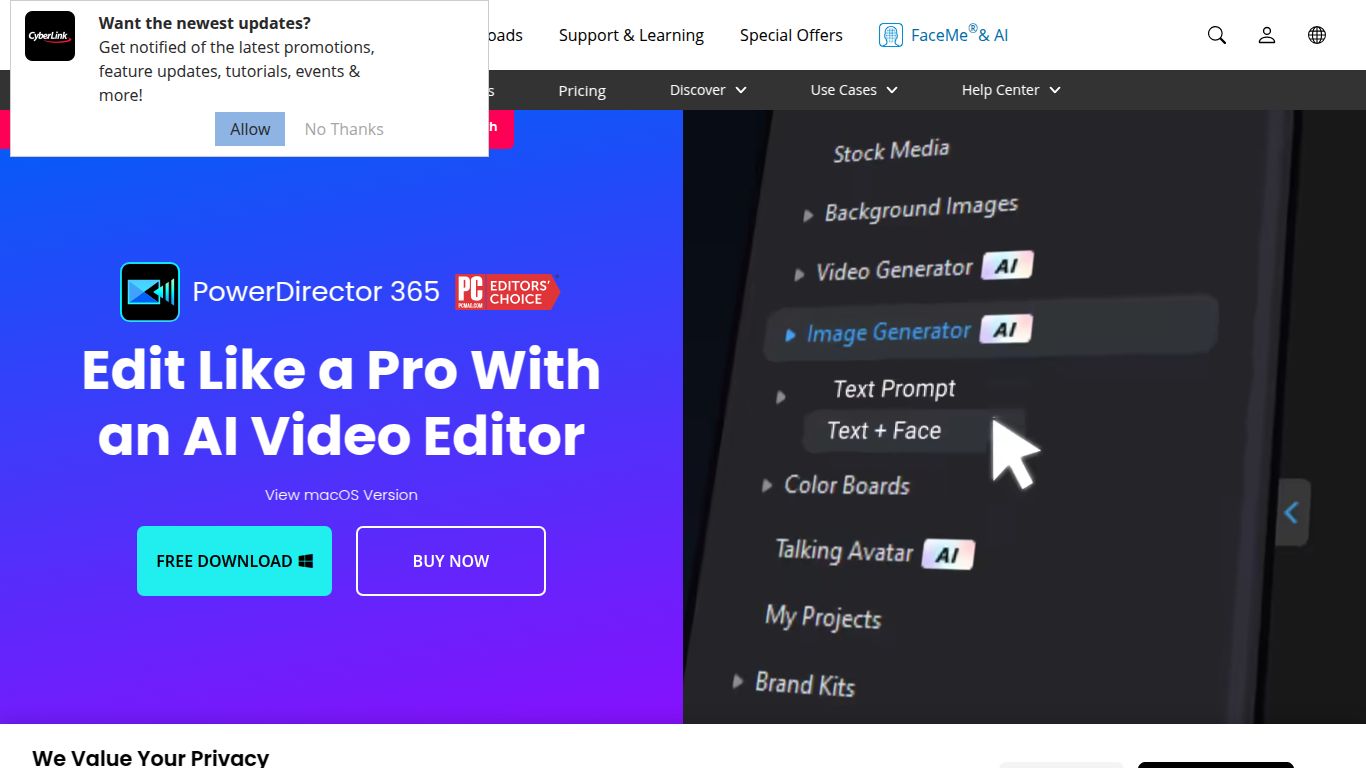
AI Capabilities
PowerDirector’s AI engine is more than just a set of features; it’s a creative co-pilot. It intelligently analyzes your media to offer powerful enhancements and generative creations that were once the exclusive domain of visual effects artists. Its capabilities are deeply integrated across the editing workflow, touching every aspect of production.
- Generative AI: Turn your words into stunning visuals. The AI Art Generator can create unique images, animations, and stickers from simple text prompts, providing limitless creative assets for your projects.
- Intelligent Video & Audio Enhancement: The AI automatically detects and improves key elements. It can replace skies, denoise video, remove wind noise from audio, and enhance speech clarity, saving you hours of manual adjustments.
- Smart Object & Subject Manipulation: With AI-powered selection tools, you can instantly isolate subjects, people, or objects. This makes it incredibly easy to apply effects, remove backgrounds, or create dynamic masks that track movement perfectly.
- Automated Workflow Tools: Speed up your editing process with features like AI-driven speech-to-text for automatic captions and subtitles, ensuring your videos are accessible and engaging.
Key AI Features
Let’s dive into the specific AI tools that make PowerDirector stand out from the crowd. These features are designed to be both powerful and incredibly simple to use, often requiring just a single click.
- AI Art Generator: Type a prompt like “a cyberpunk city at night in the style of anime” and watch as PowerDirector generates a unique piece of art or animated clip to use in your video.
- AI Sky Replacement: Instantly swap a dull, overcast sky with a dramatic sunset, a brilliant blue sky, or even a galaxy of stars. The AI handles the masking and blending for a seamless, realistic result.
- AI Motion Tracking: Apply text, graphics, or effects that flawlessly follow a moving person or object in your footage. It’s perfect for censoring faces, adding callouts, or creating dynamic visual gags.
- AI Speech Enhancement: Rescue your audio from noisy environments. This tool intelligently isolates human speech and boosts its clarity, making your dialogue crisp and professional.
- AI Object Detection: Effortlessly select people or objects to apply effects, color correct, or create cutouts. The AI-powered smart masking is precise and fast.
- AI Body Effects: Add stunning visual effects that wrap around and move with a person’s body, creating futuristic and magical visuals that captivate your audience.
- AI-Powered Speech-to-Text: Generate accurate, editable subtitles for your videos in multiple languages with just one click, saving an enormous amount of time on transcription.
Pricing Plans
CyberLink offers flexible and affordable pricing that provides incredible value, especially with the constant addition of new AI features and effects. The primary options are subscription-based, ensuring you always have the latest version.
- PowerDirector 365: This is the most popular plan for most users. For approximately $69.99 per year, you get the full PowerDirector video editor, all AI features, continuous updates, and access to an enormous stock library of videos, photos, and music from Shutterstock.
- Director Suite 365: For the ultimate creative, this bundle includes PowerDirector alongside PhotoDirector, ColorDirector, and AudioDirector. It’s a complete production suite for video, photo, color grading, and audio editing, typically priced around $129.99 per year.
Note: Prices are subject to change. Please check the official CyberLink website for the most current offers and regional pricing.
Who is CyberLink PowerDirector for?
Thanks to its balanced approach, PowerDirector is the perfect tool for a wide range of creators who want professional results without the professional complexity.
- Content Creators & YouTubers: The fast workflow, AI-powered effects, and massive stock library make it ideal for producing high-quality content on a tight schedule.
- Social Media Managers & Marketers: Quickly create eye-catching promotional videos, ads, and social media stories using templates and smart AI tools.
- Vloggers & Travel Filmmakers: Enhance travel footage with AI Sky Replacement, stabilize shaky shots, and use motion tracking to highlight points of interest.
- Beginners & Hobbyists: The intuitive interface and guided edits make it one of the easiest professional-level editors to learn.
- Small Business Owners: Create professional-looking product demos, tutorials, and marketing videos without hiring an expensive video production team.
Alternatives & Comparison
How does PowerDirector stack up against the competition in the AI-enhanced video editing space?
- vs. Adobe Premiere Pro: Premiere Pro is the industry standard for professional filmmaking, offering unparalleled depth. However, it comes with a significantly steeper learning curve and a higher price tag. PowerDirector provides a more accessible, faster, and more affordable alternative for creators who don’t need Hollywood-level complexity but still want powerful AI tools.
- vs. Wondershare Filmora: Filmora is another excellent user-friendly editor with strong AI features. The two are close competitors, but PowerDirector often pushes the boundary with more advanced manual controls and a slightly more robust feature set, appealing to users who want to grow their skills.
- vs. DaVinci Resolve: DaVinci Resolve is a powerhouse, especially for professional color grading, and it offers an incredibly capable free version. However, its node-based workflow can be intimidating for newcomers. PowerDirector is far more straightforward for general editing and excels with its library of creative, ready-to-use AI effects.
