Unlock Crystal Clear Images with Topaz Photo AI
What is Topaz Photo AI?
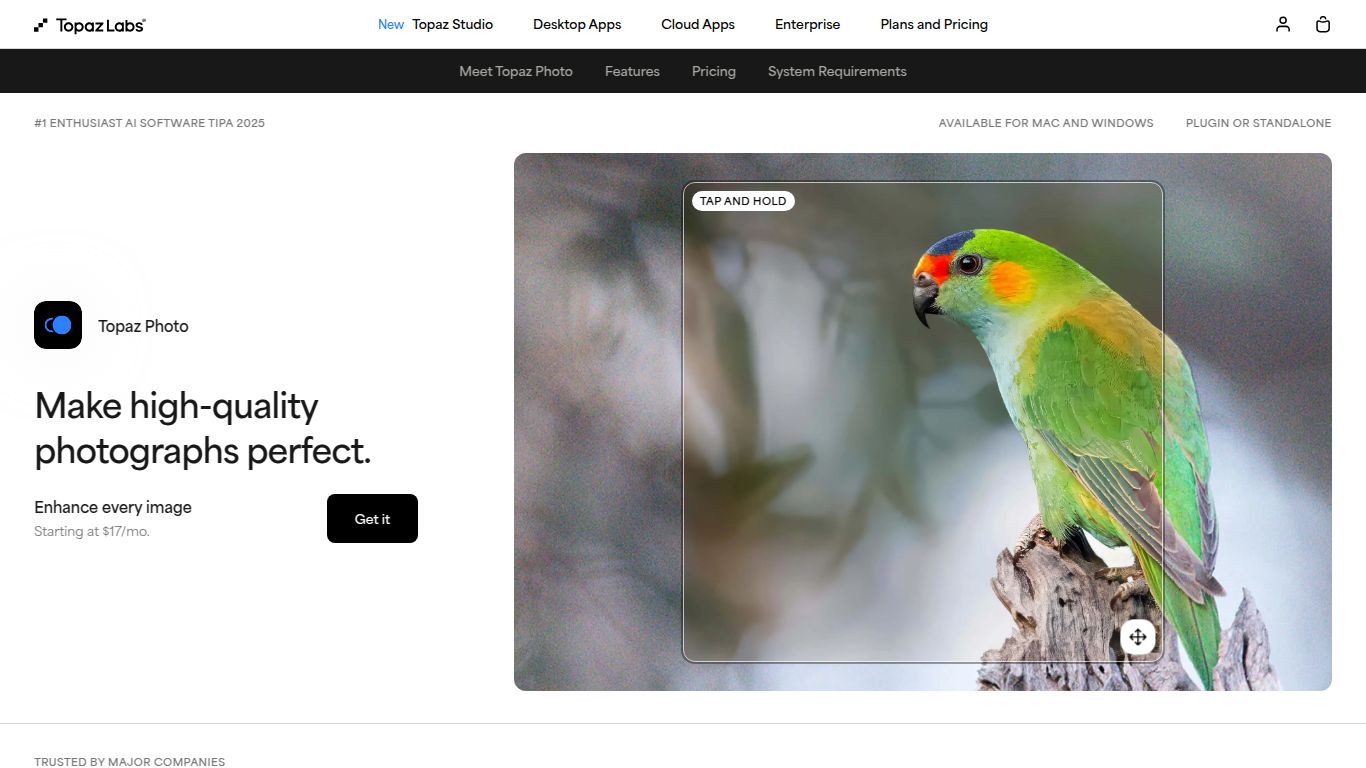
Developed by the renowned team at Topaz Labs, Topaz Photo AI is a game-changing software designed to automatically enhance your photos using the power of artificial intelligence. It’s not just one tool, but an intelligent suite that combines the best elements of their legendary Denoise AI, Sharpen AI, and Gigapixel AI into a single, seamless workflow. Forget tedious manual adjustments; this tool analyzes your images and applies stunning improvements to noise, sharpness, and resolution with just a few clicks.
Core Capabilities
Topaz Photo AI focuses exclusively on image quality enhancement. It doesn’t generate images from text or edit videos; instead, it perfects the photos you already have. Its main powers lie in:
- Noise Reduction: Magically removes digital noise from high-ISO shots or old photos without sacrificing detail.
- Image Sharpening: Corrects motion blur, out-of-focus shots, and general softness to bring out crisp, clear details.
- Resolution Upscaling: Intelligently enlarges your images by up to 600% while adding realistic detail, making it perfect for large prints or cropping.
Standout Features
What makes Topaz Photo AI a must-have in any photographer’s toolkit? It’s all in the details:
- Autopilot: The smart brain of the operation. Autopilot analyzes your entire image, detects subjects and faces, and automatically recommends the best filters and settings to fix quality issues. It’s like having a professional editor guide your hand.
- RAW Denoise: Works directly with your RAW files to produce cleaner, more detailed results than you could ever get from editing a JPG.
- Face Recovery AI: A lifesaver for portraits and group shots! It recognizes low-resolution faces and intelligently reconstructs them with stunning clarity and detail.
- Seamless Integration: Use it as a standalone application or as a plugin directly within Adobe Photoshop, Lightroom Classic, and other popular editors for an uninterrupted workflow.
- Batch Processing: Apply the same enhancements to a whole folder of images at once, saving you countless hours of repetitive work.
Pricing: A Smart Investment
Topaz Photo AI follows a refreshingly simple pricing model. There are no recurring monthly subscriptions to worry about.
- One-Time Purchase: You pay a single price of $199.
- What’s Included: This purchase grants you a lifetime license for the software on two computers (Mac or Windows) and includes one full year of unlimited updates. After the first year, you can continue using your version forever or choose to purchase an upgrade license for another year of updates at a reduced price.
Who is Topaz Photo AI For?
This powerful tool is designed for anyone who demands the highest quality from their images:
- Professional Photographers: Wedding, wildlife, portrait, and event photographers who need to salvage noisy low-light shots or sharpen a slightly missed focus.
- Photography Enthusiasts: Hobbyists looking to elevate their photos to a professional standard without a steep learning curve.
- Graphic Designers: Anyone who needs to upscale low-resolution client assets for print or web use without them looking pixelated.
- Photo Restorationists: Perfect for scanning and revitalizing old family photos, removing grain and adding detail to faded faces.
- Real Estate Photographers: Delivering tack-sharp, noise-free interior and exterior shots is non-negotiable, and this tool makes it easy.
Alternatives & How It Compares
While Topaz Photo AI is a leader in its class, here are a few other players in the field:
- Adobe Lightroom/Photoshop (Denoise & Super Resolution): Adobe’s native tools are powerful and convenient if you’re already in their ecosystem. However, Topaz often produces sharper, more natural-looking results and its Autopilot is faster for quick, all-in-one fixes.
- DxO PureRAW: An excellent tool that specializes in pre-processing RAW files for incredible noise reduction and lens correction. It’s more of a specialist tool, whereas Topaz Photo AI is an all-in-one sharpener, denoiser, and upscaler.
- Luminar Neo: This AI editor focuses more on creative enhancements like sky replacement, portrait retouching, and atmospheric effects, in addition to basic quality improvements. Topaz is more surgically focused on technical perfection.
- ON1 NoNoise AI & Resize AI: Similar to Topaz’s original standalone apps, ON1 offers separate tools for noise and resizing. Topaz Photo AI integrates these functions into a single, more streamlined application.
The Verdict: If your primary goal is to achieve the best possible technical quality—maximum sharpness, minimal noise, and incredible resolution—in the most efficient way possible, Topaz Photo AI’s intelligent and integrated approach is currently unmatched.
