Unleash Crystal-Clear Images: A Deep Dive into Upscale.media
Ever stumbled upon the perfect image for your project, only to find it’s a blurry, pixelated mess? We’ve all been there. But what if you could magically enhance it? Say hello to Upscale.media, your new go-to AI tool for transforming low-resolution images into high-definition masterpieces. Developed by the innovative team at PixelBin.io, this tool is designed to be incredibly powerful yet stunningly simple. It uses sophisticated artificial intelligence to enlarge images up to 4x their original size, sharpening details and removing imperfections without the dreaded quality loss. It’s like having a professional photo retoucher on standby, ready to bring your visuals to life.
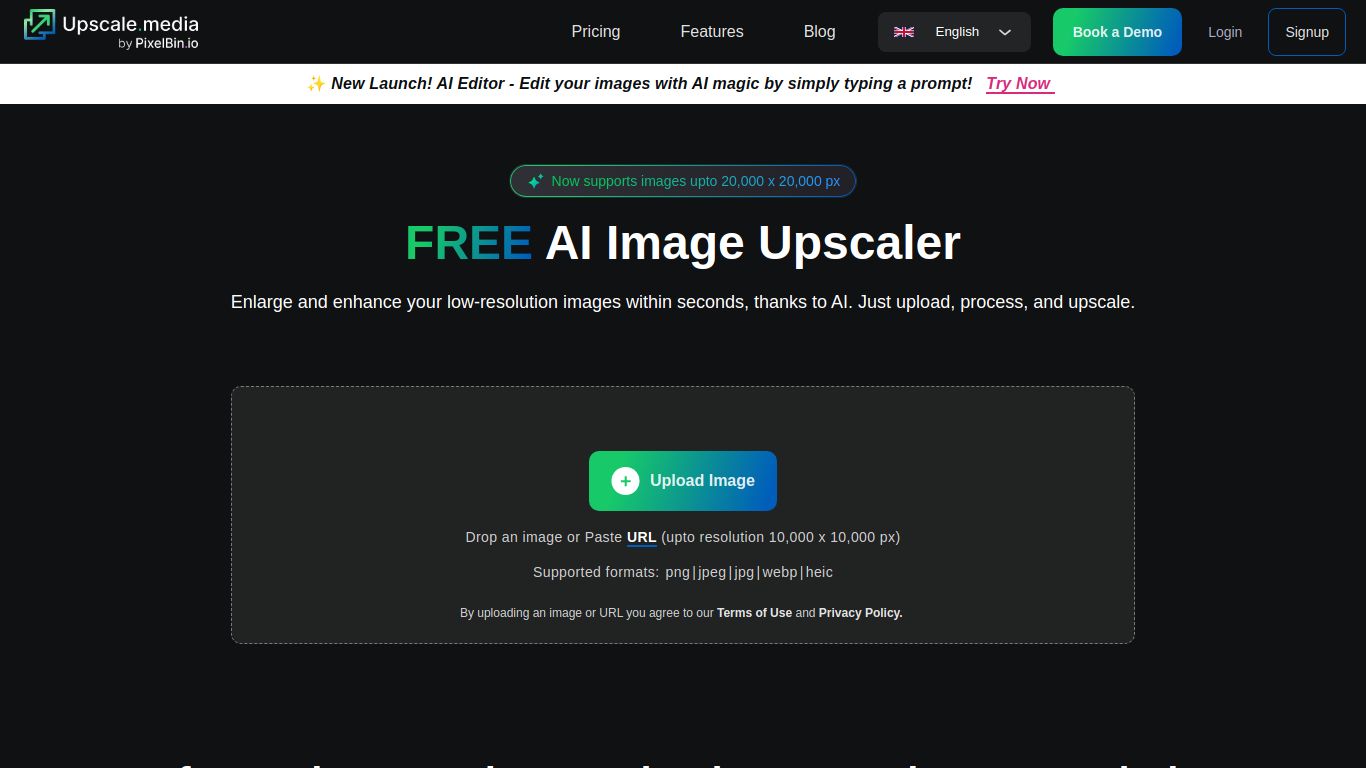
Core Capabilities: The Master of Image Enhancement
In a world of AI tools that try to do everything, Upscale.media shines by being a specialist. Its sole focus is on Image Enhancement and Processing. It doesn’t generate art from text prompts or edit videos; instead, it dedicates its entire AI brainpower to taking the images you already have and making them exponentially better. Its core function is to intelligently analyze and rebuild your images at a higher resolution, adding detail where it was lost and smoothing out compression artifacts for a polished, professional look.
Key Features That Make It Shine
Upscale.media is packed with features that make it both powerful for professionals and accessible for beginners. Here’s what sets it apart:
- Intelligent AI Upscaling: The heart of the tool. You can instantly increase image resolution by 2x or 4x. The AI doesn’t just stretch pixels; it intelligently recreates details to ensure the final result is sharp, clear, and natural.
- Artifact & Noise Removal: Say goodbye to grainy textures and the blocky mess from JPEG compression. The tool automatically detects and eliminates these imperfections, giving your images a clean, smooth finish.
- Effortless User Experience: No need to download bulky software or read a dense manual. The web-based interface is a simple drag-and-drop affair. Just upload your picture, click a button, and watch the magic happen in seconds.
- Support for Multiple Formats: Whether you’re working with a PNG, JPG, JPEG, or WEBP file, Upscale.media has you covered. It handles the most common image formats with ease.
- Batch Processing for Power Users: If you’re juggling an entire gallery of photos, the paid plans unlock batch processing. This allows you to upload and enhance multiple images simultaneously, streamlining your workflow and saving precious time.
Pricing: From Free to Pro
Upscale.media offers a flexible pricing structure that caters to everyone, from the casual user to large-scale businesses.
- Free Forever Plan: Absolutely perfect for getting started or for occasional use. You receive 45 free credits every month, which translates to 45 free image upscales. No strings attached.
- Starter Plan: For those with more consistent needs, the Starter plan offers 200 credits for $29 per month.
- Basic Plan: A great option for heavy users like marketers and designers, providing 1,000 credits for $89 per month.
- Premium & Enterprise Plans: For agencies and businesses with high-volume demands, Upscale.media offers larger plans with more credits, dedicated support, and API access to integrate the technology directly into your own applications.
Who Should Use Upscale.media?
This tool is a game-changer for a wide range of users. You’ll find it incredibly useful if you are a:
- E-commerce Business Owner: Making product photos crisp and detailed to boost customer confidence and sales.
- Graphic Designer or Marketer: Rescuing low-quality brand assets or stock photos to maintain a professional look across all campaigns.
- Photographer: Restoring old family photos or enhancing digital shots to bring out their true beauty.
- Blogger or Content Creator: Ensuring all your blog and social media visuals are sharp, engaging, and high-quality.
- Real Estate Agent: Showcasing properties with stunning, high-resolution images that capture every detail.
- Student or Hobbyist: Elevating personal projects, presentations, and creative work with a free and easy-to-use tool.
Alternatives & How It Compares
While Upscale.media is a top contender, here’s a look at some alternatives:
- Topaz Gigapixel AI: Often considered the industry standard, Gigapixel is a paid desktop application renowned for its exceptional quality. However, it comes with a significant upfront cost, making Upscale.media a more accessible, web-based alternative with a fantastic free tier.
- Let’s Enhance: A very similar online tool that also delivers great results. The choice between them often boils down to which AI’s output style you prefer and which pricing plan better fits your budget.
- VanceAI Image Upscaler: Part of a larger suite of AI image tools. Upscale.media’s strength lies in its focused simplicity and user-friendly design, making it less overwhelming for users who just need one job done perfectly.
- BigJPG: Another popular choice, particularly well-regarded for upscaling anime and digital illustrations. For photographic and realistic images, many users find Upscale.media provides a more natural and refined result.
