Microsoft Clipchamp AI: Your Effortless Video Creation Powerhouse 🚀
Unleash your inner video creator without the steep learning curve! Microsoft Clipchamp is a brilliantly accessible and powerful online video editor, supercharged with a suite of intelligent AI features. Developed by Microsoft and seamlessly integrated into Windows, Clipchamp empowers everyone from beginners to seasoned pros to produce professional-quality videos directly in their browser. Forget clunky software downloads; your next viral video is just a few clicks away.
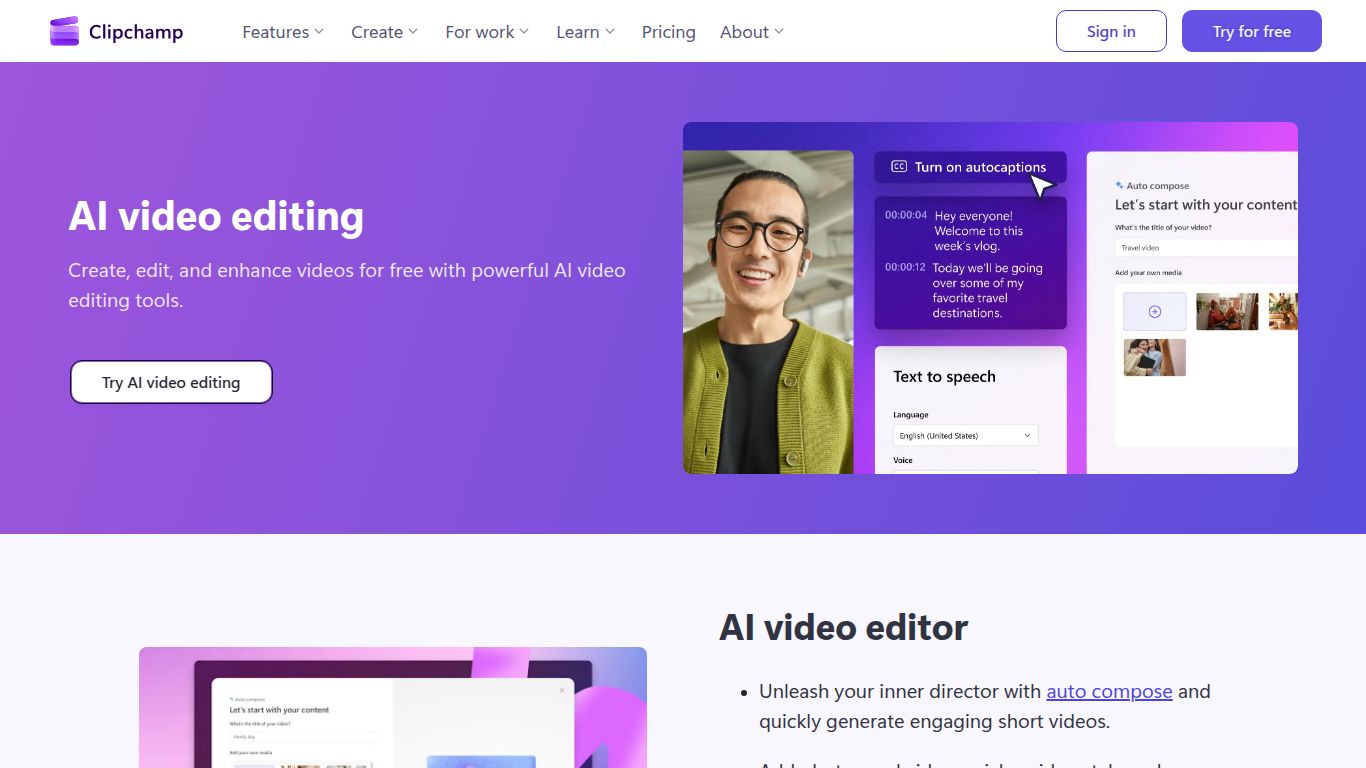
🤖 AI-Powered Capabilities: The Magic Inside Clipchamp
Clipchamp isn’t just another video editor; it’s your smart creative partner. Its AI is designed to automate the tedious parts of video creation, letting you focus on your story.
- Auto Compose: Have a folder full of clips and photos? Let Clipchamp’s AI analyze your media and automatically assemble a polished video draft, complete with music and transitions. It’s like having a personal editor on standby!
- Text-to-Speech Generator: Create crystal-clear voiceovers in seconds. Simply type your script, choose from over 170 unique voices across 70+ languages, and let the AI generate a natural-sounding narration for your project.
- Auto-Captions: Make your content more accessible and engaging. The AI automatically transcribes the audio in your video, generating perfectly timed captions that you can easily edit and style.
- Silence Remover: Awkward pauses, be gone! This clever AI tool scans your clips and instantly snips out silent gaps, making your videos more dynamic and professional.
- Speaker Coach: Rehearsing a presentation? Get real-time AI feedback on your pace, pitch, and filler words to perfect your delivery before you hit record.
✨ Core Features: Your Complete Creative Toolkit
Beyond its impressive AI, Clipchamp is packed with all the features you need to bring your vision to life.
- Intuitive Timeline Editor: A user-friendly drag-and-drop interface that feels familiar and easy to master. Trim, split, group, and arrange your clips with precision.
- Vast Stock Library: Access over 1 million royalty-free assets, including high-quality videos, audio tracks, and images to elevate your projects.
- Professional Templates: Kickstart your creation with professionally designed templates for YouTube, Instagram Reels, TikTok, corporate presentations, and more.
- Advanced Editing Tools: Dive deeper with features like green screen (chroma key), picture-in-picture, and a huge collection of filters, effects, and transitions.
- Brand Kit (Premium): Keep your content on-brand by easily applying your company’s logos, fonts, and color palettes across all your videos.
💰 Pricing: A Plan for Every Creator
Clipchamp offers a straightforward pricing model, ensuring there’s an option for every budget and need.
Free Plan
Perfect for getting started and for personal projects. This plan is surprisingly generous and includes:
- Unlimited watermark-free exports
- Up to 1080p (HD) export resolution
- Access to free stock media and templates
- Core AI features like Auto-captions and Text-to-speech (with limits)
Microsoft 365 Subscriber Plan (Premium)
Unlock the full potential of Clipchamp by subscribing to Microsoft 365 (Personal or Family). This premium tier includes everything in the Free plan, plus:
- Premium Stock Media: Full access to the entire library of premium video, audio, and image assets.
- Brand Kit: Create and manage your brand’s visual identity.
- Content Backup: Securely back up your media files in the cloud.
👥 Who is Clipchamp For?
Clipchamp’s versatility makes it the perfect tool for a wide range of users:
- Social Media Managers & Content Creators: Quickly produce engaging content for platforms like YouTube, TikTok, and Instagram.
- Small Business Owners: Create professional-looking product demos, advertisements, and promotional videos without a big budget.
- Educators & Students: Develop compelling educational materials, class projects, and presentations.
- Corporate Professionals: Craft polished training videos, meeting summaries, and internal communications.
- Casual Users: Easily edit holiday vlogs, family videos, and personal memories into shareable masterpieces.
🔄 Alternatives & Comparison
How does Clipchamp stack up against the competition? Here’s a quick look.
- Canva Video: A strong competitor, especially for template-based social media graphics and videos. Canva is fantastic for design integration, but Clipchamp offers a more traditional and robust timeline editing experience with more advanced AI video-specific tools.
- CapCut: The go-to for mobile-first, short-form video with trendy effects. While excellent for TikToks, Clipchamp provides a more powerful desktop experience for longer-form content and corporate use cases.
- Adobe Premiere Rush: A simplified version of Adobe’s professional editor. It offers cross-device syncing but can feel limited. Clipchamp is often more accessible for beginners and its AI features, like Auto Compose, are unique time-savers not found in Rush.
The Verdict: For users within the Windows ecosystem, or anyone seeking a powerful, browser-based video editor that masterfully blends ease-of-use with cutting-edge AI assistance, Microsoft Clipchamp is an unbeatable choice.

