Canva — AI Image Generator
Built-in generator to create visuals from prompts directly in Canva.
Popular TTS for personal and commercial use with studio editor and large voice library.
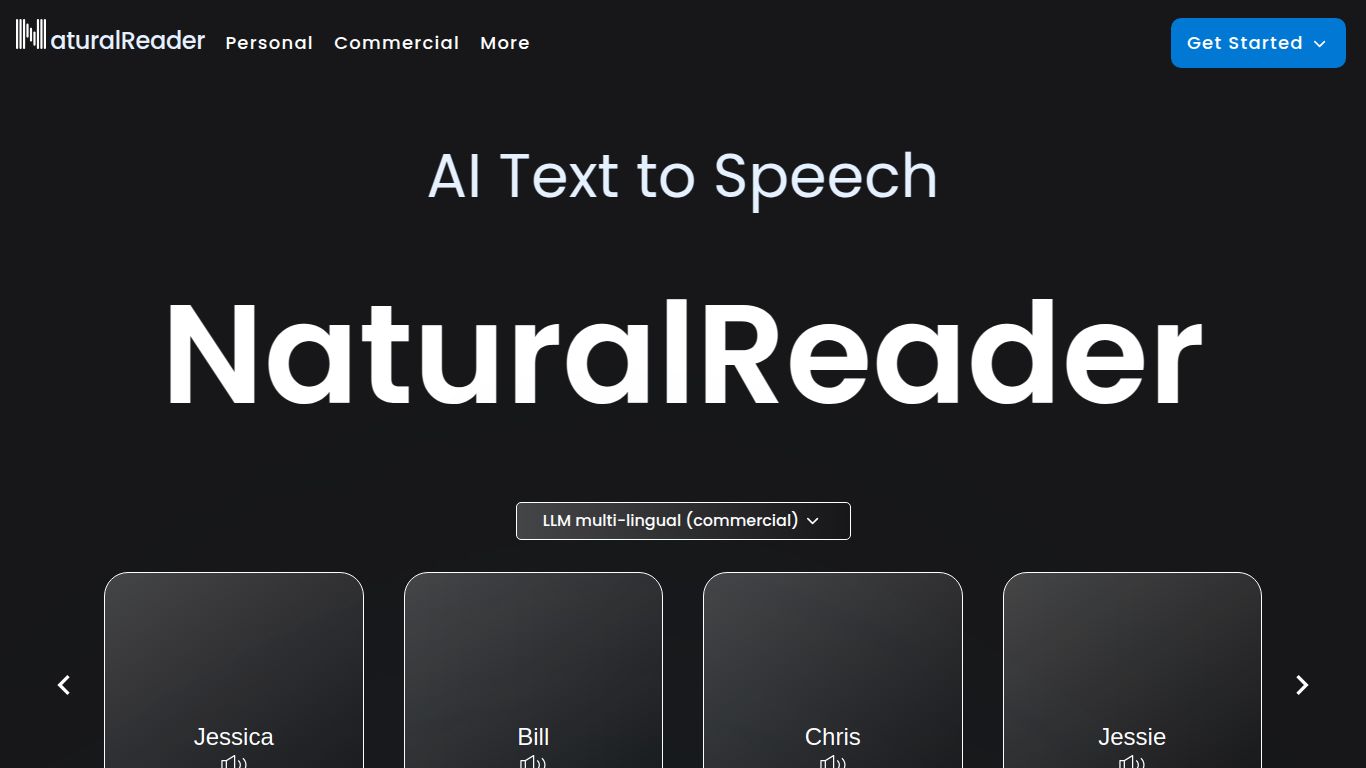
Tired of staring at screens? Ever wished you could listen to your documents, articles, or textbooks while on the go? Enter NaturalReader, a powerful and intuitive AI voice generator developed by Naturalsoft Ltd. This tool is designed to transform virtually any written text into natural-sounding speech, making content more accessible and easier to consume. Whether you’re a student cramming for an exam, a content creator in need of a voiceover, or simply someone who prefers listening over reading, NaturalReader offers a seamless solution to convert text into high-quality audio.
NaturalReader’s primary capability is its advanced Text-to-Speech (TTS) engine. It’s not about generating new text, images, or videos; its magic lies in converting existing text into spoken words. You can upload documents like PDFs and Docx files, paste text directly, or even use its browser extension to read web pages aloud. One of its standout features is the powerful Optical Character Recognition (OCR) technology, which allows the AI to read text directly from scanned documents or even images, turning static pictures of words into dynamic audio files.
What makes NaturalReader a go-to tool for so many? It’s all in the details. The platform is packed with features designed for convenience and quality.
NaturalReader offers a flexible pricing structure to suit different users, from casual listeners to professional creators. Here’s a quick breakdown:
Perfect for a test drive. You get limited access to Premium voices for 20 minutes per day and can use Free voices for unlimited listening. It’s a great way to experience the core functionality without any commitment.
This plan unlocks unlimited use of Premium voices and provides up to 1 million characters per month for OCR from images or scanned PDFs. It’s ideal for students and personal users who need more robust features.
The ultimate package for professionals and content creators. This plan includes everything in Premium, plus unlimited access to the most advanced “Plus” voices. Most importantly, it grants a commercial license to use the audio for public and commercial purposes, including for YouTube monetization.
The versatility of this AI tool makes it valuable for a wide range of users:
While NaturalReader is a top contender, the TTS space has other players. Here’s how it stacks up.
Murf.ai is often seen as a full-fledged AI voice studio, offering advanced features like voice cloning, collaboration tools, and a vast library of stock media. It’s generally geared towards professional teams and comes with a higher price tag. NaturalReader, by contrast, is more focused on being an accessible and highly efficient reading tool for both individuals and professionals, with its OCR feature being a unique advantage for document conversion.
Lovo.ai shines with its expressive and emotional AI voices, making it a favorite for character-driven content like audiobooks and video games. It offers granular control over voice styles. NaturalReader is the more practical and straightforward choice for converting existing documents and web content into clean, clear audio for learning, proofreading, and straightforward voiceovers. Its strength lies in its simplicity and powerful utility features.
In conclusion, NaturalReader carves out a unique space for itself with its user-friendly interface, exceptional OCR capabilities, and a well-balanced offering for both free and paid users. It’s the perfect companion for anyone looking to transform written content into an engaging auditory experience.

