Otter.ai Review: Your AI Meeting Assistant for Smarter Notes
Tired of frantically typing notes during meetings, only to miss crucial details? Enter Otter.ai, a game-changing AI-powered assistant designed to record, transcribe, and summarize your conversations in real-time. Developed by Otter.ai, Inc., this tool acts like a dedicated notetaker for all your meetings, interviews, and lectures, ensuring you never miss a beat and can focus entirely on the conversation at hand. It’s your secret weapon for boosting productivity and creating a searchable archive of all your spoken knowledge.
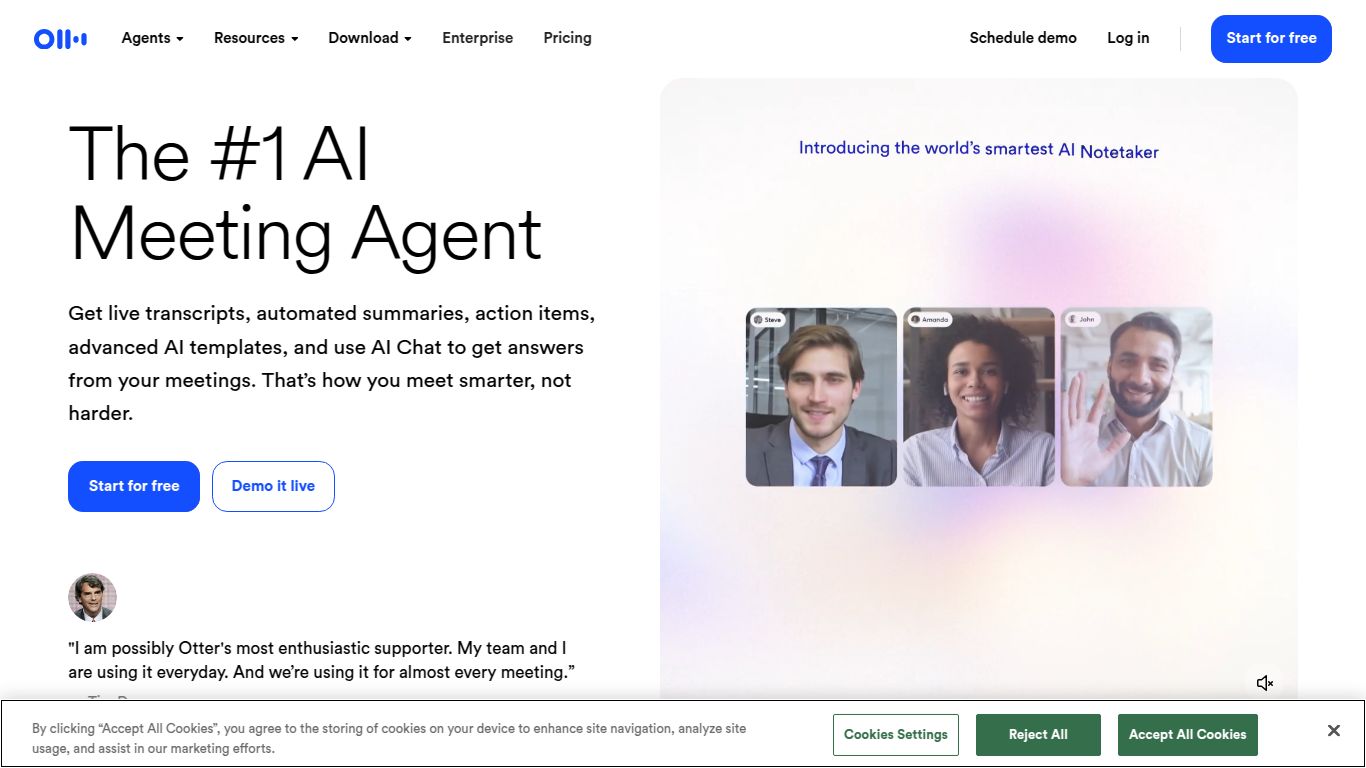
Capabilities: From Voice to Valuable Text
Otter.ai is fundamentally an Audio and Text-based AI tool. Its core superpower lies in its ability to process spoken language. It listens to audio from meetings, calls, or uploaded files and transforms it into highly accurate, readable text. While it doesn’t venture into image or video generation, its mastery over audio-to-text conversion is what makes it an indispensable tool for professionals. It automatically generates written transcripts, summaries, and identifies key action items from your conversations, turning unstructured dialogue into structured, actionable data.
Key Features That Make Otter.ai Shine
Otter.ai is packed with features designed to make your life easier and your meetings more productive. Here’s what makes it stand out from the crowd:
- Real-Time Transcription: Watch the words appear on your screen as they’re spoken. You can even highlight, comment, and add photos live, collaborating on the notes as the meeting happens.
- Automated Meeting Summaries: Forget sifting through long transcripts. After the meeting, Otter’s AI Chat generates a concise summary, so you can get the key takeaways in seconds and share them with your team.
- Intelligent Speaker Identification: The AI is smart enough to distinguish between different speakers and label them in the transcript, making complex conversations with multiple participants easy to follow.
- Automatic Action Item Extraction: Otter automatically identifies and lists action items discussed during the meeting, so you always know the next steps without having to hunt for them.
- Seamless Integrations: It works perfectly with Zoom, Google Meet, and Microsoft Teams. The OtterPilot™ can automatically join your meetings as a notetaker, so you don’t even have to think about it.
- Custom Vocabulary: Teach Otter specific names, jargon, and acronyms to significantly improve transcription accuracy for your industry-specific needs.
- Slide & Screen Capture: During virtual meetings, Otter automatically captures slides and visuals shared on screen and intelligently integrates them into the meeting notes for complete context.
Pricing & Plans: A Plan for Everyone
Otter.ai offers a flexible pricing structure to suit everyone from individual users to large enterprises, ensuring you only pay for what you need.
- Basic Plan: A great starting point, this plan is Free and gives you a taste of Otter’s capabilities with a limited number of transcription minutes per month. Perfect for occasional users.
- Pro Plan: Priced around $16.99 per month, this is ideal for professionals and power users who need more transcription minutes and advanced features like importing pre-recorded audio or video files.
- Business Plan: At approximately $35 per user per month, this plan is built for teams. It includes everything in Pro, plus team management features, centralized billing, shared custom vocabulary, and advanced analytics.
- Enterprise Plan: For large organizations that require maximum security and control, this plan offers custom pricing with top-tier security features, SSO, and dedicated support.
Who is Otter.ai For?
Otter.ai is a versatile tool that benefits a wide range of professionals and students. You’ll find it incredibly useful if you are a:
- Project Manager: Keep a flawless record of decisions, deadlines, and action items from every stakeholder meeting.
- Student or Researcher: Record lectures and interviews, making it easy to review and cite information without tedious manual transcription.
- Journalist: Capture every word of an interview perfectly and get accurate quotes in record time.
- Sales Team: Analyze customer calls, share key insights with the team, and ensure follow-ups are never missed.
- Consultant: Effortlessly document client meetings and deliver detailed, professional summaries and reports.
- Content Creator: Transcribe podcasts, webinars, and videos to quickly create show notes, blog posts, and social media content.
Alternatives & Comparison
While Otter.ai is a leader in the space, it’s helpful to see how it stacks up against other popular AI notetakers.
- Otter.ai vs. Fireflies.ai: Fireflies.ai is a strong competitor with a heavy focus on conversation intelligence and deep CRM integrations, making it a favorite among sales teams who need to analyze call data. Otter is often praised for its slightly higher out-of-the-box transcription accuracy and its clean, intuitive user interface for general-purpose note-taking.
- Otter.ai vs. Fathom: Fathom is a fantastic alternative, especially known for its generous and feature-rich free plan. It excels at real-time meeting assistance and quick-click updates to your CRM. Otter’s strength lies in its comprehensive post-meeting summaries, powerful mobile app, and more robust collaboration features.
- Otter.ai vs. Descript: Descript is less of a direct competitor and more of a specialized tool for content creators. While its transcription is excellent, its primary function is as a powerful audio/video editor that lets you edit media by simply editing the text transcript. Otter, in contrast, is purely focused on being the best meeting assistant and note-taking tool.
