Descript — Studio Sound
Regenerative AI that removes noise/echo and restores clear speech.
One-click AI cleanup that removes background noise and polishes levels.
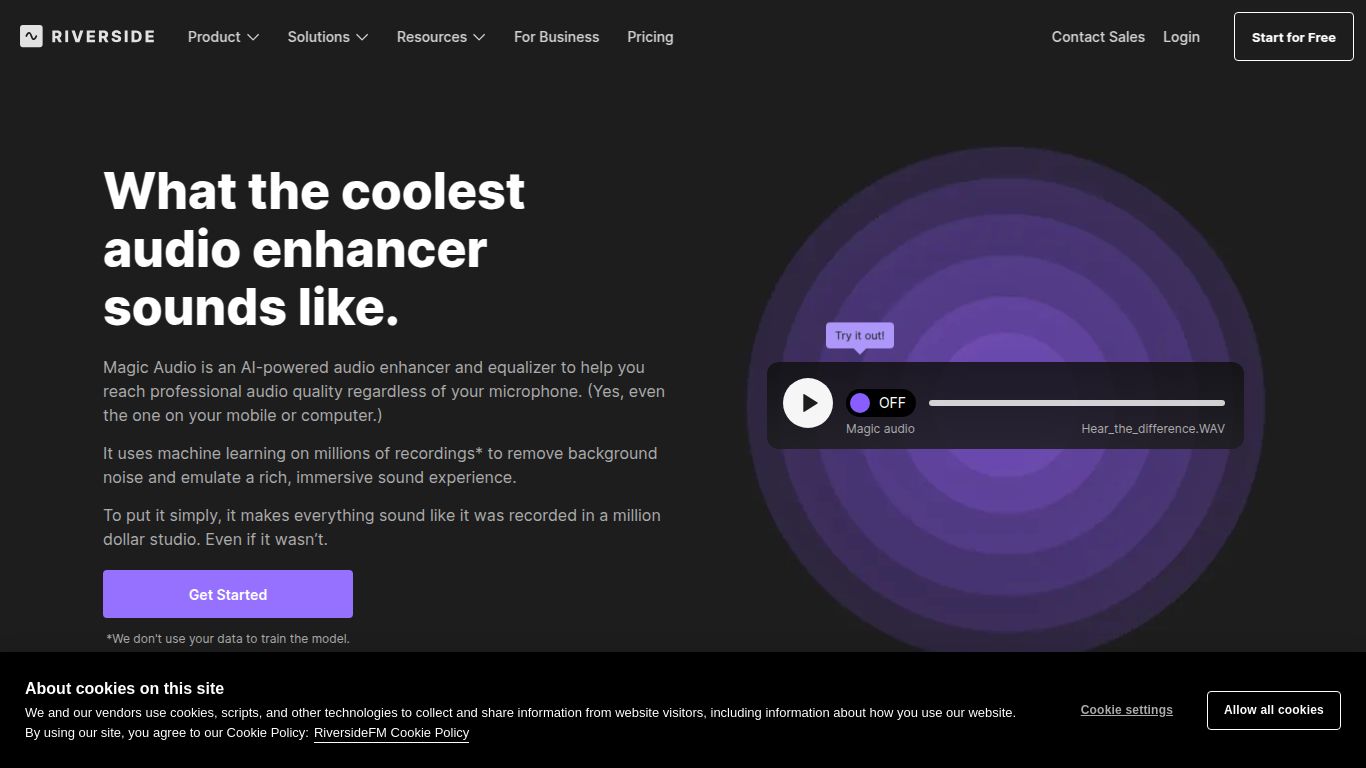
Tired of background noise, inconsistent audio levels, and echoes ruining your podcast or video recordings? Say hello to Riverside — Magic Audio, a game-changing feature from the renowned remote recording platform, Riverside.fm. This isn’t just a simple filter; it’s a powerful, one-click AI tool designed to transform your raw audio into polished, studio-quality sound. With a single click, Magic Audio intelligently analyzes your audio files, removes unwanted background noise, eliminates reverb, and perfectly balances the volume of all participants. The result is a crystal-clear, professional-grade audio track that sounds like it was recorded in a professional sound booth, even if you and your guests are miles apart.
While Riverside as a platform handles high-quality video and audio recording, the Magic Audio feature is laser-focused on one thing: AI-Powered Audio Enhancement. It doesn’t generate text, images, or video. Instead, it takes your existing audio recordings and elevates them to a professional standard. Its core capability lies in using sophisticated algorithms to distinguish human speech from unwanted sounds, making it an indispensable tool for audio post-production that requires zero technical expertise.
Magic Audio is a feature included within Riverside’s subscription plans. The platform offers a range of options suitable for different levels of use.
Perfect for testing the waters. This plan offers limited recording hours and includes the Magic Audio feature, so you can experience its power firsthand. Price: $0/month.
Ideal for regular creators and podcasters. This plan provides more recording hours and full access to Magic Audio and other essential features. Price: Around $15 per month (billed annually).
For the serious podcaster or video professional who needs higher quality, more hours, and advanced features. This is the most popular plan for dedicated creators. Price: Around $24 per month (billed annually).
This offers custom solutions for teams and organizations, including collaboration tools, dedicated support, and enterprise-level security. Price: Contact for a custom quote.
Note: Pricing is subject to change. Always check the official Riverside website for the most current information.
This tool is a must-have for anyone who records spoken-word audio and values pristine quality and efficiency. Key users include:
While Riverside’s Magic Audio is a top-tier solution, a few other tools offer similar functionality. Here’s how they stack up:
This is arguably the most direct competitor. Adobe’s tool is incredibly powerful and also uses AI to clean up audio. The key difference lies in the workflow. Adobe Podcast Enhance is often a separate step where you upload an audio file, whereas Magic Audio is fully integrated into Riverside’s record-and-edit ecosystem, creating a more seamless all-in-one process.
Descript is a popular audio/video editor known for its transcription-based editing. Its “Studio Sound” feature is very similar to Magic Audio. The choice between them often comes down to your preferred editing style. If you edit via text, Descript is fantastic. If you prefer a more traditional timeline editor focused on pristine recording quality from the start, Riverside is the stronger choice.
Audacity is the free, open-source workhorse of audio editing. You can achieve similar results using various noise reduction and compressor plugins, but it is a completely manual process. It requires technical know-how and significant time investment, whereas Magic Audio delivers superior results in a single click.
In conclusion, while alternatives exist, Riverside’s Magic Audio shines for its powerful results, incredible ease of use, and flawless integration into a platform already celebrated for its best-in-class remote recording quality.
