Kapwing — Audio Enhancer
Online enhancer to boost clarity and reduce background noise in seconds.
Automatic post-production: leveler, AI noise & reverb reduction, loudness.
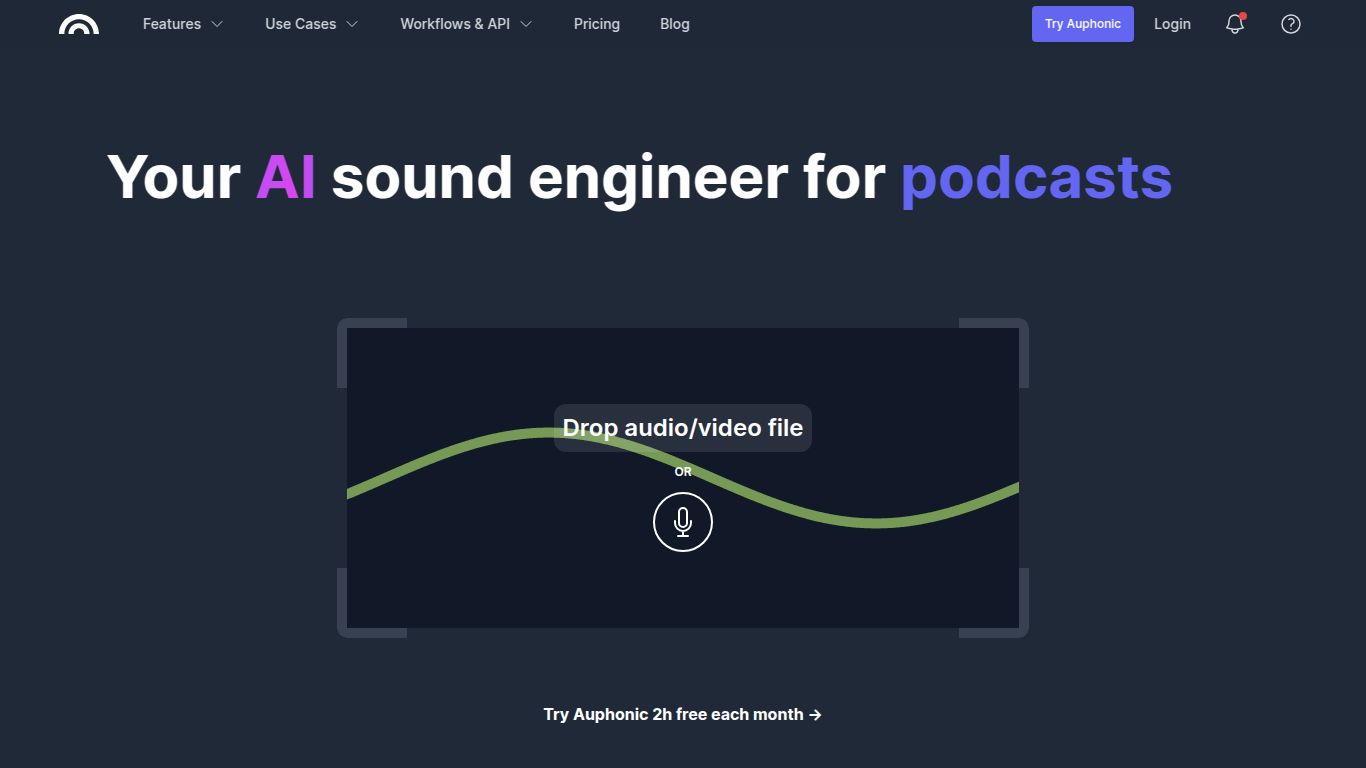
Tired of spending countless hours tweaking audio levels, removing background noise, and trying to make your recordings sound professional? Meet Auphonic, the intelligent audio post-production tool that does all the heavy lifting for you. Developed by Auphonic GmbH, this web-based service acts like an automated audio engineer, using AI to analyze your audio and apply the perfect mix of enhancements to deliver crisp, clear, and balanced sound every single time. Whether you’re a podcaster, video creator, or broadcaster, Auphonic is designed to save you time and make your content sound absolutely brilliant with just a few clicks.
Auphonic is a highly specialized AI tool focused exclusively on automated audio and video post-production. It doesn’t generate images or write text; instead, it perfects the sound you’ve already created. You simply upload your audio or video file, and Auphonic’s algorithms get to work. Its core capability lies in taking raw, unedited recordings and transforming them into studio-quality masters. This includes everything from simple podcasts recorded in a home office to multi-track productions for broadcast, ensuring your audio meets professional loudness standards and is free from distracting imperfections.
Auphonic is packed with powerful, automated features that are typically found in complex and expensive desktop software. The difference? Auphonic does it all for you automatically.
Auphonic offers a flexible pricing model that scales with your needs, making it accessible for hobbyists and professionals alike. The core currency is processing time, measured in hours of audio you can process each month.
Perfect for getting started or for creators with minimal needs. It generously includes 2 hours of audio processing per month at no cost, giving you access to all the core features.
For more consistent users, monthly subscriptions offer a bulk amount of processing hours at a better rate. Plans start from around $11/month for 5 hours of processing time and scale up to accommodate large production houses. These are perfect for weekly podcasters or content creators.
Have a single big project, like an audiobook or an archive of lectures? You can purchase non-expiring credits without committing to a monthly subscription. This is a fantastic option for sporadic, high-volume needs.
Auphonic is a lifesaver for anyone who works with spoken-word audio and values their time. Here’s who can benefit the most:
While Auphonic excels at automated finishing, other tools offer different approaches to audio editing.
Adobe Podcast, particularly its “Enhance Speech” feature, is fantastic at isolating and clarifying voice recordings. However, Auphonic offers a more complete post-production suite, including loudness normalization, music ducking, and intro/outro management, making it a more comprehensive final-step tool rather than just a voice cleaner.
Descript is a powerful all-in-one platform for editing audio and video by manipulating text. It’s great for content editing and multi-track arrangement. Auphonic, on the other hand, isn’t for editing content; it’s for polishing the final mix. Many creators use Descript for their story edit and then run the final export through Auphonic for professional mastering.
iZotope RX is the industry-standard software for manual audio repair, offering granular control for professionals. It’s incredibly powerful but has a steep learning curve and requires manual effort. Auphonic is the “set it and forget it” alternative, delivering 90% of the results with 1% of the effort, making it ideal for creators who aren’t audio engineers.
