Decktopus AI
Prompt-based deck creation with content suggestions, visual polish, and quick exports.
Top-rated add-on to generate and edit professional decks natively in Slides/PowerPoint.
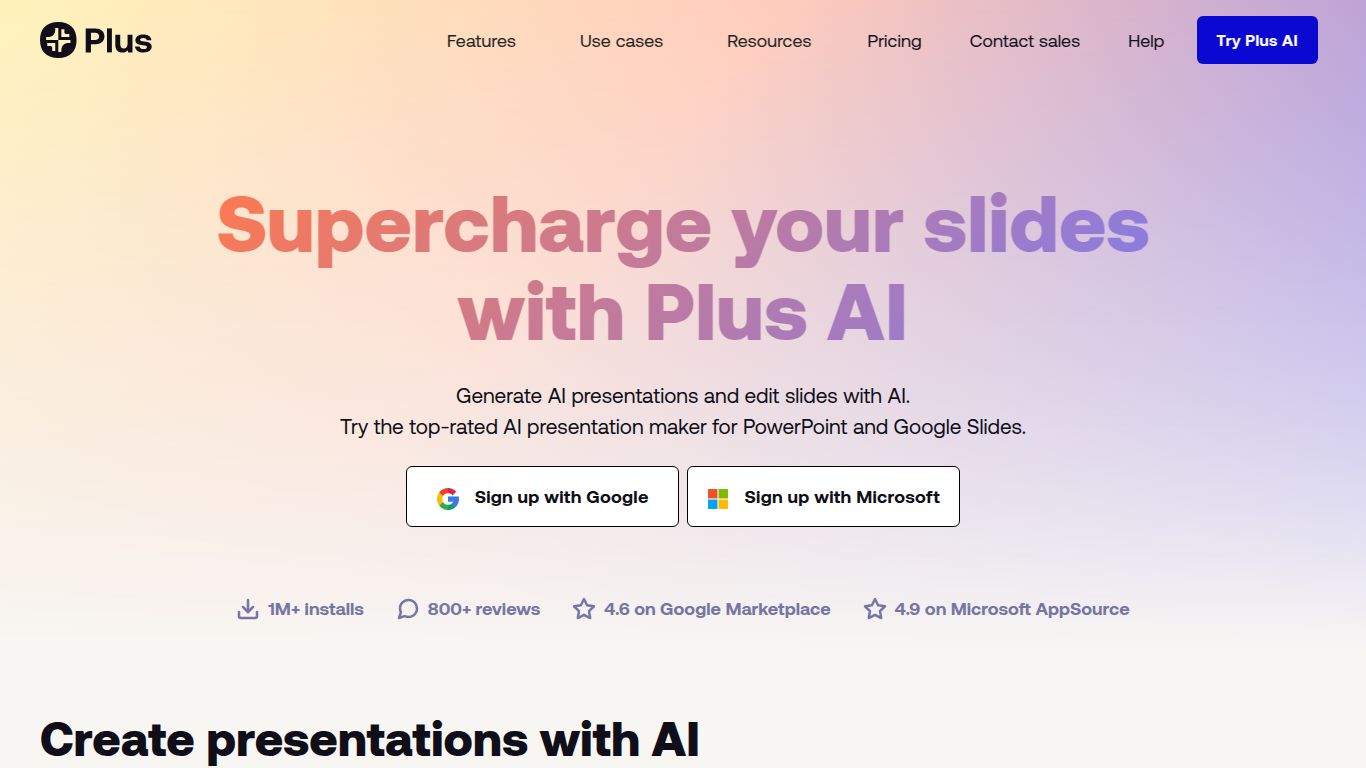
Tired of staring at a blank slide, wondering where to begin? Say goodbye to presentation-building dread with Plus AI, a revolutionary tool designed to supercharge your workflow directly within Google Slides and PowerPoint. Developed by the team at Plus, this AI-powered add-on isn’t just another presentation maker; it’s a smart assistant that lives right inside the tools you already use every day. It transforms your ideas from simple text prompts into fully-designed, content-rich presentations in a matter of seconds, letting you focus on what truly matters: your message.
Plus AI is a versatile powerhouse, adept at handling the most critical elements of presentation creation.
At its heart, Plus AI excels at generating compelling text. Provide a simple prompt, an outline, or even a long document, and watch as it crafts articulate slide titles, detailed bullet points, and cohesive paragraphs. It can generate an entire presentation from scratch or insert new, context-aware slides into your existing deck.
Beyond words, Plus AI understands visual storytelling. It automatically selects appropriate layouts for your content, ensuring each slide is clean, professional, and easy to read. It doesn’t just dump text; it structures it beautifully.
While not a primary image generator from text prompts, Plus AI can intelligently suggest and insert relevant icons and images to complement your slide content, saving you the hassle of searching through stock photo libraries.
Plus AI offers a flexible pricing structure suitable for individuals and teams.
Price: $0. Perfect for trying out the core features. This plan typically includes a limited number of AI credits per month, allowing you to generate several presentations and experience the magic for yourself.
Price: Around $10 per month. Aimed at individual professionals and power users, this plan unlocks unlimited AI generation. Get access to premium templates, advanced features, and priority support to take your productivity to the next level.
Price: Custom. Designed for teams and organizations, this plan offers everything in Pro plus advanced collaboration features, centralized billing, enhanced security, and dedicated onboarding. It’s the ultimate solution for standardizing presentation quality across your company.
This tool is a game-changer for anyone who regularly creates presentations:
In the world of AI presentation tools, you’ll find names like Tome, Gamma, and Microsoft Copilot. While platforms like Tome and Gamma are powerful standalone applications that create beautiful, web-based presentations, Plus AI’s key differentiator is its deep, native integration. The primary advantage of Plus AI is that you never leave the Google Slides or PowerPoint ecosystem. There is zero learning curve for a new interface, and you retain full, granular control over every element, just as you always have. It doesn’t replace your workflow; it enhances it from within, acting as a true co-pilot rather than a separate destination. For those who live and breathe in Slides and PowerPoint, Plus AI is the most seamless and efficient choice on the market.
