Unleashing Data Insights with Tableau AI: A Deep Dive into Tableau Pulse and Agents
In a world overflowing with data, the ability to quickly extract meaningful insights is no longer a luxury—it’s a necessity. Enter Tableau AI, a powerful suite of artificial intelligence features developed by the data visualization giant Tableau, a Salesforce company. This isn’t just another BI tool; it’s a smart analytics partner designed to make data accessible and actionable for everyone in an organization, regardless of their technical expertise. Tableau AI, featuring its flagship components Tableau Pulse and AI Agents, aims to revolutionize how you interact with your data by providing personalized, contextual, and proactive insights directly within your workflow.
Core Capabilities: Beyond Dashboards
Tableau AI is not a generative tool for creating images or videos. Its power is hyper-focused on the world of data, analytics, and business intelligence. It uses advanced AI to interpret, analyze, and communicate data-driven insights.
- Natural Language Processing (NLP): The core of its capability lies in understanding plain English. You can ask complex questions about your data like “Which product line had the highest growth last quarter in the EMEA region?” and get instant visualizations and answers.
- Predictive Analytics: Leveraging machine learning models, Tableau AI can help you look into the future. It enables users to perform forecasting and what-if analysis directly within their dashboards to anticipate trends and make informed decisions.
- Automated Data Storytelling: Instead of just showing charts, Tableau AI generates clear, concise text summaries that explain what the data means. It automatically highlights key trends, outliers, and insights, transforming complex dashboards into understandable narratives.
- Smart Data Preparation: AI algorithms can assist in cleaning, shaping, and combining data sources, significantly reducing the manual effort required before analysis can even begin.
Key Features that Set Tableau AI Apart
Tableau AI is packed with intelligent features designed to create a seamless and intuitive analytics experience. Here are some of the standouts:
- Tableau Pulse: This is your personalized data feed. Pulse proactively surfaces key metrics, trends, and outliers relevant to your role and priorities. It sends automated digests to you via Slack or email, ensuring you never miss a critical change in your data.
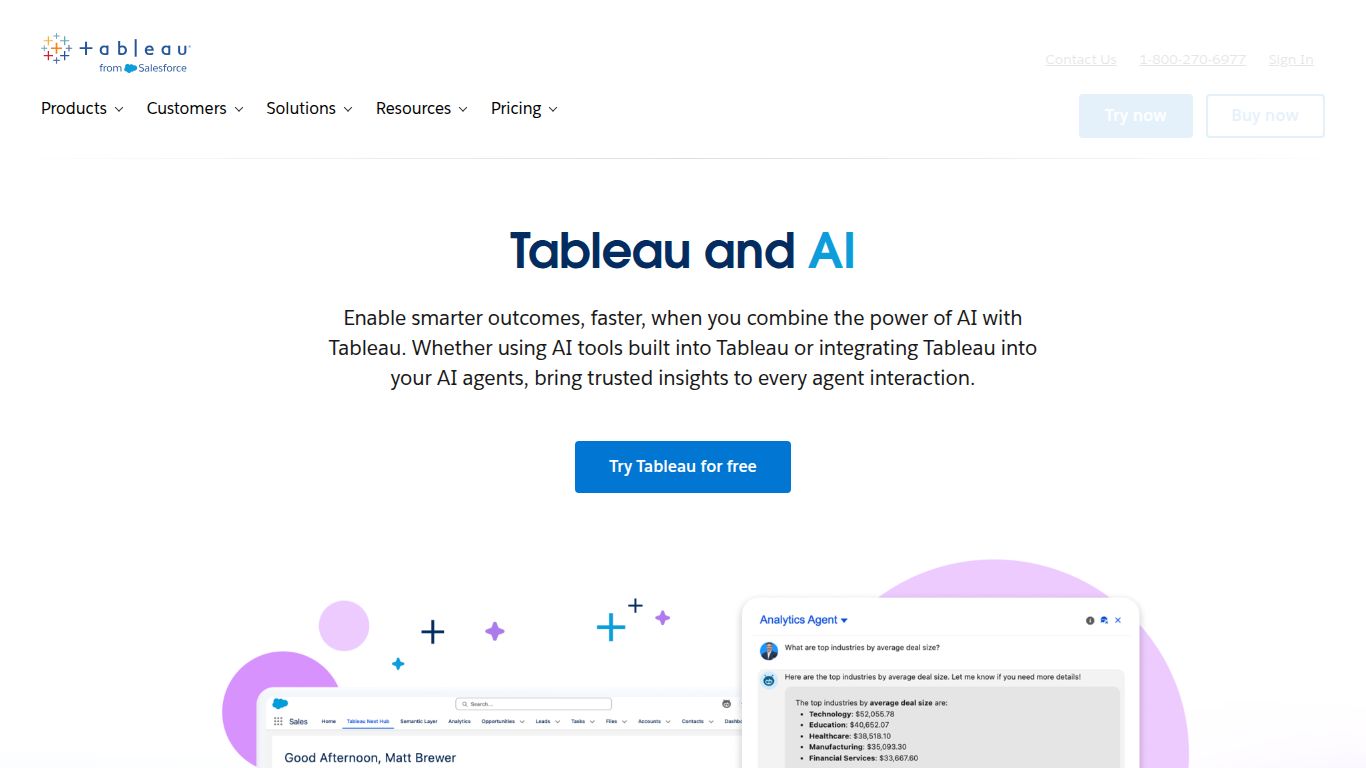
- Einstein Copilot for Tableau: Acting as your personal data assistant, this conversational AI agent helps you at every step. It can help you build dashboards from scratch, suggest the best chart types, perform complex calculations, and automate repetitive tasks, all through a simple chat interface.
- Ask Data: A powerful natural language query feature that allows any user to type a question and receive an instant data visualization as an answer. This democratizes data analysis, removing the barrier between questions and insights.
- Explain Data: When you see an unexpected value or outlier in your data, this feature uses advanced statistical models to automatically generate potential explanations, saving you hours of manual investigation.
Pricing and Plans
Tableau AI’s features are not sold as a standalone product but are integrated into the broader Tableau ecosystem. The pricing is based on user roles and the specific capabilities required. Access to advanced AI features like Tableau Pulse and Einstein Copilot is typically included in the higher-tier licenses or available as a premium add-on to existing subscriptions.
- Tableau Creator: Aimed at analysts and power users who create content. This plan usually includes the most comprehensive set of features, including access to the full suite of AI capabilities for building and analysis.
- Tableau Explorer: For business users who need to explore and analyze governed, self-service data. They can leverage many of the conversational AI features to answer their own questions from existing data sources.
- Tableau Viewer: For users who primarily consume dashboards and reports created by others. Their access to interactive AI features is more limited but may include receiving insights from Tableau Pulse.
For detailed pricing, it’s best to contact the Tableau sales team for a quote tailored to your organization’s specific needs.
Who Is It For?
Tableau AI is designed for a wide range of professionals who rely on data to make decisions. Its intuitive nature makes it valuable for non-technical users, while its power satisfies the needs of seasoned analysts.
- Business Analysts: To accelerate data exploration, find root causes faster with Explain Data, and build more impactful dashboards with AI assistance.
- C-Level Executives & VPs: To get high-level, personalized KPI summaries and automated insights delivered directly to them via Tableau Pulse, without needing to log into a dashboard.
- Marketing & Sales Managers: To track campaign performance, analyze sales pipelines, and forecast future revenue using natural language queries.
- Data Scientists: To augment their workflow by using AI for initial data exploration and to easily share predictive models with a broader business audience.
- Operations Managers: To monitor operational metrics in real-time and quickly identify and understand performance anomalies.
Alternatives and Comparisons
The Business Intelligence landscape is competitive, with several major players integrating AI into their platforms. Here’s how Tableau AI stacks up:
- Microsoft Power BI (with Copilot): A primary competitor, Power BI is deeply integrated into the Microsoft 365 and Azure ecosystem. Its Copilot offers very similar conversational AI capabilities for report creation and data analysis. The choice often comes down to an organization’s existing tech stack.
- Qlik Sense: Known for its powerful associative engine that reveals hidden connections in data. Qlik’s AI is strong in augmented analytics, suggesting insights and analyses that users might not have thought to look for.
- Google Looker: Now part of Google Cloud, Looker’s strength lies in its governed, semantic data modeling layer (LookML). Its AI capabilities are robust, particularly for organizations heavily invested in the Google Cloud Platform.
In conclusion, Tableau AI stands out with its user-centric design, a strong focus on proactive insights through Tableau Pulse, and the powerful conversational capabilities of Einstein Copilot. It empowers entire organizations to move from simply viewing data to actively engaging with it in a meaningful, intelligent dialogue.
