Reclaim AI Review: Master Your Schedule with Intelligent Time Management
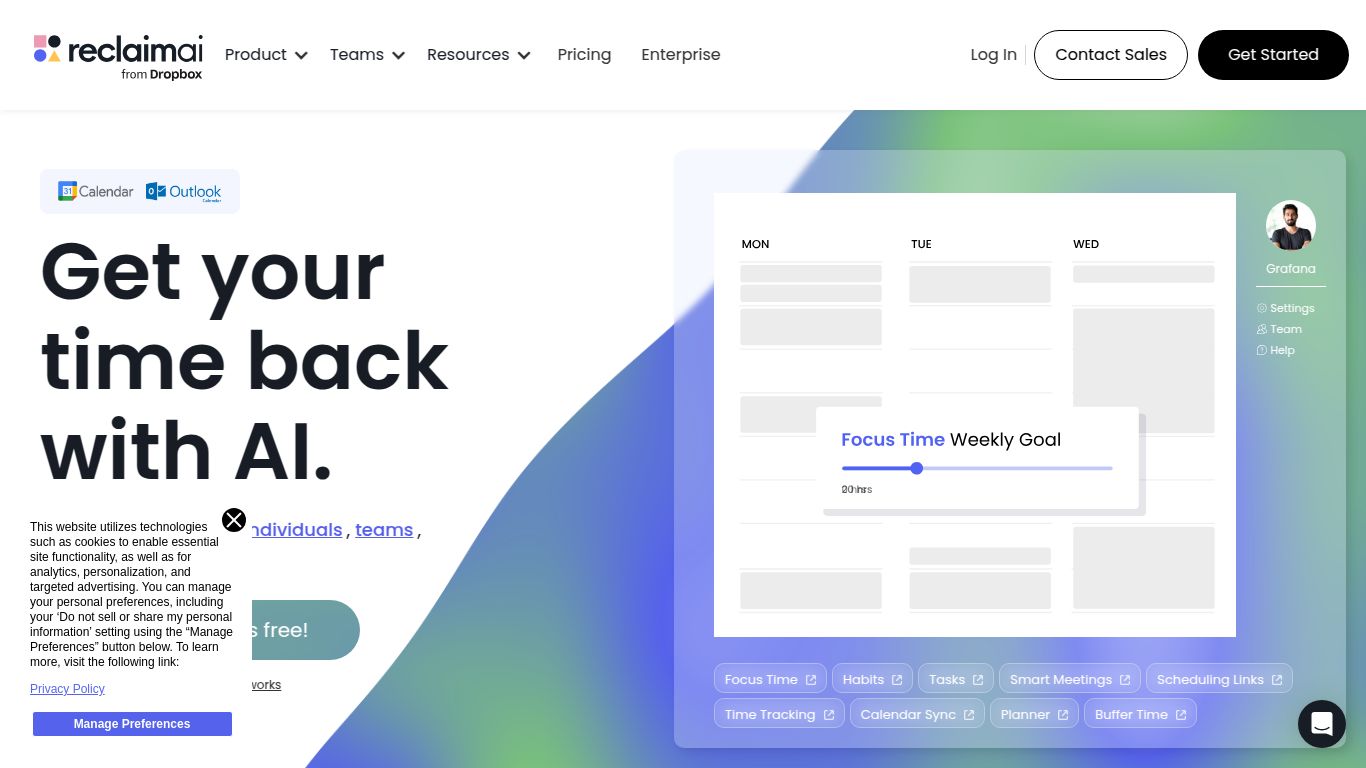
In a world where our calendars are constantly overflowing, juggling tasks, meetings, and personal habits can feel like an impossible puzzle. Enter Reclaim AI, a brilliant tool designed to solve this very problem. Developed by Reclaim.ai, Inc., this smart calendar assistant doesn’t just list your to-dos; it intelligently finds the best time for them in your schedule, acting as your personal time management strategist. It connects directly to your Google Calendar to automatically block time for tasks, routines, and important meetings, ensuring you have the space to focus on what truly matters. Say goodbye to manual scheduling and hello to a perfectly optimized week.
Core Capabilities
While Reclaim AI doesn’t generate images or video, its capabilities are firmly rooted in productivity and scheduling intelligence. Its power lies in its ability to understand and manipulate time on your behalf.
- 🗓️ Intelligent Scheduling & Time Blocking: This is Reclaim’s superpower. It analyzes your existing calendar, understands your priorities, and automatically carves out flexible time blocks for your tasks and habits. If a conflict arises, it reshuffles your schedule seamlessly.
- ✅ Smart Task Management: Integrate your favorite to-do list apps like Asana, Jira, ClickUp, and Todoist. Reclaim will pull in your tasks and schedule them directly into your calendar, turning your task list into an actionable plan.
- 🧘 Habit Formation: Want to make time for exercise, reading, or meditation? Tell Reclaim about your habits, and it will defend that time in your calendar, ensuring your personal goals don’t get pushed aside by work demands.
- 🤝 Meeting Optimization: The Smart 1:1s feature finds the best mutual time for one-on-one meetings with your colleagues, saving you the endless back-and-forth emails. It also allows you to add travel time and decompression buffers around your events.
Key Features
- Flexible Time Blocking: Tasks are not set in stone. Reclaim marks time blocks as “free” or “busy” based on your settings, allowing colleagues to book over low-priority tasks if something urgent comes up.
- Calendar Sync: Manage multiple calendars? Reclaim can sync events from all your Google Calendars (work, personal, etc.) into one view, blocking off time to prevent double bookings without sharing sensitive event details.
- Prioritization Engine: You can set different priority levels for tasks and habits, telling Reclaim what’s urgent and important versus what can be rescheduled.
- Color Coding & Categories: Automatically categorize and color-code your events, giving you an instant visual overview of how you’re spending your time across different areas of life and work.
- Powerful Integrations: Beyond task managers, Reclaim also works with Slack to provide notifications and allow for quick actions, keeping you in the loop without leaving your communication hub.
- Time & Productivity Analytics: Get insightful reports on how your time is allocated between meetings, tasks, and personal habits, helping you identify areas for improvement.
Pricing
Reclaim AI offers a range of plans suitable for individuals and teams of all sizes, including a very generous free tier.
- Free Plan: Perfect for individuals getting started. It includes basic calendar sync (up to 2), smart habit management, and integration with one task app.
- Starter Plan: Priced around $8 per user/month (billed annually). This plan unlocks unlimited calendar syncs, more task integrations, Smart 1:1s, and advanced scheduling settings.
- Business Plan: Typically around $12 per user/month (billed annually). Geared towards teams, this plan adds team-wide scheduling, advanced analytics, priority support, and more robust integration controls.
- Enterprise Plan: Custom pricing for large organizations. It includes everything in Business plus features like SSO, advanced security compliance, and dedicated onboarding.
Who is Reclaim AI For?
Reclaim AI is a game-changer for anyone looking to regain control of their schedule and boost their productivity. It’s especially useful for:
- Busy Professionals & Executives: Who need to protect their focus time from a flood of meeting requests.
- Project Managers: To automatically schedule tasks from project management tools like Jira or Asana for their team.
- Team Leads & Managers: To easily find time for 1:1s and ensure their team has balanced workloads.
- Freelancers & Entrepreneurs: Who juggle multiple projects and clients and need a unified view of their commitments.
- Students: To balance classes, study sessions, part-time jobs, and personal activities effectively.
- Anyone practicing Time Blocking: If you love the concept of time blocking but hate the manual effort, Reclaim AI automates the entire process for you.
Alternatives & Comparison
While Reclaim AI is a leader in its niche, there are other tools in the productivity space.
- Motion: Often seen as the most direct competitor, Motion also uses AI to schedule tasks and meetings. The primary difference is often in the user experience and specific features. Motion has a more integrated project management feel within the app itself, whereas Reclaim excels at deep integrations with existing, powerful task managers like Jira and Asana, making it ideal for users already embedded in those ecosystems.
- Clockwise: Clockwise is another excellent tool focused on optimizing schedules, but its primary strength lies in optimizing schedules for teams by rearranging meetings to create longer blocks of uninterrupted focus time. Reclaim, by contrast, offers a more robust system for integrating and scheduling individual tasks and habits in addition to its meeting features.
- Calendly: Calendly is fantastic for scheduling meetings with external parties by sharing a link. However, it doesn’t manage or schedule your personal tasks or habits. Reclaim can replace the internal scheduling function of Calendly (with its Smart 1:1s) while also managing your entire to-do list and personal routines.
