Aider: Your AI Pair Programmer Right Inside the Terminal
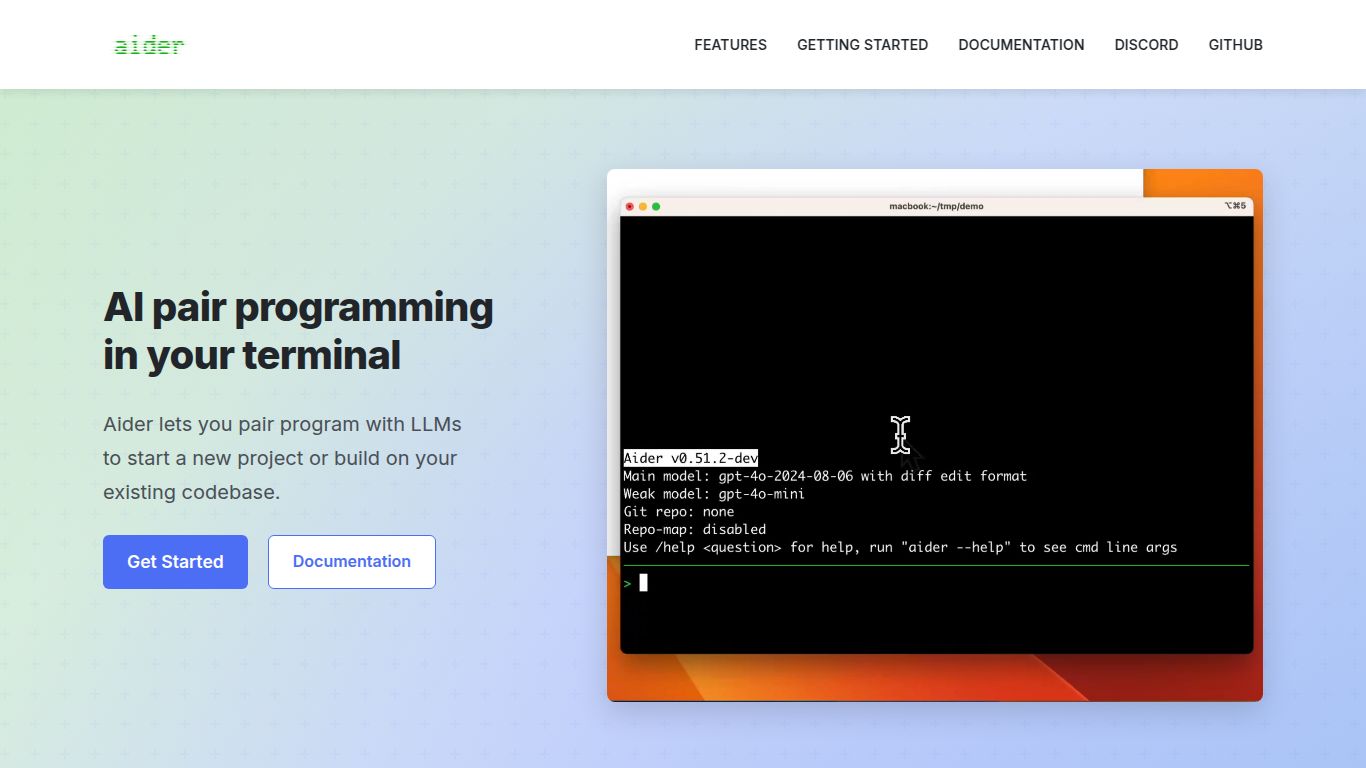
Welcome to the future of coding, where your command line becomes an intelligent collaborator. Aider is a powerful open-source AI pair programming tool that operates directly within your terminal. Unlike browser-based solutions or IDE extensions, Aider works seamlessly with your local Git repository, giving it the full context of your project. This allows it to understand complex codebases, make edits across multiple files, and help you build, debug, and refactor software faster than ever before. Think of it as having a senior developer on call, ready to tackle any coding challenge you throw at it.
Capabilities: A Laser-Focus on Code
Aider is a specialist tool dedicated to one thing: code. It doesn’t generate images, edit videos, or write marketing copy. Instead, it channels all its AI power into tasks that matter to developers, offering a suite of text and code-based capabilities that supercharge your workflow.
- Code Generation: Ask Aider to write new features, functions, or entire files from scratch based on your plain English descriptions.
- Debugging and Error Fixing: Paste a stack trace or describe a bug, and Aider will analyze your code, identify the root cause, and propose a fix.
- Code Refactoring: Improve your code’s structure, readability, and performance by asking Aider to refactor complex functions or implement new design patterns.
- Test Writing: Accelerate your development cycle by having Aider generate unit tests for your existing or new code, ensuring your project remains robust.
- Repository-wide Understanding: Aider builds a map of your entire repository, allowing it to make intelligent, context-aware changes that respect your project’s architecture.
Features: What Makes Aider Stand Out?
Aider is packed with unique features designed for the modern developer. Here’s what makes it a game-changer:
- Direct Git Integration: Aider reads your local files and proposes changes as a diff. You can review, accept, and commit changes directly from the chat, making it a natural part of the Git workflow.
- Multi-File Editing: A single request can lead to coordinated edits across multiple files in your project, perfect for complex feature implementations or large-scale refactors.
- Flexible AI Model Support: You are not locked into one AI. Aider supports various powerful models, including OpenAI’s GPT-4 and GPT-3.5, and Anthropic’s Claude series, allowing you to choose the best brain for the job.
- In-Chat Commands: Use simple commands like
/add, /drop, or /run to manage the context, execute code, and run tests without ever leaving your terminal.
- Voice-to-Code: For an even more fluid experience, Aider supports voice input, allowing you to simply speak your coding requests and watch the magic happen.
Pricing: Open Source and Accessible
Aider operates on a “Bring Your Own API Key” (BYOAK) model, which makes it incredibly flexible and transparent.
- Aider Tool: Free. The Aider command-line tool is completely open-source and free to download and use.
- AI Model Usage: Pay-as-you-go. You only pay for what you use by connecting your own API key from a provider like OpenAI or Anthropic. This means you control the cost and can take advantage of any free credits or competitive pricing offered by the model providers.
Who is Aider For? The Ideal User Profile
Aider is built for anyone who lives and breathes code. Its terminal-based nature makes it particularly appealing to a specific set of tech professionals:
- Software Developers & Engineers: The primary audience. Perfect for backend, frontend, and full-stack developers who are comfortable with the command line and want to speed up their development cycles.
- DevOps Engineers: Ideal for scripting, automating infrastructure, and managing configuration files across a repository.
- Data Scientists: A great assistant for writing and debugging complex data processing scripts, Jupyter notebooks, and machine learning models.
- Students & Learners: An excellent learning tool that can explain code, suggest improvements, and help overcome coding hurdles.
- Open Source Contributors: Quickly get up to speed on a new codebase and start contributing meaningful changes with an AI assistant that understands the entire project.
Alternatives & Comparison
How does Aider stack up against other popular AI coding assistants?
Aider vs. GitHub Copilot
GitHub Copilot is primarily an autocompletion tool that lives inside your IDE, suggesting lines or blocks of code as you type. It’s fantastic for reducing boilerplate and speeding up line-by-line coding. Aider, on the other hand, is a conversational agent in your terminal. You give it high-level tasks, and it acts as a true pair programmer, planning and executing changes across your entire codebase. Choose Copilot for in-editor suggestions; choose Aider for complex, multi-file tasks and conversational problem-solving.
Aider vs. Cursor
Cursor is a complete, AI-native IDE that is forked from VS Code. It provides a deeply integrated experience with features like in-editor chat and repository-aware Q&A. Aider is tool-agnostic. It’s a lightweight terminal utility that works with your favorite editor (VS Code, Vim, JetBrains, etc.), not as a replacement for it. If you want an all-in-one AI-first editor, Cursor is a great choice. If you love your current setup and want to add a powerful, terminal-based AI programmer to your toolkit, Aider is the perfect fit.
