Perplexity
Real-time, citation-first answer engine that synthesizes results from the live web.
Ask questions across Drive, SharePoint, Box, Dropbox—right in ChatGPT with citations.
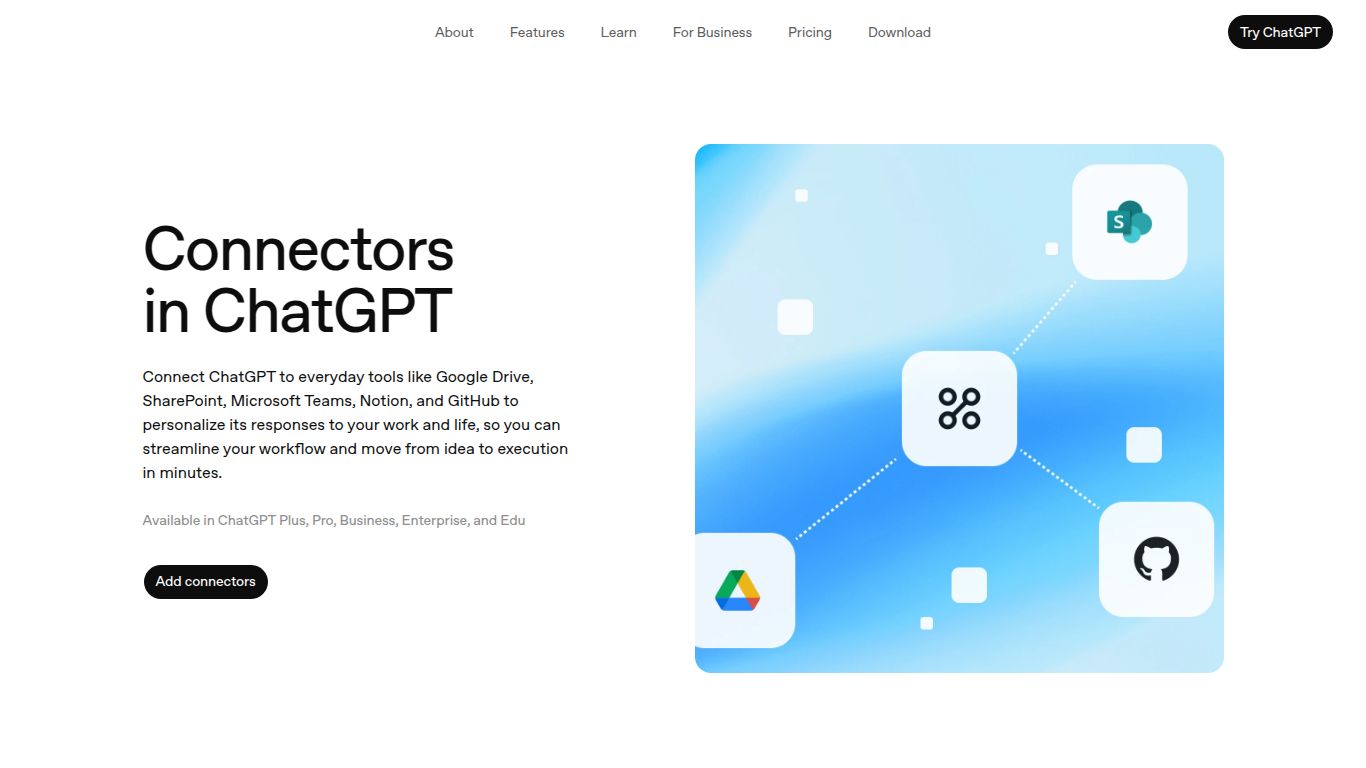
Welcome to the future of productivity, where your AI assistant isn’t just a smart chatbot but a fully integrated member of your digital ecosystem. ChatGPT (Connectors), a groundbreaking feature from the pioneers at OpenAI, transforms the acclaimed ChatGPT into a powerful hub that communicates directly with your most-used applications. Forget the endless cycle of downloading, uploading, and switching between tabs. Connectors allow ChatGPT to securely access and interact with your files in Google Drive, Microsoft OneDrive, and other platforms, supercharging your workflow and unlocking unprecedented efficiency. It’s not just about asking questions anymore; it’s about getting things done with your own data, right inside the chat.
ChatGPT Connectors elevate the platform’s capabilities from a text-based tool to a comprehensive data interaction powerhouse. This feature primarily focuses on bridging the gap between conversational AI and your personal or professional data, enabling a new class of tasks.
What makes ChatGPT Connectors a game-changer? It’s all in the thoughtful execution and powerful features designed to make your life easier and more productive.
While the standard ChatGPT experience is available for free, the advanced functionality of Connectors is a premium feature, integrated into the paid subscription tiers to provide maximum value for professionals and power users.
Offers basic access to the conversational AI model but does not include advanced features like Connectors, DALL-E 3, or Advanced Data Analysis.
This is the primary plan for individuals looking to unlock the full potential of ChatGPT. It includes access to Connectors, allowing you to link your Google and Microsoft accounts, alongside other premium features for a monthly subscription fee.
Designed for businesses and larger organizations, these plans include all the features of Plus with added administrative controls, enhanced security, and higher usage limits, making Connectors a scalable solution for entire teams.
This feature is designed for anyone who wants to streamline their digital workflow and reduce manual data handling. Its user base is incredibly diverse:
In the rapidly evolving AI landscape, it’s important to know where a tool stands. Here’s how ChatGPT Connectors compares to other solutions.
Microsoft Copilot is deeply integrated into the Windows and Microsoft 365 ecosystem. Its strength is its seamless operation within Office apps (Word, Excel, Teams). ChatGPT Connectors offers more flexibility by bridging both Google and Microsoft ecosystems, making it a better choice for users who operate in a mixed-platform environment.
Similar to Copilot, Gemini is deeply embedded within Google’s ecosystem (Docs, Sheets, Gmail). It excels at tasks within Google Workspace. ChatGPT Connectors provides a more neutral-ground approach, acting as a central hub that can talk to multiple major platforms, rather than being confined to one.
These are powerful automation platforms, not conversational AI at their core. They are excellent for creating complex, multi-step, “if-this-then-that” background automations. ChatGPT Connectors, on the other hand, is designed for interactive, in-the-moment tasks performed through a direct conversation, making it more of an active assistant than a passive automation engine.
