Fellou Agentic Browser
Agentic browser that plans multi-step web tasks and generates source-linked research reports.
No-code automations and document AI inside AppSheet to trigger processes and approvals.
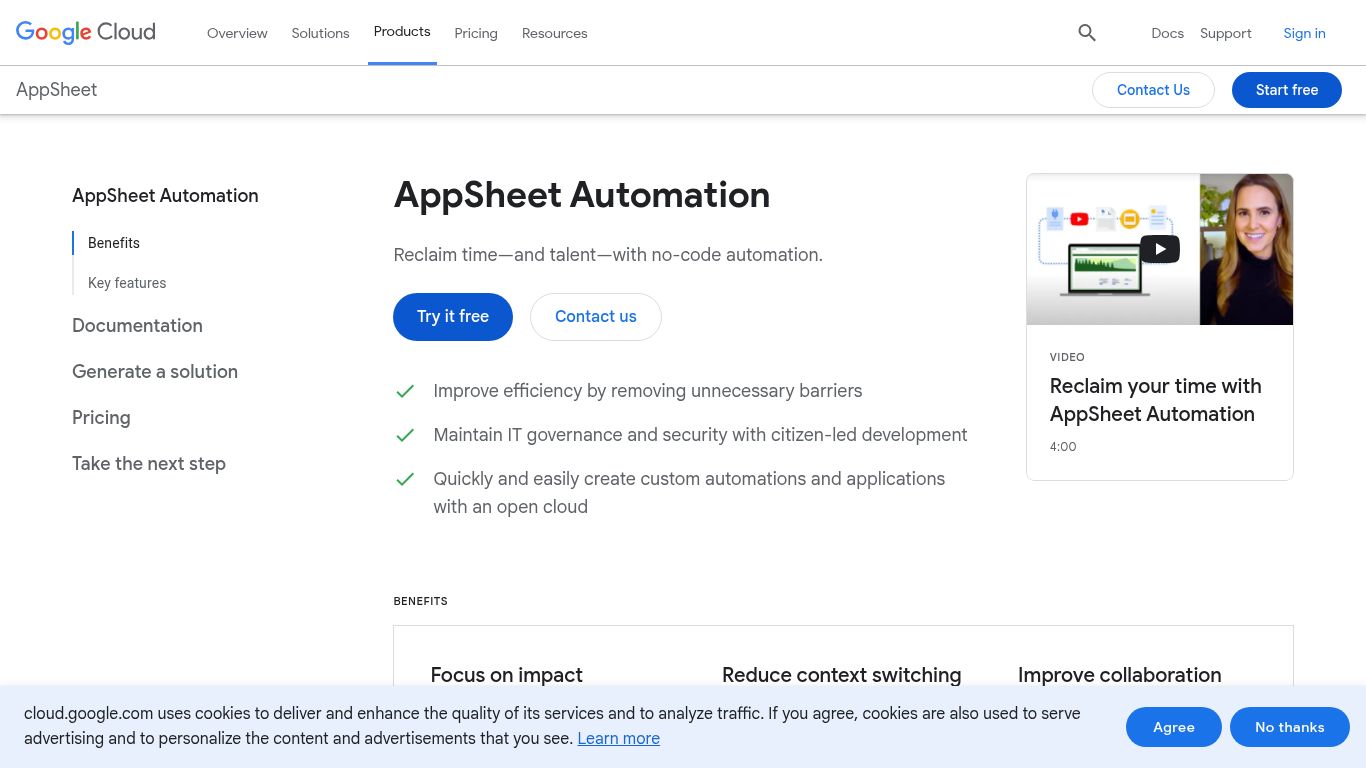
Are you drowning in repetitive manual tasks and endless data entry? Enter Google AppSheet Automation, an intelligent, no-code automation platform from the tech giant, Google. Designed to be a core part of the AppSheet application-building experience, it empowers business users and developers alike to streamline complex workflows, automate data-driven processes, and reclaim valuable time—all without writing a single line of code. It acts as the brain behind your custom-built applications, turning static data from sources like Google Sheets, Excel, or SQL databases into dynamic, automated business solutions.
While AppSheet Automation is not a generative AI for creating new content from scratch, its power lies in intelligently processing and acting upon your existing data and content. Here’s what it can do:
Google AppSheet offers a tiered pricing model that often includes automation capabilities within its app-building plans. The structure generally caters to different organizational needs.
Perfect for personal use and prototyping. Allows you to build apps for up to 10 users with core automation features included.
Priced around $5 per user/month. Designed for small teams, it includes basic data sources and essential automation and security features.
Priced around $10 per user/month. The most popular plan, offering advanced security controls, a wider range of data sources, and more powerful automation capabilities like scheduled reports and email notifications.
Custom pricing for large organizations. These plans provide advanced governance, premium data connectors, priority support, and the full suite of intelligent automation features.
Note: Pricing is subject to change. For the most accurate and up-to-date information, please visit the official Google AppSheet pricing page.
AppSheet Automation is a versatile tool that caters to a wide range of roles:
While powerful, Google AppSheet Automation exists in a competitive landscape of workflow automation tools.
Comparison: Zapier is the king of connecting disparate web apps. It’s incredibly user-friendly for simple “if this, then that” integrations. AppSheet is more powerful when you need to build a custom application interface on top of your data and automate the processes within that app. AppSheet is a platform; Zapier is a connector.
Comparison: Make offers a highly visual and flexible workflow builder that can handle very complex, multi-step scenarios. It’s a strong competitor for pure automation. AppSheet’s advantage is its native integration with a no-code app front-end, making it an all-in-one solution for data collection, interaction, and automation.
Comparison: This is the most direct competitor, especially for organizations within the Microsoft ecosystem. Power Automate integrates deeply with Office 365, SharePoint, and Azure. The choice between AppSheet and Power Automate often comes down to whether your organization’s data and collaboration tools live primarily in Google Workspace or Microsoft 365.
In summary, if your goal is to not only connect services but to build a custom application for your team to interact with and automate your data, Google AppSheet Automation provides an incredibly powerful and integrated all-in-one platform.
