ChatGPT Agent
General-purpose, multi-step agent that plans and acts using a toolbox to finish tasks end-to-end.
Visual workflow templates across apps and OpenAI integrations for multi-step automations.
In a world where digital efficiency is king, juggling countless apps and manual tasks can quickly become a productivity nightmare. Enter Make.com, the powerhouse no-code platform designed to seamlessly connect your favorite apps and automate workflows. Developed by the team formerly known as Integromat, Make provides a visually intuitive environment where you can build complex automations without writing a single line of code. At the heart of this accessibility lies Make.com Templates, a vast library of pre-built scenarios that serve as the perfect starting point to supercharge your operations, saving you invaluable time and effort.
Make.com isn’t about generating content like a typical AI tool; it’s about orchestrating the tools you already use. Its capabilities are defined by the thousands of apps it can connect. The templates provide plug-and-play solutions for virtually any digital task you can imagine, bridging the gaps between different services. Here are just a few examples of what you can achieve:
Make.com stands out in the crowded automation space thanks to a unique set of features that offer unparalleled power and flexibility.
Forget confusing menus and abstract steps. Make’s signature feature is its drag-and-drop canvas where you see your automation come to life. Each app is a module, and you visually connect them to build a “scenario,” making it easy to understand and debug even the most complex workflows.
With support for thousands of popular apps and services—from Google Suite and Microsoft 365 to Slack, OpenAI, and Stripe—the possibilities are nearly limitless. If an app has an API, chances are you can connect it with Make.
This is where Make truly shines. You can add routers to create conditional branches (if this, then that), iterators to process multiple items one by one, and aggregators to combine data back together. This level of control allows for incredibly sophisticated and customized automations.
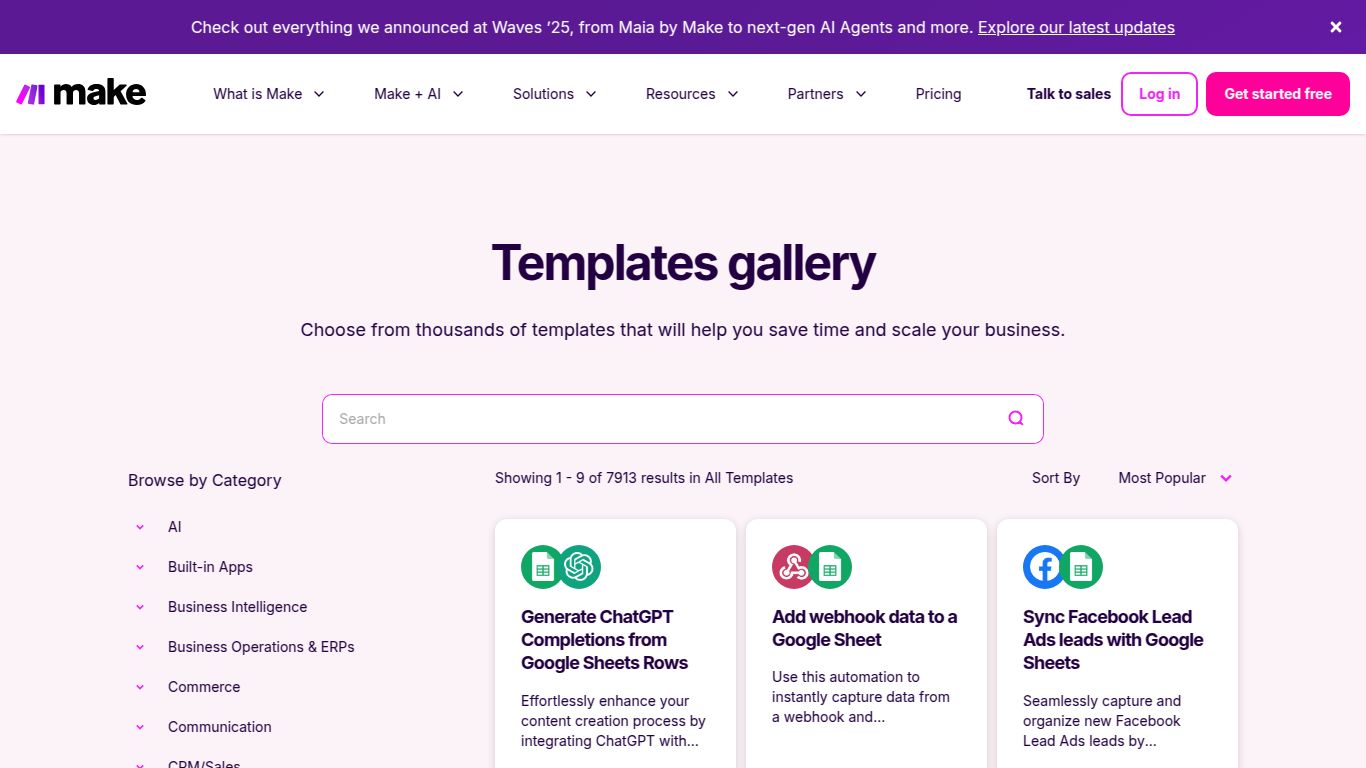
The template library is a game-changer for new users. Instead of starting from scratch, you can find a pre-built scenario for your exact needs, connect your accounts, and have a powerful automation running in minutes.
Make.com offers a flexible pricing structure designed to scale with your needs, from individual hobbyists to large enterprises. Each plan is primarily based on the number of “operations” (a single action, like sending an email or creating a record) you use per month.
Make.com’s versatility makes it a valuable asset for a wide range of users who want to eliminate repetitive tasks and work smarter.
While Make.com is a leader in the field, it’s helpful to know its main competitors.
In summary, if you need simple A-to-B connections, IFTTT or Zapier’s free tier might suffice. But for anyone serious about building powerful, multi-layered automations with granular control, Make.com Templates offer an unbeatable combination of visual clarity, flexibility, and cost-efficiency.
