TaskMagic
Record yourself doing a web task once; replay or schedule it on desktop or in the cloud.
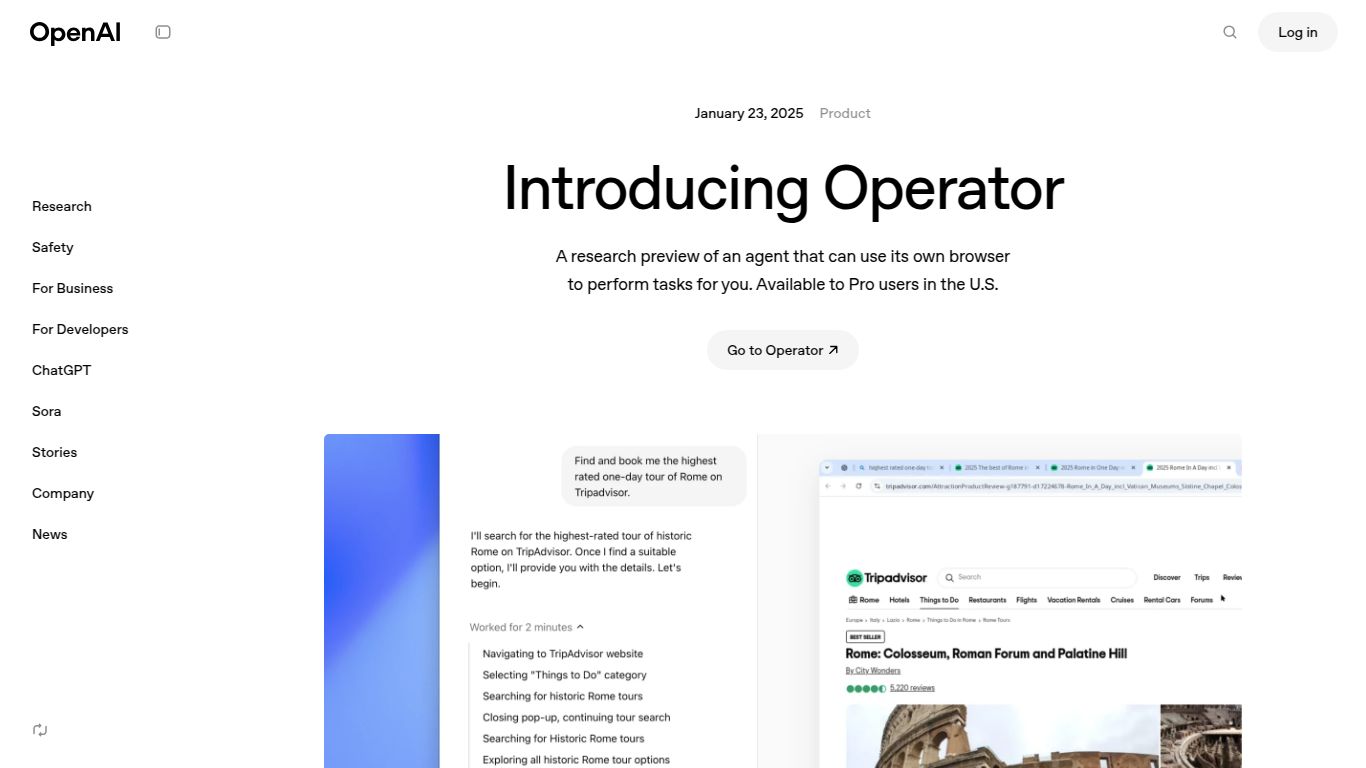
An AI agent with its own browser that can click, type, and complete web tasks autonomously.
Welcome to the future of personal computing! Say goodbye to repetitive, tedious digital chores. OpenAI, the visionary company behind game-changers like ChatGPT and DALL-E, has unveiled its latest groundbreaking project: OpenAI Operator. Currently in a research preview phase, Operator is not just another AI tool; it’s a revolutionary AI agent designed to act as your digital partner, learning and automating tasks directly on your computer by simply observing your actions. Think of it as a super-intelligent assistant that can take over the clicking, typing, and data transferring, freeing you up to focus on what truly matters.
Developed by OpenAI, Operator is an advanced AI agent that functions directly on your device’s operating system. Its primary goal is to understand and replicate human-computer interactions. You don’t need to write complex scripts or code. Instead, you simply show Operator a task—like moving data from an email to a spreadsheet, filling out a lengthy form, or processing invoices—and it learns to perform that task autonomously. It sees your screen, understands the context, and operates your apps just as you would, but with the speed and precision of a machine. It’s the ultimate evolution of workflow automation, powered by cutting-edge AI.
Operator’s power doesn’t come from generating content in isolation but from its ability to understand and interact with any software on your screen. Its capabilities are built around action and interaction:
What makes Operator a potential game-changer? It’s all in the unique combination of intelligent features:
As OpenAI Operator is currently in a research preview, it is not yet available to the general public, and there are no official pricing plans. Access is likely limited to a select group of researchers and testers to refine its capabilities and ensure its safety and reliability. We anticipate that OpenAI will announce more details about public availability and potential pricing tiers as the technology matures. For now, it remains a tantalizing glimpse into the future of automated personal assistants.
Once released, OpenAI Operator will be a powerful tool for a wide range of users, including:
OpenAI Operator enters a space with existing automation tools, but its approach is fundamentally different. Here’s how it compares:
Traditional Robotic Process Automation (RPA) tools are powerful but are often enterprise-focused, expensive, and require technical expertise to set up complex workflows. Operator aims to be far more intuitive and accessible, learning by observation rather than through complex scripting.
These are Operator’s closest competitors, also working on AI agents that can operate software. The key differentiator will be the power and intelligence of the underlying model. Backed by OpenAI’s research, Operator has the potential to be a leader in reliability and capability.
These tools are great for simple, rule-based automation. However, they lack intelligence. They follow a rigid script and fail if anything changes. Operator, with its computer vision and contextual understanding, is vastly more flexible and intelligent, adapting to changes in real-time.
