Browser Use: Supercharge Your Web Experience with an All-in-One AI Companion
In a digital world overflowing with information, efficiency is everything. Constantly switching between tabs, copying text to an AI chatbot, and then pasting it back can be a tedious process that breaks your workflow. Enter Browser Use, a revolutionary AI-powered tool designed to seamlessly integrate into your web browser, acting as your intelligent co-pilot for any task. Developed by a team of productivity enthusiasts, Browser Use aims to transform your browser from a simple gateway to the internet into a dynamic and intelligent workspace.
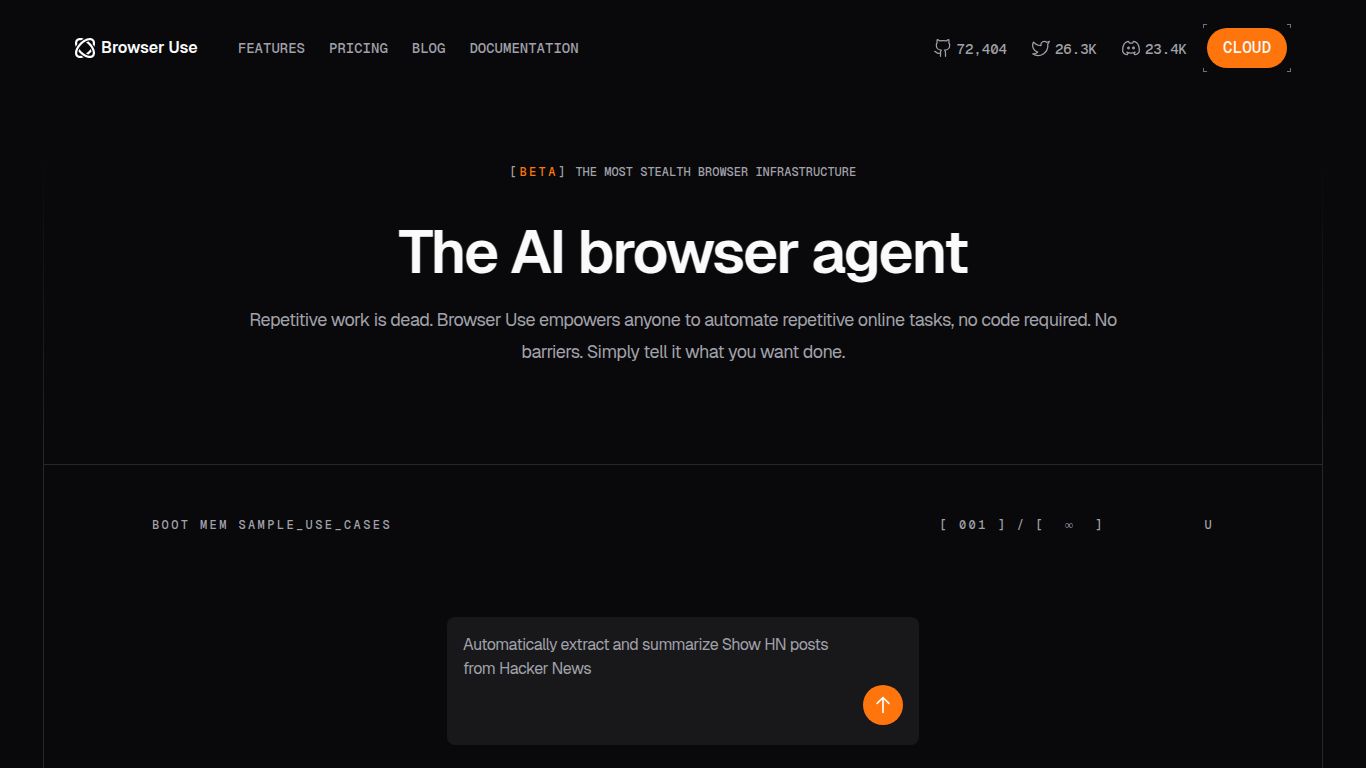
Core AI Capabilities: A Multi-Talented Assistant
Browser Use is not a one-trick pony. It bundles a suite of powerful AI capabilities directly into your browser, ready to be deployed with a single click.
- Advanced Text Generation: Effortlessly draft professional emails, engaging social media posts, or creative blog articles based on simple prompts, all without leaving your current page. It can also summarize lengthy articles, rephrase sentences for clarity, or change the tone of your text from formal to casual.
- On-the-Fly Image Generation: Need a unique image for a presentation or a social media update? Describe what you want, and Browser Use will generate stunning, royalty-free images right within your browser. No need to navigate to a separate image generation tool.
- Intelligent Data Extraction: Automatically scan and pull key information from web pages, such as contact details, product specifications, or financial data, and organize it into a structured format.
- Video Content Summarization: Save time by getting the key takeaways from long YouTube videos or webinars. Browser Use can generate a concise, time-stamped summary, allowing you to jump straight to the most important parts.
- Code Assistance: For developers, Browser Use can explain complex code snippets, suggest optimizations, or even generate boilerplate code directly from forums like Stack Overflow or GitHub.
Standout Features That Set Browser Use Apart
What makes Browser Use truly special are its user-centric features designed for maximum productivity and ease of use.
- Context-Aware Intelligence: The tool understands the content of the web page you are on, providing highly relevant suggestions and generations.
- Seamless Workflow Integration: As a browser extension, it is always available. Simply highlight text or click the icon to access its full power.
- Customizable Prompts & Templates: Save your most-used prompts and create custom templates for recurring tasks to speed up your workflow even further.
- Multi-Language Support: Work across different languages with powerful translation, summarization, and generation capabilities.
- Privacy-First Design: Your data and browsing activity are handled with the utmost respect for privacy, ensuring a secure and trustworthy experience.
Pricing Plans: Find the Perfect Fit
Browser Use offers a flexible pricing structure to suit everyone from casual users to large teams.
Free Starter
- Price: $0/month
- Includes: 20 AI generations per month, basic text features, standard support. Perfect for trying out the core functionalities.
Pro Plan
- Price: $15/month
- Includes: Unlimited AI generations, access to all text, image, and data extraction features, priority support, and custom prompt library. Ideal for professionals and power users.
Team Plan
- Price: $29/user/month
- Includes: Everything in Pro, plus centralized billing, team collaboration features, and dedicated account management. Designed for businesses and agencies.
Who is Browser Use For?
This versatile tool is a game-changer for a wide range of users:
- Content Creators & Marketers: To quickly generate ad copy, social media updates, and blog post ideas.
- Students & Researchers: For summarizing academic papers, extracting key data, and improving their writing.
- Developers & Programmers: To understand and debug code faster without leaving their documentation.
- Sales & Business Professionals: For drafting outreach emails, researching leads, and preparing meeting notes.
- Everyday Users: Anyone looking to enhance their daily browsing, from writing better comments to quickly understanding complex topics.
Browser Use vs. The Competition
While tools like Jasper or Copy.ai offer powerful text generation, they often exist in a separate application, requiring constant tab-switching. Other browser extensions might offer summarization or grammar checks, but rarely do they combine text, image, video, and code capabilities into one cohesive package. Browser Use distinguishes itself by being an all-in-one, context-aware suite that lives right where you work: your browser.
By bringing a diverse set of AI tools directly into the browser workflow, Browser Use eliminates friction and unlocks a new level of productivity that standalone apps simply can’t match. It’s not just another AI tool; it’s a fundamental upgrade to the way you interact with the web.
