Robocorp
Python/RPA stack with Playwright-based browser control and libraries for scalable web automations.
AI web scraper and website change monitor that adapts to layout changes and connects to 7,000+ apps.
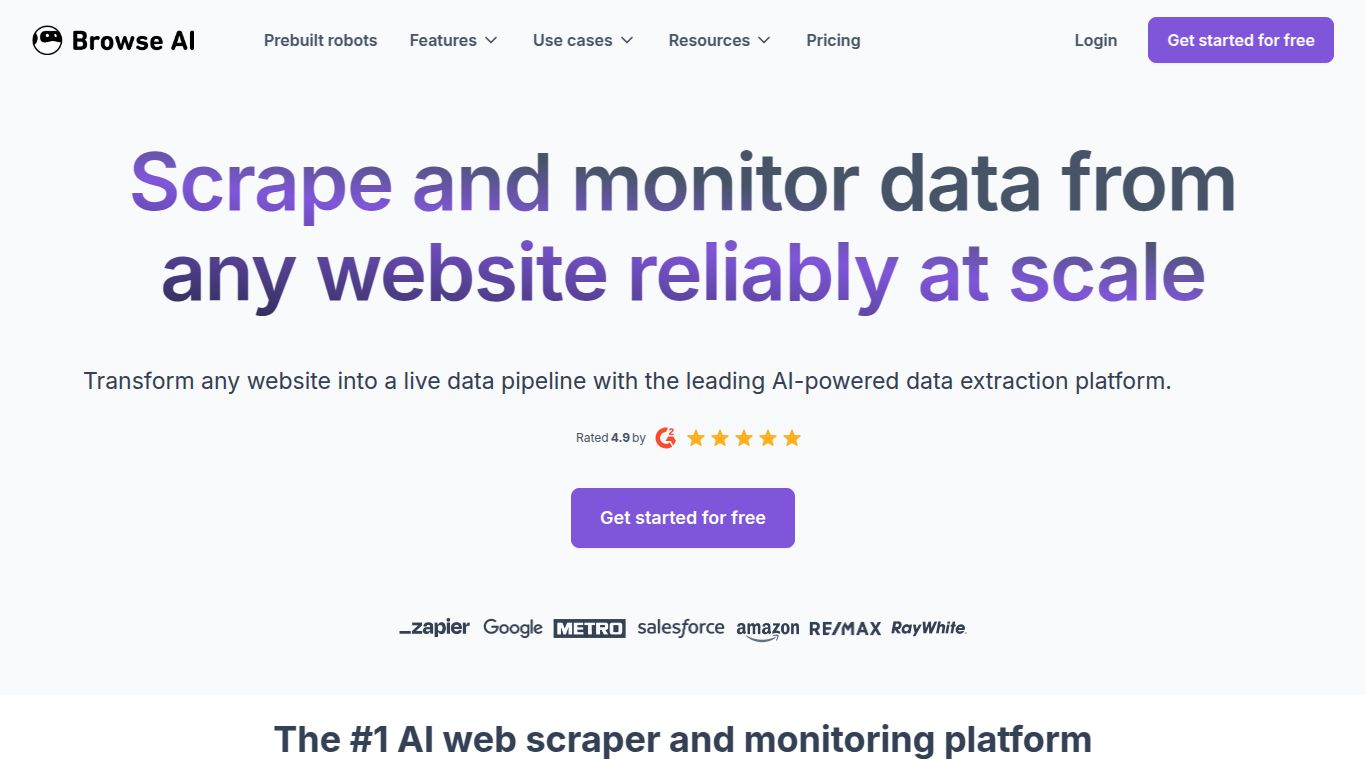
In a world overflowing with data, the ability to harness it efficiently is a superpower. Enter Browse AI, a revolutionary no-code platform designed to turn any website into a data source or API, all without writing a single line of code. Developed for speed and simplicity, Browse AI empowers users to train “robots” in just a couple of minutes to extract specific information, monitor web pages for changes, and automate tedious data collection tasks. It’s a game-changer for anyone who needs web data but lacks the technical expertise or time to build custom scrapers.
Unlike generative AI tools that create content, Browse AI is an extractive and monitoring AI. Its primary capability is to understand the structure of a webpage and pull out the exact data you need. Think of it as your personal robot that can see a website just like a human, but works 24/7 to gather information for you.
Browse AI is packed with features that make it both powerful and incredibly accessible.
Browse AI offers a flexible pricing structure suitable for everyone from casual users to large enterprises. (Note: Prices are subject to change and are listed as a general guide).
Perfect for testing the waters and small, one-off projects. It includes a limited number of credits to run your robots and explore the platform’s core features.
Designed for individuals and small businesses, this plan offers a significant boost in monthly credits, allowing for more frequent data extraction and monitoring on a larger scale.
Aimed at professionals and teams with heavy data needs. This tier includes a vast number of credits, more parallel robot runs for faster execution, and access to premium features.
The ultimate solution for large organizations and enterprises. It offers custom credit allocations, a higher number of parallel runs, dedicated support, and features tailored to team collaboration.
This tool is a perfect fit for a wide range of users who can benefit from automated web data collection:
While Browse AI is a leader in the no-code scraping space, other tools like Octoparse, ParseHub, and Apify offer similar functionalities. So, how does it stack up?
Octoparse and ParseHub are powerful and feature-rich but often come with a steeper learning curve and a more complex user interface. They are excellent for highly intricate scraping tasks but can be overkill for users who need speed and simplicity.
Apify is more of a developer-focused platform, offering a marketplace of scraping “actors” and more robust coding capabilities. It’s incredibly powerful but less suited for non-technical users.
Browse AI’s key differentiator is its unmatched simplicity and speed. The “train a robot in 2 minutes” promise is not just a marketing slogan; it’s a reality. Its clean, modern interface and guided process make it the most user-friendly option on the market. It strikes the perfect balance between powerful features and ease of use, making it the ideal choice for business professionals, marketers, and entrepreneurs who value their time and want results without a technical headache. If you need to get reliable data from the web quickly and efficiently, Browse AI should be at the top of your list.
