DocsBot AI: Transform Your Content into an Instant AI Expert
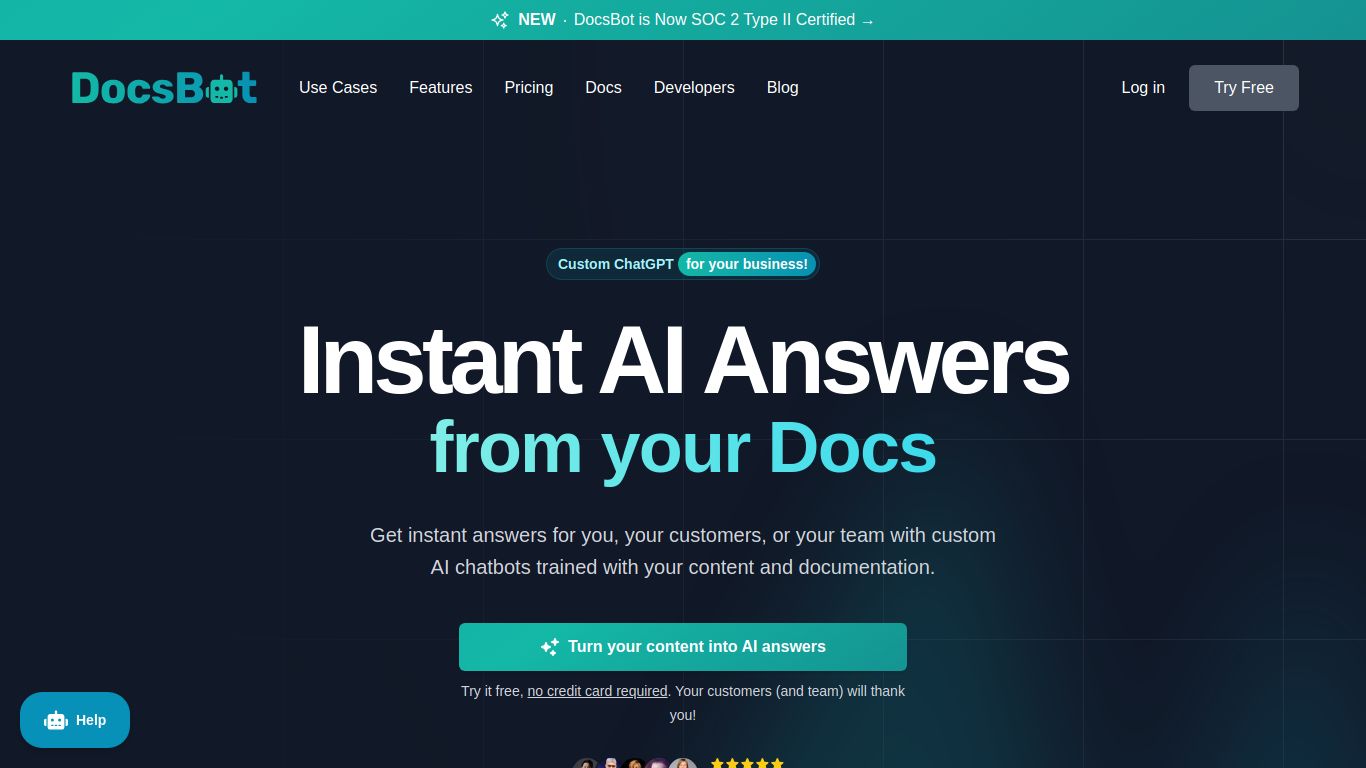
Tired of answering the same questions over and over? Meet DocsBot AI, a powerful and intuitive platform designed to create custom AI chatbots from your own documentation and content. Developed to streamline customer support and internal knowledge management, DocsBot AI allows you to build a sophisticated, ChatGPT-powered assistant in minutes, not weeks. It ingests your knowledge base, website content, product manuals, or any other documents and turns them into an interactive, 24/7 support agent that provides accurate, instant answers to your users’ queries. It’s a game-changer for businesses looking to enhance user experience and free up their human support teams for more complex issues.
Core Capabilities
DocsBot AI is a specialist, focusing exclusively on creating sophisticated text-based AI chatbots. Its strength lies in understanding and processing your written content to deliver precise answers. It is not a tool for generating images, video, or audio. Its primary capabilities include:
- Custom AI Chatbot Creation: The core function. Upload your documents, link your website, or connect other data sources to build a chatbot that knows your business inside and out.
- Automated Customer Support: Embed the chatbot on your website to provide instant, 24/7 support, dramatically reducing ticket volume and improving customer satisfaction.
- Internal Knowledge Management: Use DocsBot AI internally for your team. Create a bot for onboarding new hires, answering HR questions, or navigating complex internal documentation with ease.
- Lead Generation & Sales Assistance: Configure your bot to answer product questions, qualify leads, and even book meetings directly from your website.
Standout Features
What really makes DocsBot AI shine? It’s the thoughtful features designed for flexibility and power. Here are some of the highlights that set it apart from the crowd:
- 🤖 Multiple Data Sources: Don’t limit your bot’s knowledge. DocsBot can learn from a wide array of sources, including website crawls, PDF uploads, text input, Google Docs, Intercom, Zendesk, and more.
- 🎨 Deep Customization & Branding: Match the chatbot’s appearance and personality to your brand. Customize colors, logos, welcome messages, and even define the bot’s persona and tone of voice.
- 🔌 Seamless Integration: Embedding your new chatbot is a breeze. Use the simple JavaScript snippet for your website, or integrate it directly into platforms like Slack, Discord, and WordPress.
- ⚙️ Powerful Developer API: For those who need more control, DocsBot provides a robust API to build completely custom solutions and integrate the AI’s answering capabilities into your own applications.
- 📊 Usage Analytics: Gain valuable insights into what your customers are asking. The built-in dashboard shows you conversation history, popular questions, and unanswered queries, helping you improve both your bot and your documentation.
- 🌐 Multilingual Support: Serve a global audience with support for over 100 languages, allowing users to ask questions and receive answers in their native tongue.
Pricing Plans
Let’s talk brass tacks. DocsBot AI offers a flexible pricing structure to suit everyone from individual hobbyists to large enterprises. They even offer a free trial to get you started.
Hobby Plan
$29/month
- Ideal for personal projects & small sites
- 1,000 Messages/month
- 2 Bots
- 500 Sources
- Standard Support
Power Plan
$99/month
- Perfect for growing businesses & startups
- 5,000 Messages/month
- 10 Bots
- 2,500 Sources
- GPT-4 & Branding Removal
- Priority Support
Business Plan
$499+/month
- For established companies & high traffic
- 25,000+ Messages/month
- Unlimited Bots
- 10,000+ Sources
- API Access & Integrations
- Dedicated Support
Who is DocsBot AI For?
This tool is incredibly versatile, making it a perfect fit for a variety of roles and industries. You’ll find it particularly useful if you are a:
- SaaS Founders & Product Managers: To provide instant, accurate support for your software documentation and reduce the load on your technical support team.
- Customer Support Teams: To deflect common queries, provide 24/7 first-line support, and allow human agents to focus on high-value interactions.
- E-commerce Store Owners: To answer product questions, handle shipping queries, and guide customers through the purchasing process automatically.
- Educators & Course Creators: To create an AI tutor from course materials, allowing students to get instant clarification on lessons and concepts.
- Developers: Who need a powerful, reliable API to integrate custom AI chat functionality into their own products and services.
- HR & Operations Managers: To build internal bots that handle employee onboarding, policy questions, and IT support, saving time across the organization.
Alternatives & Comparison
The “chatbot-from-your-data” space is growing, and DocsBot AI has some strong competitors. Notable alternatives include Chatbase, Dante AI, and SiteGPT. So how does it stack up?
While many competitors offer similar core functionality, DocsBot AI often differentiates itself with its robust set of integrations (especially for support desks like Zendesk and Intercom) and its highly-praised developer-friendly API. Tools like Chatbase are often lauded for their simplicity and ease of use, making them great for beginners. However, for businesses that need to scale and require deeper integration with their existing workflows or custom applications, DocsBot AI’s powerful feature set and flexible API provide a more comprehensive and future-proof solution. It strikes an excellent balance between user-friendliness for non-technical users and the advanced capabilities required by development teams.
