Unlocking AI Potential: A Deep Dive into Label Studio
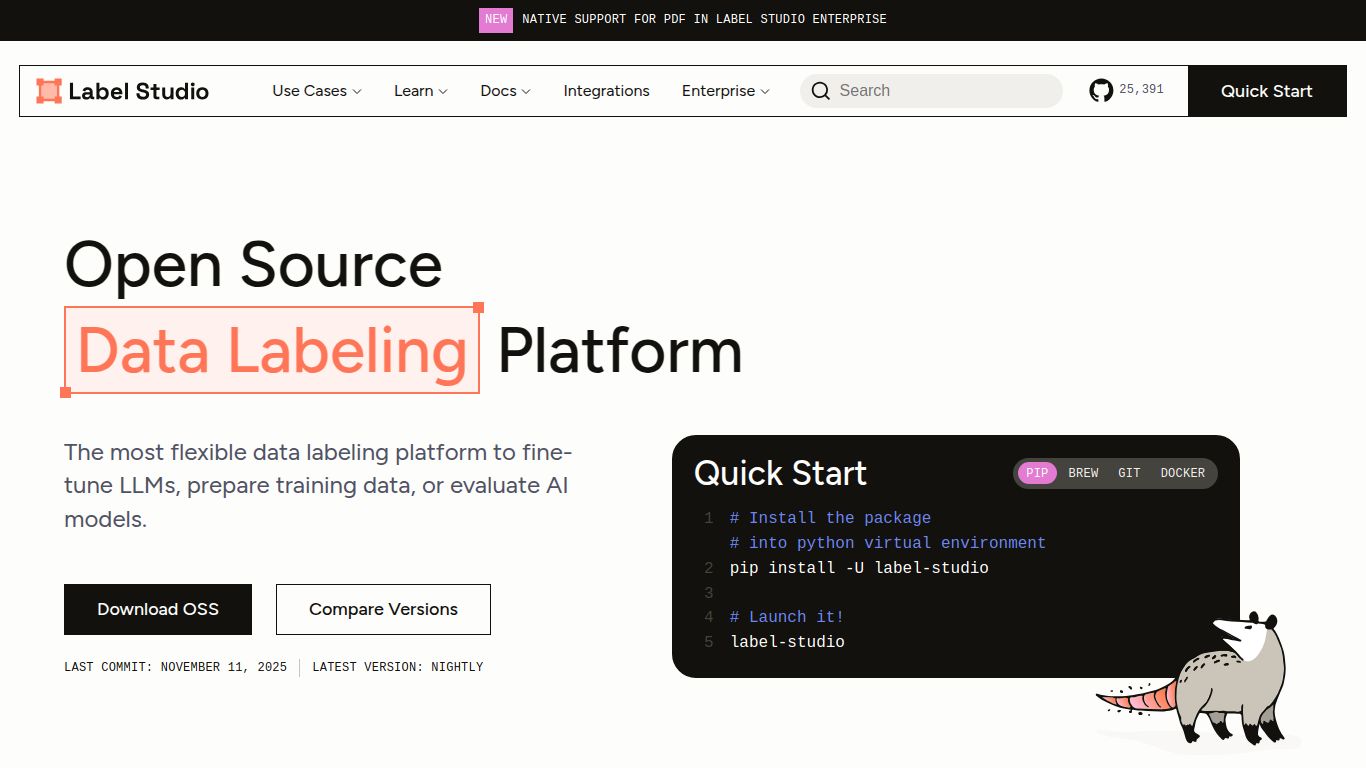
Welcome to the ultimate guide on Label Studio, the open-source data labeling powerhouse developed by HumanSignal. If you’re building any kind of machine learning model, you know that high-quality labeled data is the secret sauce. Label Studio is the versatile, community-driven tool designed to make this critical process flexible, efficient, and highly configurable. It’s not just a tool; it’s a complete environment for annotating all types of data, setting you up for success in your AI journey.
What Can You Label? A Multi-Modal Powerhouse
Label Studio stands out for its incredible versatility. Unlike tools that specialize in a single data type, it offers a unified interface for a vast array of data formats. This means your team only needs to learn one tool for multiple projects.
- Images: From simple bounding boxes for object detection and polygon segmentation for instance-level detail, to keypoint labeling for pose estimation, Label Studio handles all your computer vision needs.
- Text: Dive deep into natural language processing (NLP) with tools for named entity recognition (NER), text classification, sentiment analysis, and even complex conversational AI tasks.
- Audio: Annotate audio files for speaker diarization, sound event detection, or transcription. The highly configurable interface lets you visualize waveforms and label with precision.
- Video: Go beyond static images and perform object tracking across frames, event detection, and temporal segmentation in video files.
- Time-Series Data: Perfect for IoT sensor data or financial markets, you can label events, anomalies, and patterns over time.
Core Features: More Than Just Annotation
Label Studio is packed with features designed to streamline your workflow and enhance collaboration.
- 🎨 Highly Configurable Labeling Interface: This is Label Studio’s killer feature. Using simple XML-like tags, you can create completely custom UIs tailored to your specific task, combining different input and output types.
- 🤖 Machine Learning Assisted Labeling: Integrate your own ML models as a backend to provide pre-annotations or run active learning loops. This dramatically speeds up the labeling process by letting your model do the initial heavy lifting.
- 🤝 Multi-User Collaboration: Easily manage teams of annotators, distribute tasks, and track progress within a single project.
- ✅ Quality Control & Consensus: Implement robust quality assurance workflows, including blind annotations and consensus scoring, to ensure your dataset’s integrity.
- ☁️ Seamless Integrations: Connect directly to cloud storage like Amazon S3, Google Cloud Storage, and Microsoft Azure, allowing you to label data right where it lives.
Pricing: Open Source Freedom & Enterprise Power
Label Studio offers flexible pricing models to suit teams of all sizes, from individual researchers to large enterprises.
Community Edition (OSS)
Price: $0 (Free)
The fully-featured open-source version is completely free. It’s self-hosted, giving you complete control over your data and infrastructure. This is perfect for students, researchers, startups, and anyone who wants to get started without a financial commitment. It includes the core labeling engine, configurable UI, and community support.
Enterprise Edition
Price: Custom Pricing
For organizations with advanced needs, the Enterprise Edition offers enhanced security, scalability, and support. It includes all the features of the Community Edition plus role-based access control (RBAC), SSO, audit logs, advanced analytics, and dedicated support from the HumanSignal team. You’ll need to contact their sales team for a custom quote based on your requirements.
Who is Label Studio For?
Label Studio’s flexibility makes it a go-to choice for a wide range of roles within the AI and data science ecosystem:
- Data Scientists: Quickly prototype and label datasets for new models without relying on external teams.
- Machine Learning Engineers: Integrate labeling directly into MLOps pipelines and use ML-assisted features to create efficient data engines.
- Annotation Managers: Oversee labeling projects, manage teams of annotators, and ensure data quality with built-in QA tools.
- Researchers & Academics: Access a powerful, free tool for a wide variety of research projects across different data modalities.
- Subject Matter Experts: Use intuitive, custom-built interfaces to provide domain-specific labels without needing deep technical knowledge.
Label Studio Alternatives & Comparisons
How does Label Studio stack up against the competition? Here’s a quick look.
- Label Studio vs. CVAT (Computer Vision Annotation Tool): Both are powerful open-source tools. CVAT is highly optimized for computer vision tasks, while Label Studio shines with its superior flexibility, supporting a much wider range of data types (text, audio, time-series) and offering a more customizable interface.
- Label Studio vs. SuperAnnotate / V7: These are commercial platforms that offer a more polished, end-to-end solution with robust project management and automation features. However, they come at a significant cost and offer less flexibility than Label Studio’s self-hosted, open-source model. Label Studio gives you full control, while these platforms offer a more managed service.
- Label Studio vs. Scale AI / Appen: These companies are primarily data labeling services that use their own internal platforms. They are an excellent choice if you want to outsource the entire labeling process. In contrast, Label Studio is the tool you use to manage the process yourself, giving you full ownership and control over the data and workflow.
In summary, if you’re looking for a free, highly flexible, and powerful tool that puts you in the driver’s seat of your data labeling pipeline, Label Studio is an unparalleled choice.
