Chatbot UI: Your Private, Customizable Gateway to the World of AI
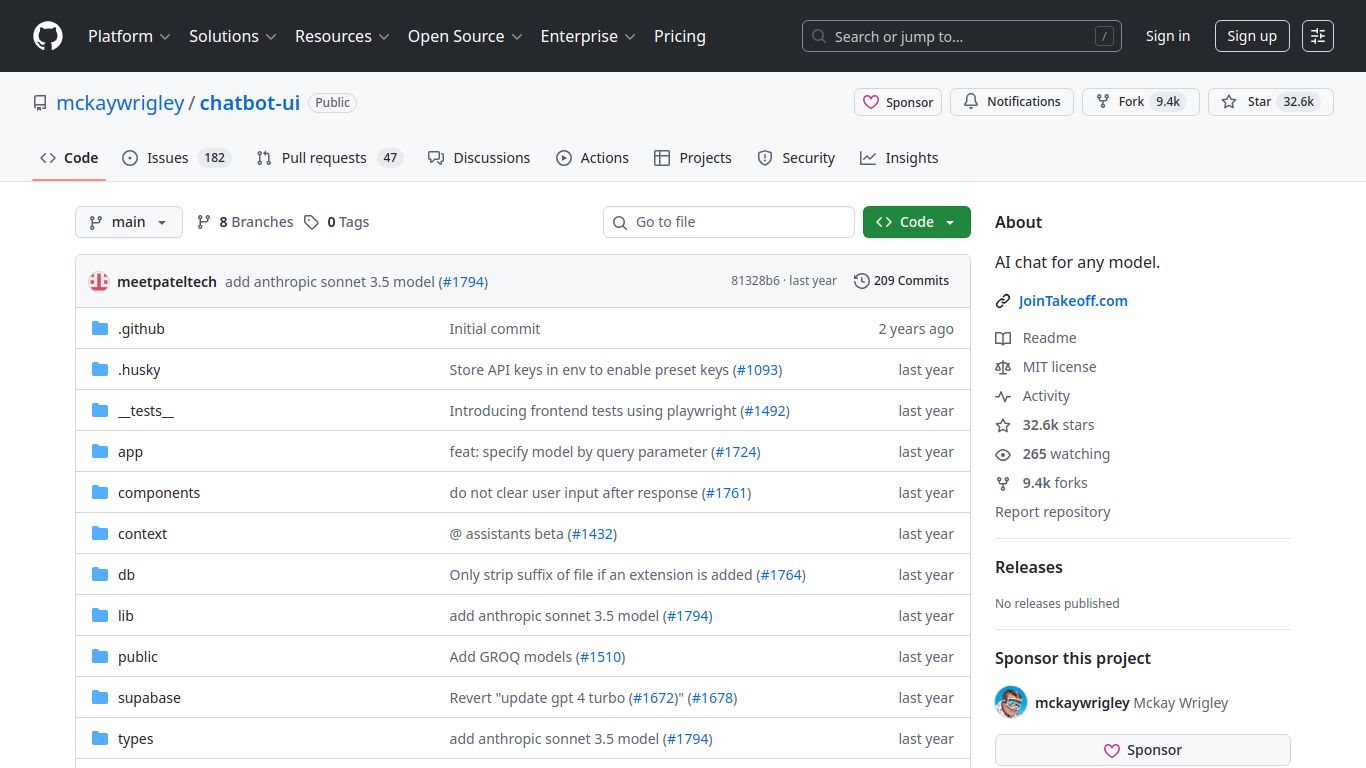
In a digital landscape dominated by platform-specific AI tools, Chatbot UI emerges as a powerful, open-source solution for anyone seeking control, privacy, and unparalleled flexibility. Developed by McKay Wrigley and a community of contributors, this project provides a sleek, self-hostable user interface that acts as a central command center for interacting with a vast array of large language models. Think of it as building your very own private ChatGPT, but with the freedom to plug in any AI engine you prefer, all while keeping your data securely on your own servers.
AI Capabilities Unleashed
The true power of Chatbot UI lies in its agnosticism; its capabilities are a direct reflection of the AI model you connect it to. It’s a versatile chassis waiting for you to drop in your engine of choice. This means you can unlock a full spectrum of AI-driven tasks:
- Advanced Text & Code Generation: Connect to models like OpenAI’s GPT-4, Anthropic’s Claude, or Google’s Gemini to draft emails, write articles, debug code, and brainstorm ideas with sophisticated, human-like text generation.
- Stunning Image Generation: By integrating with models like DALL-E 3, you can turn your textual descriptions into vibrant, high-quality images directly within the chat interface. Perfect for artists, marketers, and creators.
- Vision & Data Analysis: Leverage multimodal models (like GPT-4 Vision) by simply uploading images. Ask the AI to describe what it sees, analyze data from a chart, or even write code based on a screenshot of a website design.
- File-Based Q&A (RAG): Upload your own documents (PDFs, text files, etc.) and chat with your data. Chatbot UI can use Retrieval-Augmented Generation to find answers and summarize information from your private knowledge base.
Core Features
Chatbot UI is packed with features designed for power users and teams who demand more than a standard chat interface offers.
- Total Data Privacy: Since you host it yourself (on platforms like Vercel, Docker, or your own server), your conversations and data never leave your control. A game-changer for businesses and privacy-conscious individuals.
- Multi-Model Support: Don’t get locked into one provider. Seamlessly switch between OpenAI, Anthropic, Google, Mistral, and even locally-run models via Ollama or LM Studio, all from a single interface.
- Intuitive Organization: Manage your conversations effortlessly with a folder-based system. Keep your work, personal, and experimental chats neatly organized and easy to find.
- Prompt Library: Create, save, and reuse your most effective prompts. Build a personal library of commands to streamline your workflow and get consistent results from the AI.
- Full Configurability: Tweak model parameters like temperature and max tokens on the fly to fine-tune the AI’s responses for creativity or precision.
- Plugin Ecosystem: Extend the tool’s capabilities with built-in plugins for real-time web search, giving the AI access to up-to-the-minute information from the internet.
Pricing Structure
This is one of Chatbot UI’s most attractive aspects. The software itself is completely free to use, modify, and deploy, thanks to its open-source MIT license.
- The Software: $0 (Free & Open-Source). You can download the entire codebase from GitHub and use it without any subscription fees or licensing costs.
- Operational Costs: Your only expenses are related to usage and hosting. This includes the API costs for the models you use (e.g., paying OpenAI per token used) and the cost of the server or platform where you deploy the application (which can often be free for personal use on platforms like Vercel).
Who Is It For?
Chatbot UI is the perfect fit for a wide range of users who want to move beyond the limitations of off-the-shelf AI chat tools.
- Developers: An excellent starting point for building custom AI-powered applications or integrating a robust chat interface into existing products without starting from scratch.
- Privacy Advocates: Individuals who want to use powerful AI models without sending their personal or sensitive data to third-party companies.
- Small & Medium Businesses: Teams that need a secure, internal AI tool for brainstorming, content creation, and data analysis while maintaining full control over proprietary information.
- AI Power Users & Enthusiasts: Anyone who loves to experiment with different AI models and wants a unified interface to compare their performance and have granular control over their interactions.
Alternatives & Comparison
How does Chatbot UI stack up against other options in the market?
Chatbot UI vs. ChatGPT (Official Interface)
ChatGPT is the polished, plug-and-play official product from OpenAI. It’s incredibly easy to use but offers limited customization and requires you to trust OpenAI with your data. Chatbot UI, on the other hand, puts you in the driver’s seat. It requires a bit of initial setup but rewards you with complete privacy, the ability to use models from any provider (not just OpenAI), and a more customizable experience.
Chatbot UI vs. LobeChat
LobeChat is another excellent open-source, self-hostable AI chat interface and a direct competitor. Both tools share a similar philosophy of providing a high-quality, private chat experience. The choice between them often comes down to personal preference in user interface design, specific feature implementations, and the underlying technology stack. Both are fantastic options for those looking to build their own private AI hub.
