What is Open WebUI? Your Personal, Self-Hosted AI Universe
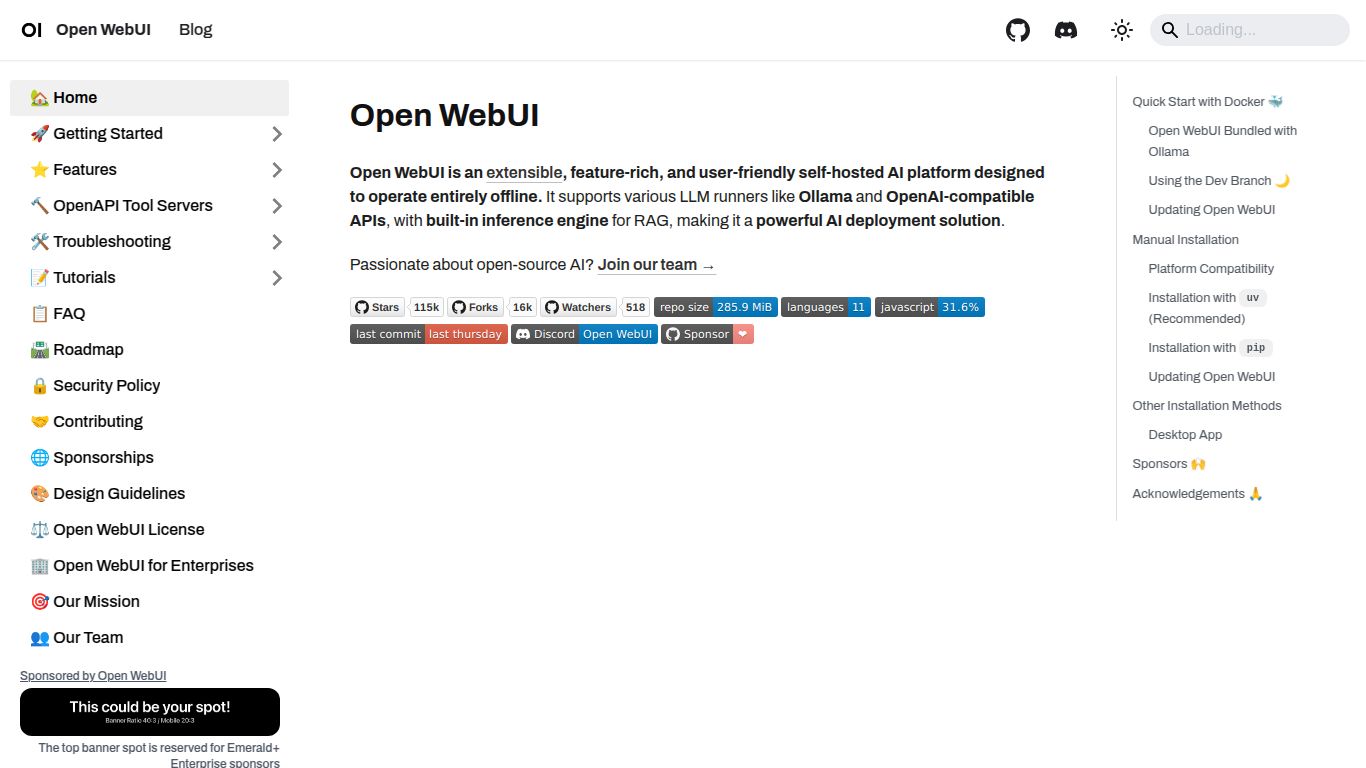
Step into a world of unparalleled AI control with Open WebUI, the premier open-source web interface for interacting with Large Language Models (LLMs). Formerly known as Ollama WebUI, this powerful, community-driven tool provides a user-friendly and feature-rich dashboard that puts you in the driver’s seat of your AI experience. Forget restrictive cloud platforms; Open WebUI allows you to run and manage a diverse range of models—from local powerhouses via Ollama to cloud-based APIs like OpenAI’s GPT series and Anthropic’s Claude—all from a single, sleek, and highly customizable interface. It’s all about providing a private, secure, and versatile environment for developers, researchers, and AI enthusiasts to explore the full potential of language models without compromise.
Core Capabilities: More Than Just Text
Open WebUI acts as a versatile command center, unlocking a wide array of AI capabilities limited only by the models you connect it to. It transforms your local machine or server into a multi-talented AI hub.
- Advanced Text & Code Generation: Engage in sophisticated conversations, draft emails, write articles, or generate complex code snippets. With features like syntax highlighting and Markdown support, it’s a perfect companion for both creative and technical tasks.
- Multimodal Interaction (Image Support): Go beyond words. Open WebUI seamlessly integrates with multimodal models like LLaVA, allowing you to upload images and have insightful conversations about their content. Analyze charts, describe photos, or get creative inspiration from visual prompts.
- Retrieval-Augmented Generation (RAG): Supercharge your AI with personal knowledge. The integrated RAG feature lets you “chat with your documents.” Simply upload PDFs, text files, or other documents, and the AI can use their content to provide accurate, context-aware answers.
- Voice Communication: Interact with your AI hands-free. Open WebUI supports both voice input (speech-to-text) and voice output (text-to-speech), offering a more natural and accessible way to chat with your models.
Standout Features
What truly sets Open WebUI apart is its incredible feature set, designed for both power users and beginners.
- Unified Model Management: Effortlessly switch between local models running on Ollama and remote APIs from providers like OpenAI, Google, Anthropic, and Groq. Compare model performance and select the best tool for the job, all within one chat window.
- Deep Customization: Make the interface your own. From theme adjustments to fine-grained control over model parameters, Open WebUI offers extensive customization. Use prompt presets (characters) to quickly load specific instructions and personas for your AI.
- Local-First and Privacy-Focused: By running on your own hardware, Open WebUI ensures your conversations and data remain private and secure. You have complete ownership and control, free from third-party data mining.
- Collaborative Workflows: Easily share your chat conversations with others via unique, shareable links. This feature is perfect for team collaboration, sharing findings, or simply showing off an interesting AI interaction.
- Integrated Web Browsing: Empower your local models with real-time access to the internet. This allows the AI to fetch up-to-date information, answer questions about current events, and provide more comprehensive responses.
Pricing: Absolutely Free
This is one of Open WebUI’s most compelling advantages. As a fully open-source project, Open WebUI is completely free to download, install, and use. There are no subscription fees, no premium tiers, and no hidden costs. Your only expenses are the hardware you choose to run it on (which can be as simple as your personal computer) and any potential API costs if you decide to connect it to paid, third-party model providers. For users running local models via Ollama, the experience is entirely free of charge.
Who is Open WebUI For?
Open WebUI’s versatility makes it an ideal tool for a diverse range of users:
- Developers & Engineers: A perfect tool for testing, debugging, and integrating various LLMs into applications in a controlled, private environment.
- AI Researchers & Academics: An excellent platform for conducting experiments and studying model behavior without the constraints and costs of commercial services.
- Privacy-Conscious Individuals: Anyone who wants to leverage the power of AI without sacrificing their data privacy and security.
- Startups & Small Businesses: A cost-effective way to build an internal, secure AI chat tool for employees to use for brainstorming, coding assistance, and content creation.
- Tech Hobbyists & Enthusiasts: The ultimate playground for those who love to tinker with the latest AI technology and run powerful models on their own hardware.
Alternatives & Comparison
While there are many ways to interact with AI, Open WebUI occupies a unique and powerful niche.
- vs. Commercial Platforms (ChatGPT, Claude, Gemini): The primary difference is control. While commercial platforms are easy to use, they come with data privacy concerns, potential censorship, and recurring subscription fees. Open WebUI offers complete privacy, unrestricted access to open-source models, and zero cost.
- vs. LM Studio: Both are fantastic for running local models. However, LM Studio is a desktop application, whereas Open WebUI is a web-based server. This means you can host Open WebUI on one machine and access it from any device on your network (or even remotely), making it ideal for multi-user or remote access scenarios.
- vs. AnythingLLM: AnythingLLM is another excellent open-source, self-hosted option, but it is heavily focused on being an enterprise-grade RAG solution. Open WebUI is a more general-purpose and versatile chat interface, offering powerful RAG capabilities as one of its many features, alongside superior multi-model management and a highly polished user experience for general conversation.
