Google Cloud Speech-to-Text: The Ultimate AI for Audio Transcription
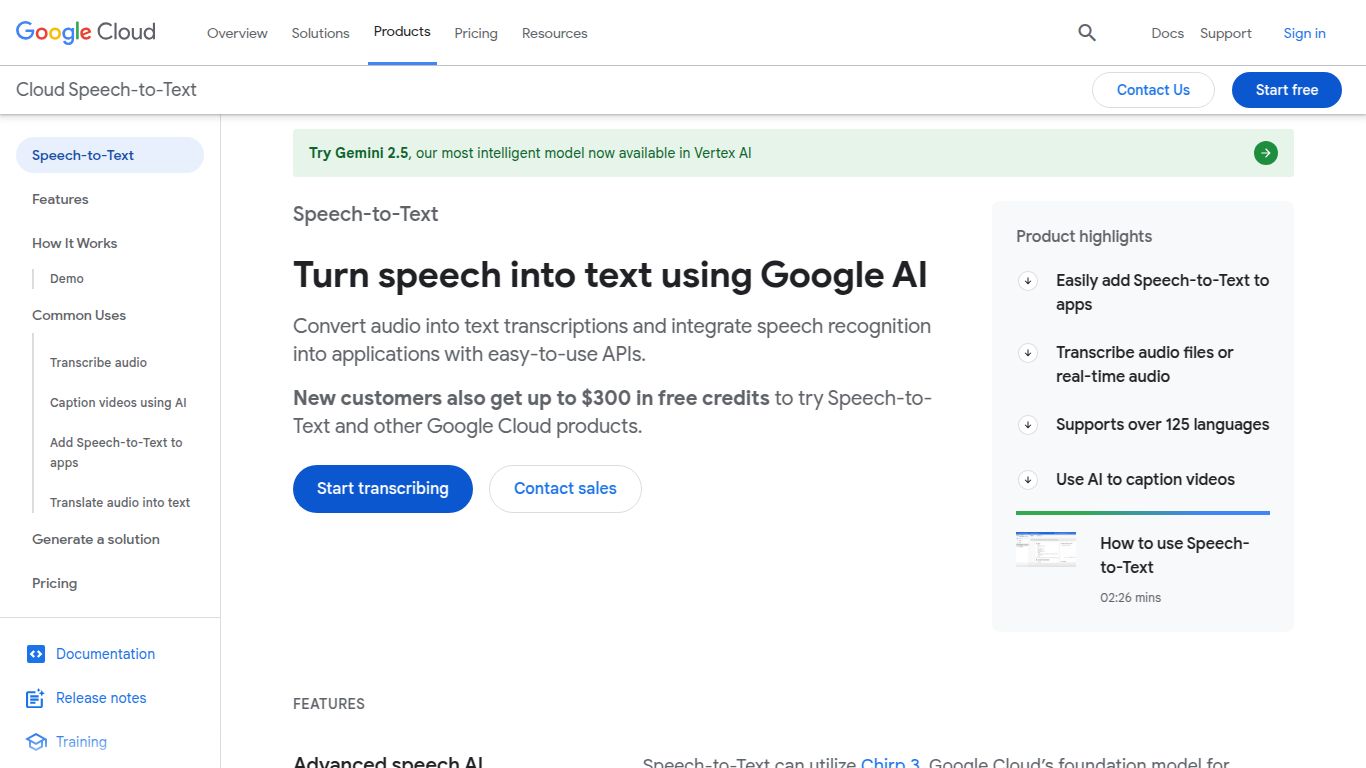
Welcome to the deep dive into Google Cloud Speech-to-Text, a state-of-the-art transcription service developed by the tech giant, Google. This powerful tool isn’t just about converting audio to text; it’s about understanding spoken language with incredible accuracy and speed. Leveraging Google’s most advanced deep learning neural networks, it empowers developers and businesses to unlock valuable insights from audio data, automate processes, and enhance user experiences. Whether you’re transcribing a customer service call, generating subtitles for a video, or enabling voice control in your application, Google Cloud Speech-to-Text provides the robust foundation you need.
Core Capabilities: From Sound to Text
Unlike multi-modal AI tools, Google Cloud Speech-to-Text has a singular, laser-focused mission: audio-to-text transcription. It excels in this domain by offering two primary modes of operation:
- Batch Transcription: Perfect for processing pre-recorded audio files. Simply upload your audio, and the service will return a highly accurate text transcript. This is ideal for analyzing call recordings, transcribing interviews, or creating archives of spoken content.
- Real-Time Streaming: Capture and transcribe audio as it’s being spoken. This capability is essential for applications requiring immediate text output, such as live captioning for events, voice command interfaces, and real-time assistance for call center agents.
Unlock Powerful Features
What sets this service apart is its rich feature set, designed for flexibility and precision across various industries.
- Broad Language Support: Accurately transcribe audio in over 125 languages and dialects, making it a truly global solution.
- Model Specialization: Choose from a selection of pre-trained models optimized for specific use cases, such as phone calls, video content, and even medical dictation, to achieve the highest possible accuracy.
- Speaker Diarization: Automatically identify and label different speakers in a conversation. The transcript will clearly indicate “Who said what,” which is invaluable for meeting notes and interview analysis.
- Automatic Punctuation: The AI intelligently adds commas, periods, and question marks to your transcripts, making the output readable and ready for immediate use.
- Custom Vocabulary (Adaptation): Improve transcription accuracy for domain-specific terms, product names, or unique jargon by providing a list of custom words and phrases.
- Content Filtering: Automatically filter out inappropriate or profane content from your text transcripts, ensuring a clean output for public-facing applications.
Flexible and Transparent Pricing
Google Cloud Speech-to-Text operates on a flexible, pay-as-you-go model, ensuring you only pay for what you use. There are no upfront commitments or complex contracts.
- Free Tier: To help you get started, Google offers a generous free tier, which typically includes 60 minutes of audio processing per month at no cost. This is perfect for development, testing, and small-scale projects.
- Standard Pay-as-you-go: Beyond the free tier, pricing is calculated per minute of audio processed. The cost varies slightly based on the features you enable. For instance, using a standard model is more affordable, while specialized models (like medical) or features like speaker diarization may have a slightly higher rate. This transparent structure allows you to scale your usage seamlessly from small projects to enterprise-level workloads.
Who Is It For? The Ideal User Profile
This tool is designed for a wide range of professionals and organizations:
- Developers & Software Engineers: The primary audience. They can integrate transcription capabilities directly into their applications via a robust API.
- Content Creators (Podcasters, YouTubers): Easily generate accurate subtitles and transcripts for their audio and video content, improving accessibility and SEO.
- Businesses & Call Centers: Analyze customer interactions, ensure quality assurance, and gain insights from phone calls to improve service.
- Journalists & Researchers: Quickly and accurately transcribe interviews, lectures, and field recordings, saving hours of manual work.
- Healthcare Professionals: Use the medical model for accurate transcription of clinical dictation and patient notes.
- Legal Professionals: Transcribe depositions, court hearings, and client meetings with high fidelity.
Alternatives & How It Compares
While Google is a leader in this space, it’s helpful to know the landscape. Here are some notable alternatives:
- OpenAI Whisper: A powerful and highly versatile open-source model known for its exceptional accuracy across a wide range of audio types. It’s a fantastic choice for those who want more control and can manage their own infrastructure.
- Amazon Transcribe: Part of the AWS ecosystem, it’s a direct competitor offering a similar suite of enterprise-grade features, including custom vocabularies and speaker identification. It’s a natural choice for teams heavily invested in AWS.
- Microsoft Azure Speech to Text: Another major cloud provider offering a competitive service with strong customization options and seamless integration with other Azure services.
- AssemblyAI & Deepgram: These are more specialized, API-first companies that often compete on speed, developer experience, and advanced features like topic detection and summarization.
In comparison, Google Cloud Speech-to-Text shines with its seamless integration into the vast Google Cloud Platform, its highly accurate specialized models (especially for phone calls and video), and the backing of Google’s world-class AI research. It remains a top-tier choice for reliability, scalability, and performance.
