Notion AI (Q&A)
Ask natural-language questions over workspace pages, databases, and PDFs in Notion.
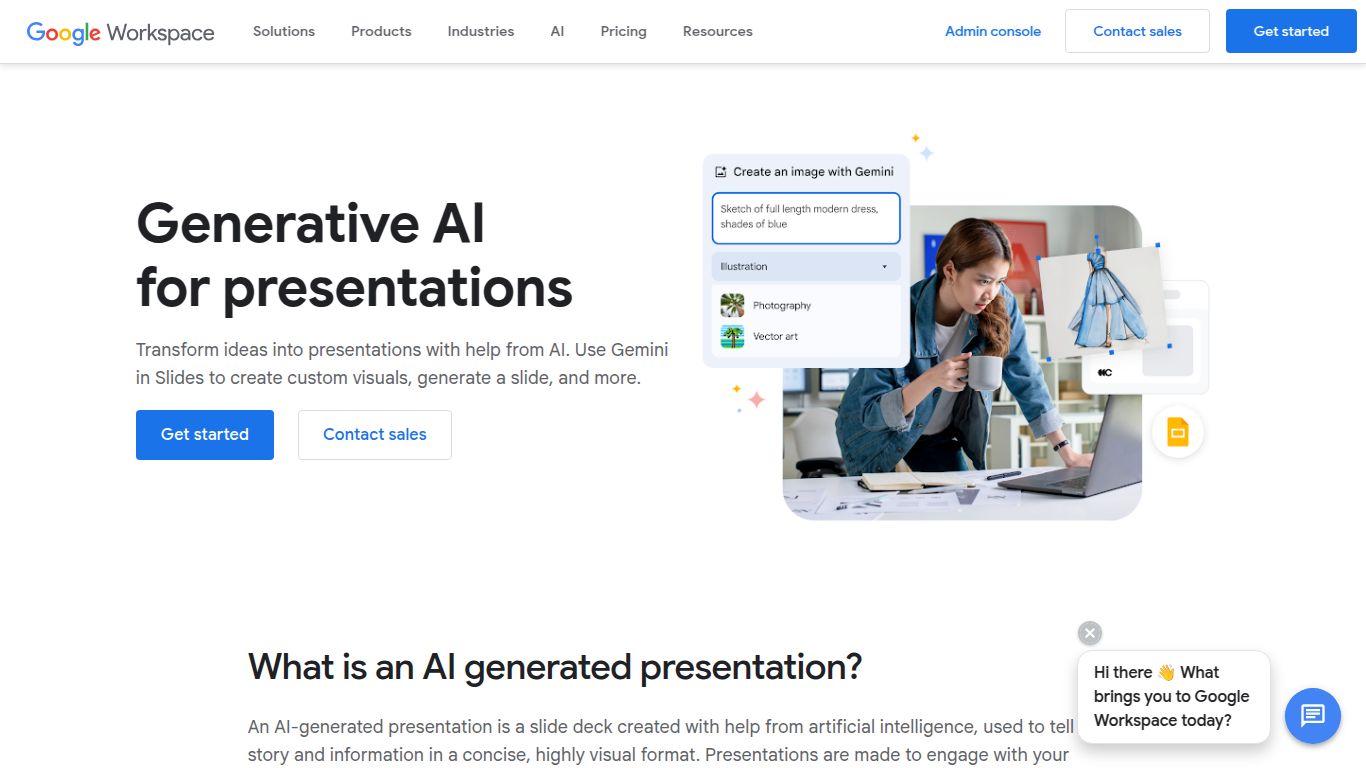
Use Gemini to create slides from ideas or Drive docs, and generate custom visuals in Slides.
Tired of staring at a blank presentation, waiting for inspiration to strike? Say goodbye to creative blocks and tedious design work. Google, the tech giant you already know and trust, has integrated its powerful Gemini AI directly into Google Slides, transforming the way we create and deliver presentations. This isn’t just a new feature; it’s a revolutionary co-pilot designed to help you craft stunning, professional-grade slideshows faster and more efficiently than ever before. It leverages the vast intelligence of Gemini to turn your simple text prompts into visually compelling narratives, all within the familiar and collaborative environment of Google Workspace.
At its heart, Gemini for Google Slides is a multi-talented creative partner. It focuses on the two most critical elements of any great presentation: visuals and text.
Forget endless searches for the perfect stock photo. With Gemini, you can generate completely original, high-quality images directly within your slide. Simply describe the scene, style, or concept you have in mind—from a “futuristic cityscape at sunset in a synthwave style” to a “minimalist icon of a lightbulb”—and watch as the AI brings your vision to life. This gives your presentations a unique and custom-tailored look that stands out from the crowd.
Struggling to find the right words? Gemini is your on-demand copywriter and strategist. You can give it a simple prompt like “Create a five-slide presentation about the benefits of remote work,” and it will generate a complete outline with titles, bullet points, and speaker notes. It can also summarize lengthy documents from Google Docs or notes from Sheets to create key talking points, rewrite existing text for clarity and tone, and even help you brainstorm new ideas from scratch.
What makes this integration a game-changer? It’s the seamless blend of powerful features designed to streamline your workflow.
Gemini is not a free add-on; it’s part of the premium “Gemini for Google Workspace” subscription. This is an add-on that you can purchase for your existing Google Workspace plan. The pricing structure is typically on a per-user, per-month basis.
Note: Pricing is subject to change, and Google may offer different promotions or plans. It’s best to check the official Google Workspace website for the most current information.
This powerful tool is designed to benefit a wide range of professionals and individuals who rely on presentations to communicate ideas.
While Google’s offering is powerful, it’s not the only player in the AI presentation space. Here’s a look at some key alternatives:
This is the most direct competitor. Integrated into the Microsoft 365 ecosystem, Copilot offers similar functionality, pulling data from Word, Excel, and Teams. The choice between Gemini and Copilot often comes down to which ecosystem your organization is already invested in—Google Workspace or Microsoft 365.
Tome is a dedicated AI presentation platform known for its beautiful, modern design templates and fluid, web-based layouts. It excels at storytelling and visual appeal but lacks the deep integration with productivity documents that Gemini offers.
Similar to Tome, Gamma focuses on creating web-native presentations, docs, and webpages from text prompts. It is highly flexible and great for creating interactive content, but it operates as a standalone tool outside of the Google/Microsoft productivity suites.
The ultimate strength of Google Slides + Gemini is its unparalleled integration within the Google Workspace ecosystem. If your workflow revolves around Gmail, Google Drive, Docs, and Sheets, no other tool can match its ability to seamlessly pull information and context to build relevant, data-driven presentations. It’s the perfect choice for users who want to enhance their existing workflow with powerful AI without having to learn a brand new platform.
