Gemini for Google Workspace: Your AI-Powered Co-pilot for Ultimate Productivity
Meet Gemini for Google Workspace, Google’s revolutionary AI-powered assistant designed to be the ultimate co-pilot for your daily tasks. Developed by Google, this powerful tool isn’t a standalone application but a deeply integrated layer of intelligence across the entire Google Workspace suite you already know and love—including Docs, Sheets, Slides, Gmail, and Meet. It’s designed to save you time, spark your creativity, and dramatically enhance your productivity by transforming how you write, organize, visualize, and connect.
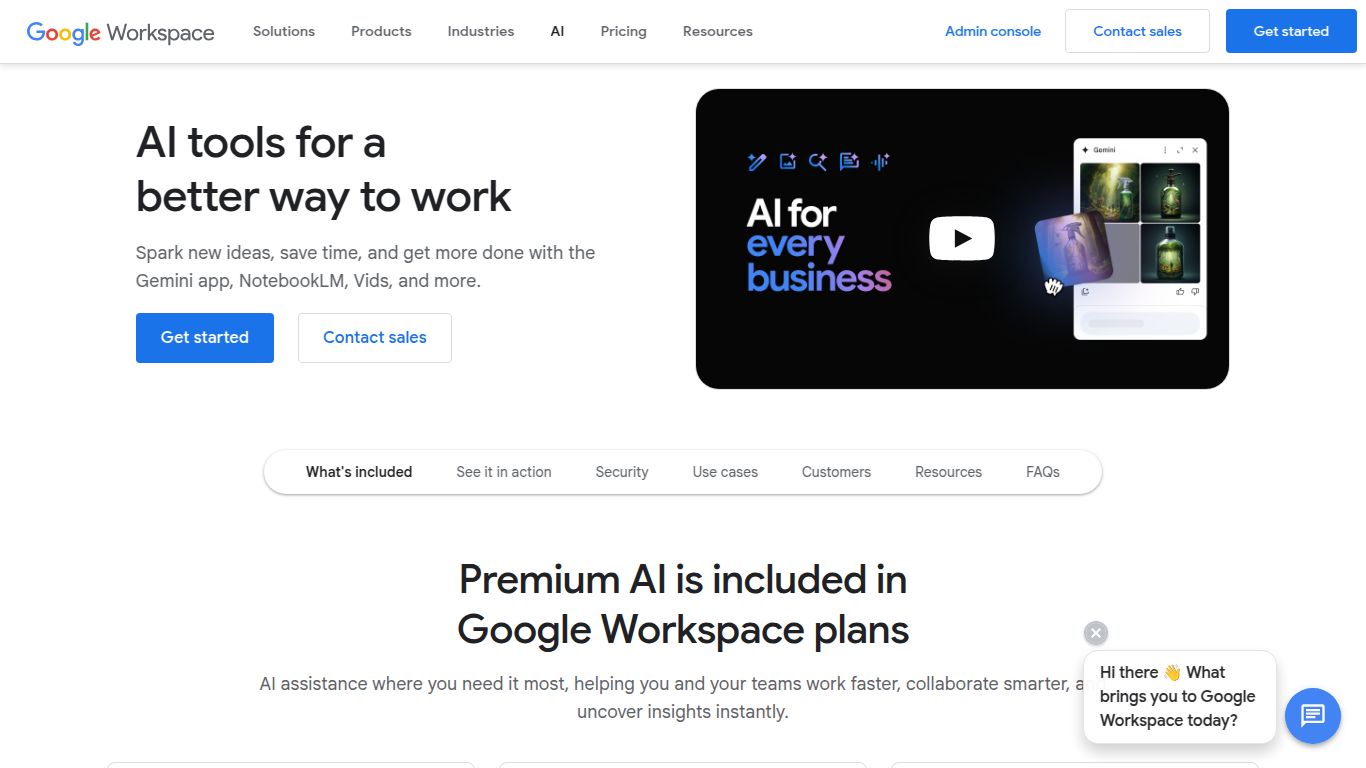
Capabilities: What Can Gemini for Google Workspace Do?
Gemini brings a versatile set of generative AI capabilities directly into your workflow, acting as a multi-talented creative and analytical partner.
- 📝 Text Generation & Refinement: This is Gemini’s core strength. Instantly draft professional emails in Gmail, brainstorm blog post ideas in Docs, summarize lengthy reports, or even change the tone of your writing from formal to casual with a single click. It’s your personal editor and ghostwriter, always on call.
- 🎨 Image Generation: Bring your presentations to life in Google Slides by generating completely original, custom images from a simple text description. Need a unique visual for a marketing slide or a specific illustration? Just ask Gemini to create it for you, right within your project.
- 📊 Data Organization & Analysis: In Google Sheets, Gemini becomes your data guru. It can help you create project plans, generate templates, categorize data automatically, and write complex formulas, turning raw numbers into actionable insights in seconds.
- 🎥 Video & Meeting Enhancement: While it doesn’t generate video from scratch, Gemini supercharges your Google Meet experience. Create unique, AI-generated backgrounds, get real-time translated captions, and receive intelligent meeting summaries (on select plans) so you never miss a key takeaway.
Key Features: Supercharge Your Favorite Apps
Gemini’s magic lies in its seamless integration, offering unique features tailored for each application.
- ✨ Help me write (Docs & Gmail): Overcome writer’s block by having Gemini draft anything from a marketing email to a formal proposal. It can also summarize long email threads to get you up to speed instantly.
- ✨ Help me organize (Sheets): Move beyond manual data entry. Use natural language to create trackers, schedules, and budgets, letting Gemini handle the structure and formulas.
- ✨ Help me visualize (Slides): Instantly generate images and speaker notes, allowing you to focus on your message instead of spending hours searching for stock photos.
- ✨ Help me connect (Meet): Improve communication and engagement with studio-quality enhancements, custom backgrounds, and powerful summarization tools.
- ✨ Seamless Contextual Awareness: Gemini understands the context of your work within each app, providing relevant, helpful suggestions without you ever needing to switch tabs or open a different program.
Pricing: Plans & Tiers
Gemini for Google Workspace is available as a paid add-on to most existing Google Workspace plans. The pricing is designed to be straightforward and scalable for different team sizes.
- Gemini Business: Priced at approximately $20 per user/month (with an annual commitment). This plan is ideal for individuals and small to medium-sized teams looking to boost productivity across the Workspace suite.
- Gemini Enterprise: Priced at approximately $30 per user/month (with an annual commitment). This tier is built for larger organizations and includes all the features of the Business plan plus advanced capabilities like AI-powered meeting features (summaries, translations) and enhanced security protections.
Note: A base Google Workspace subscription is required. Prices are subject to change and may vary by region.
Who is it For? The Ideal User Profile
Gemini is a game-changer for a wide range of professionals who rely on the Google ecosystem.
- Marketing Professionals: For crafting compelling ad copy, brainstorming campaign ideas, and creating stunning presentation visuals on the fly.
- Project Managers: For quickly building project plans in Sheets, drafting status update emails, and summarizing meeting notes.
- Business Owners & Entrepreneurs: For streamlining operations, handling customer communications, and generating professional documents without a large team.
- Content Creators & Writers: For overcoming writer’s block, refining drafts, and summarizing research material.
- Students & Educators: For drafting essays, creating engaging lecture slides, and organizing research notes efficiently.
Alternatives & Comparison
While Gemini is a powerhouse in its own right, it’s important to know the landscape.
- Microsoft 365 Copilot: This is the most direct competitor. If your organization is built on the Microsoft Office suite (Word, Excel, PowerPoint, Teams), Copilot offers a nearly identical set of integrated AI features powered by OpenAI’s models. The choice between Gemini and Copilot often comes down to which ecosystem you primarily work in.
- Notion AI: An excellent tool for knowledge management, writing, and organization. However, Notion AI operates within its own platform and doesn’t integrate directly into your email or spreadsheet tools like Gmail and Sheets. It’s a fantastic alternative for centralized documentation and brainstorming but less of a full-suite productivity assistant.
- Grammarly: While not a direct competitor in terms of scope, Grammarly is a powerful AI writing assistant. It excels at proofreading, tone adjustment, and style suggestions. It’s a more specialized tool focused purely on improving your writing, whereas Gemini offers a much broader range of capabilities across different tasks and applications.
