Opera — Aria
Opera’s built-in AI assistant for page summaries, chat, and productivity—available across Opera browsers.
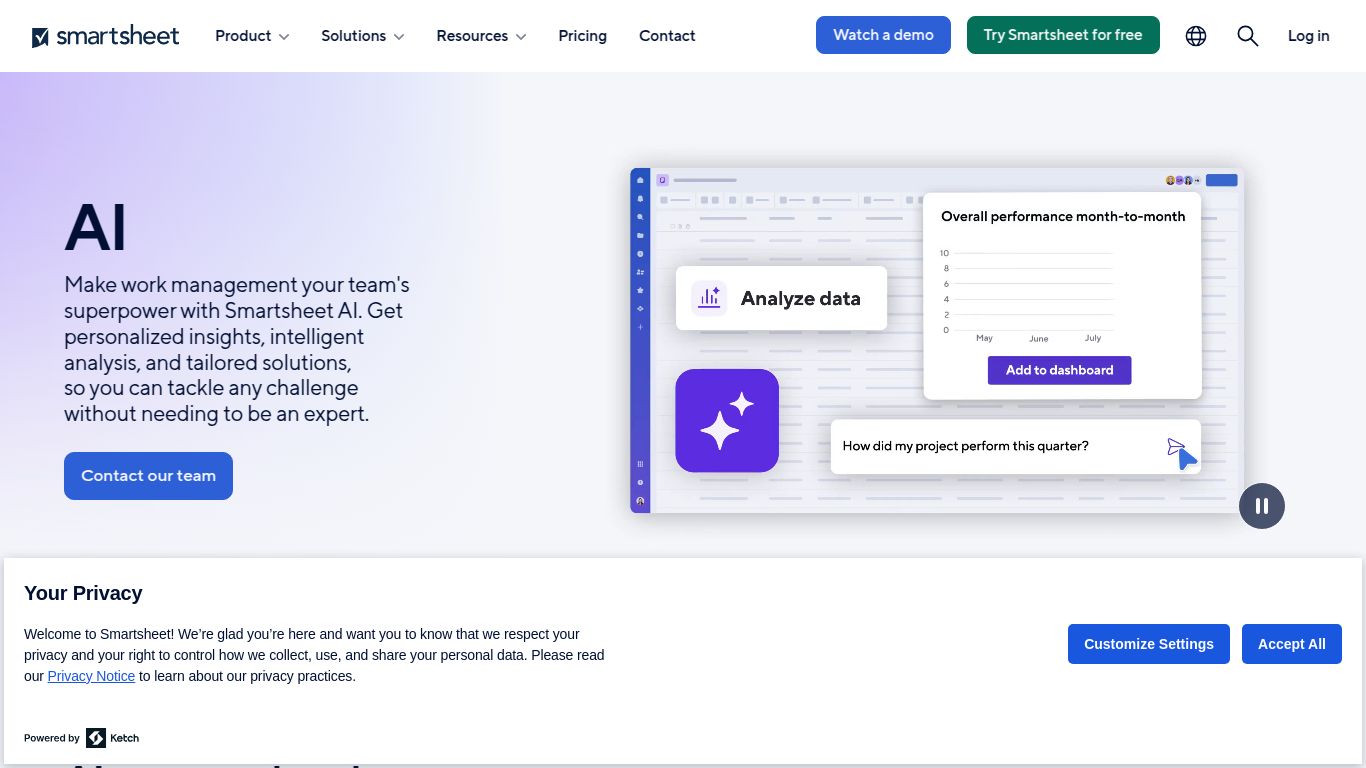
Generate formulas, summarize data, and streamline work with an AI layer for sheets.
Ever wished your project management tool could think for you? Meet Smartsheet AI, a powerful set of artificial intelligence capabilities built directly into the acclaimed Smartsheet platform. Developed by Smartsheet Inc., this AI layer isn’t just a fancy add-on; it’s a game-changing assistant designed to help you automate tasks, generate insights, and scale your operations with unprecedented speed and efficiency. Say goodbye to manual formula writing and tedious data analysis, and hello to a smarter way of working.
Smartsheet AI focuses on what matters most for productivity and project management: text and data. While it won’t be creating your next viral video or digital masterpiece, it excels at a range of cognitive tasks that are crucial for business operations. Think of it as your brilliant analytical partner, ready to tackle complex challenges with ease.
Smartsheet AI is packed with features designed to make your work life simpler and more impactful. Here are some of the highlights:
Simply describe the calculation you need in everyday language—like “Sum the ‘Budget’ column for all tasks assigned to ‘Jane Doe’ in Q4”—and watch in amazement as the AI instantly generates the correct formula. No more syntax headaches or searching for function guides!
Need to write a project update, a task description, or a summary for stakeholders? The AI can draft it for you directly within a cell, leveraging the data from your project sheet. It’s a massive time-saver for repetitive communication tasks.
Tired of scrolling through endless comment threads to get up to speed? The AI can summarize entire conversations, attached documents, or selected data sets, giving you the key takeaways in a flash so you can focus on what’s next.
Smartsheet AI is designed as a premium feature integrated into the Smartsheet ecosystem. It is not available as a standalone purchase or with the Free and Pro plans. To unlock its power, you’ll need one of the following subscriptions:
Smartsheet AI is a perfect fit for professionals and teams who are serious about optimizing their work management processes. If you fit into one of these roles, you’ll find it indispensable:
While Smartsheet AI is a powerhouse, the world of AI-driven productivity is booming. Here are a few alternatives and how they stack up:
Both platforms brilliantly integrate AI into a flexible data management environment. Smartsheet’s core strength lies in its structured project management and enterprise-grade workflow automation, making its AI ideal for process-oriented, large-scale tasks. Airtable AI, on the other hand, is fantastic for more flexible database management and creative content organization.
Notion AI is a writer’s and note-taker’s dream, excelling at summarizing documents and drafting long-form content within Notion’s free-form workspace. Smartsheet AI is more focused on structured data, formulas, and actionable insights derived from project sheets, making it the superior choice for quantitative analysis and process automation.
These platforms offer similar AI assistants for summarizing tasks and generating content within their project management interfaces. The key differentiator is the underlying platform. If your team is already deeply embedded in Smartsheet’s powerful grid, advanced reporting, and robust automation engine, its native AI will provide the most seamless and powerful experience, leveraging all your existing data and workflows to their fullest potential.
