Arc Search — Browse for Me
Mobile agent that auto-queries, follows links, and composes step-by-step answer pages.
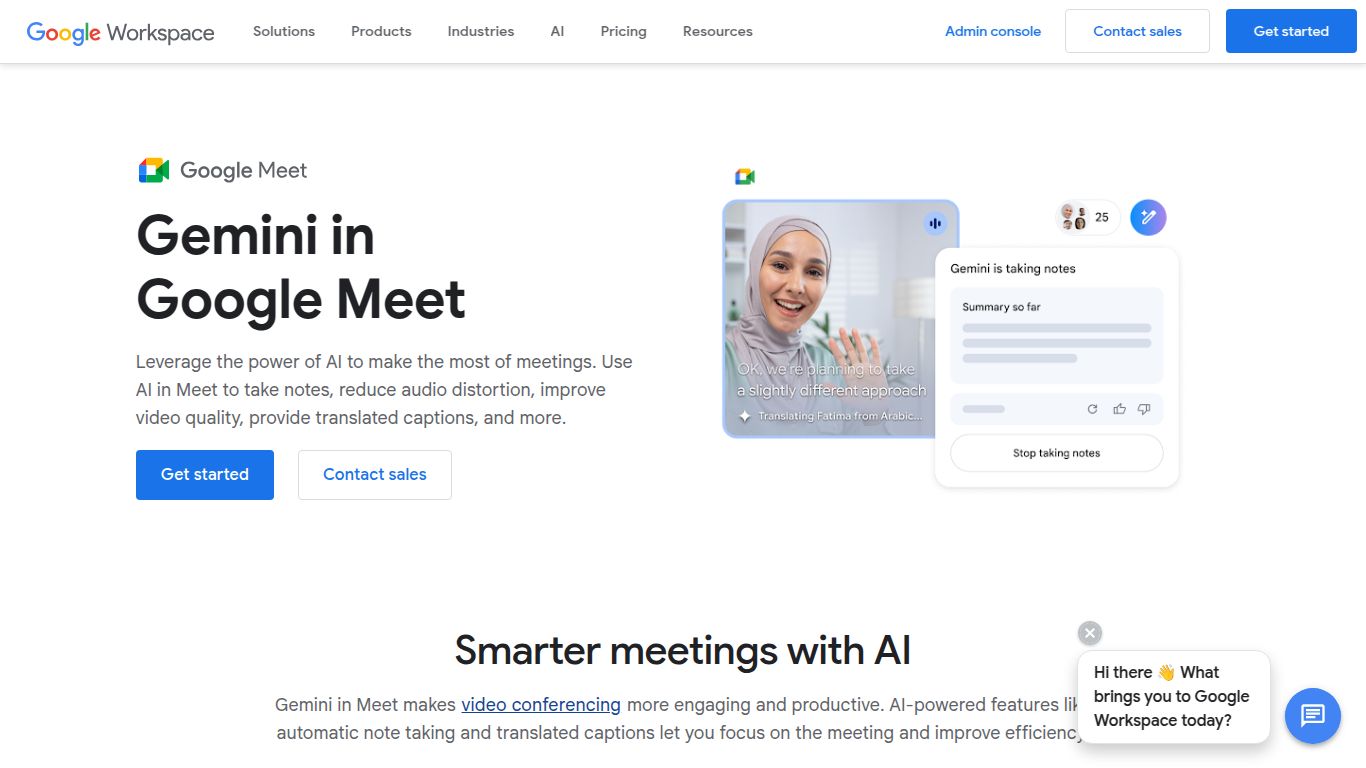
Ask Gemini to take notes in Meet, auto-summarize discussions, and send organized recaps after the call.
Tired of frantically typing notes during meetings and still feeling like you missed something important? Say goodbye to the post-meeting scramble with Google Meet — Gemini Notes. Developed by the innovators at Google, this powerful AI integration transforms your video conferences into a powerhouse of productivity. It acts as your personal, hyper-intelligent assistant, ensuring every decision, action item, and brilliant idea is captured flawlessly, letting you focus entirely on the conversation.
At its heart, Gemini for Google Meet is a master of Text and Audio Processing. It doesn’t just transcribe; it understands. By analyzing the live audio and video feed of your meeting, it intelligently processes spoken language to generate incredibly accurate and context-aware text outputs. While it doesn’t create images or new video content, its true power lies in turning unstructured conversations into organized, actionable information like summaries, detailed notes, and clear to-do lists.
Gemini’s advanced meeting features are available as a powerful add-on for Google Workspace customers, allowing businesses to select the right tier of AI capability for their team.
Note: Prices are estimates and may vary based on your region and specific Google Workspace plan. Always check the official Google site for the latest details.
This AI assistant is designed for anyone looking to reclaim their time from meeting admin and boost collaborative efficiency.
In the world of AI meeting assistants, tools like Otter.ai and Fireflies.ai are formidable competitors, offering excellent cross-platform transcription and analysis. However, Gemini’s superpower is its deeply native integration within the Google Workspace ecosystem. There are no bots to invite or third-party apps to manage. Summaries are seamlessly generated in Google Docs, and the experience is fluid and intuitive. While Microsoft Copilot for Teams provides a similar native experience for Microsoft 365 users, Gemini is the undisputed champion for any team already living and breathing in Google’s suite of productivity tools.
