What is Otter.ai? Your AI Meeting Assistant
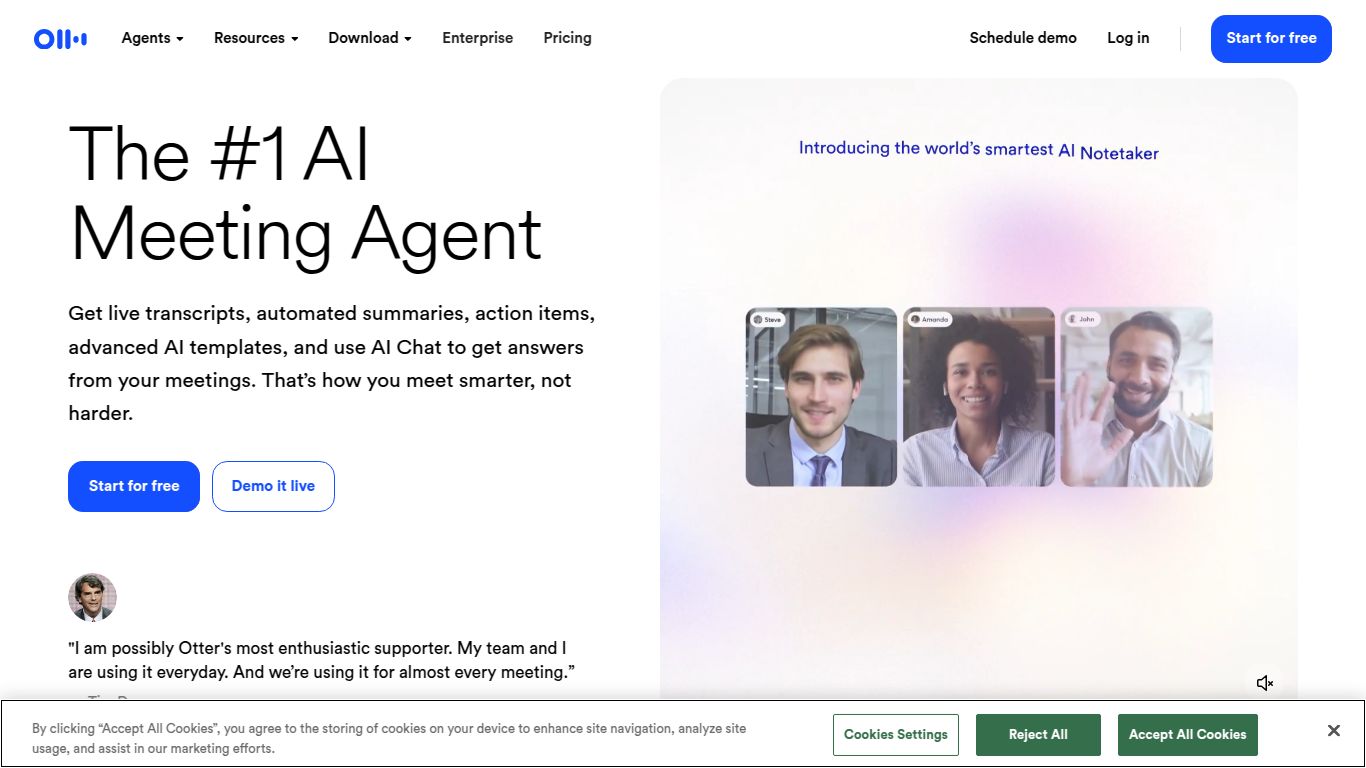
Ever wished you could just focus on the conversation in a meeting without frantically taking notes? That’s where Otter.ai comes in. Developed by Otter.ai, Inc., this brilliant tool is an AI-powered meeting assistant designed to record, transcribe, and summarize your conversations in real-time. Think of it as a personal stenographer for all your important discussions, whether they’re on Zoom, Google Meet, or in person. It liberates you from the task of note-taking, ensuring you never miss a key detail, action item, or decision again. Otter.ai is all about boosting productivity and making your meetings smarter, not harder.
Core Capabilities
While Otter.ai doesn’t generate images or video, its mastery lies in processing spoken words and transforming them into structured, usable text and insights. Its capabilities are centered around audio and meeting intelligence.
- Audio-to-Text Transcription: At its heart, Otter.ai is a world-class transcription engine. It listens to audio from live meetings, uploaded files, or its mobile app and converts it into accurate, time-stamped text.
- Meeting Intelligence & Summarization: This is where the magic happens. Otter doesn’t just give you a wall of text. Its AI, called OtterPilot™, automatically joins your meetings, identifies key topics, generates a concise summary, and even pulls out action items so you know exactly what the next steps are.
- Collaboration & Integration: Otter.ai works seamlessly with the tools you already use. It integrates directly with video conferencing platforms like Zoom, Microsoft Teams, and Google Meet to provide live captions and automated notes. You can then share, comment on, and highlight transcripts with your team.
Key Features
Otter.ai is packed with features that make it an indispensable tool for anyone who attends meetings regularly.
- Real-time Transcription: Watch the words appear on your screen as they’re spoken, allowing you to follow along or catch up if you get distracted.
- Speaker Identification: The AI is smart enough to detect different speakers and label who said what, making the transcript incredibly easy to read and understand.
- OtterPilot™ Automation: Let your AI assistant do the heavy lifting. OtterPilot can automatically join meetings on your calendar, record them, and send out the summary afterward without you lifting a finger.
- Automated Summaries & Outlines: Get a quick, digestible overview of a long meeting. The AI-generated summary gives you the highlights, while the outline provides a clickable table of contents for the entire conversation.
- Search & Keyword Extraction: Instantly find specific information within your entire library of conversations. Otter highlights important keywords to give you a sense of the main topics at a glance.
- Custom Vocabulary: Teach Otter.ai specific jargon, names, or acronyms relevant to your industry or company to improve transcription accuracy even further.
Pricing Plans
Otter.ai offers a flexible pricing structure to suit different needs, from individuals to large enterprises.
Basic Plan: Free
Perfect for getting started. It includes real-time transcription, speaker identification, and basic search features, with limits on transcription minutes per conversation and monthly uploads.
Pro Plan: ~$16.99/month
Aimed at individual professionals and power users, this plan offers significantly more transcription minutes, allows for importing more audio/video files, and includes advanced features like custom vocabulary.
Business Plan: ~$35/user/month
Designed for teams and organizations. This tier includes everything in Pro, plus team-wide custom vocabulary, admin features, usage analytics, and priority support.
Enterprise Plan: Custom Pricing
For large corporations requiring advanced security, control, and deployment options, the Enterprise plan offers features like single sign-on (SSO) and organization-wide deployment.
Who is it For?
Otter.ai is a versatile tool that provides value to a wide range of professionals and students:
- Project Managers: To capture every requirement, decision, and action item from stakeholder meetings without fail.
- Journalists & Researchers: For instantly transcribing interviews and focus groups, saving hours of manual work.
- Students: To record lectures and create searchable study notes, ensuring they never miss a crucial concept.
- Sales Teams: For reviewing client calls, identifying customer needs, and coaching team members.
- Consultants: To maintain a perfect record of client discussions and deliverables.
- Anyone Who Hates Taking Meeting Notes: For professionals who want to be fully present and engaged in conversations, trusting that the details are being captured.
Alternatives & Comparison
While Otter.ai is a leader in its category, here are a few alternatives to consider:
- Fireflies.ai: A very similar AI meeting assistant that also transcribes and summarizes conversations. Fireflies often places a stronger emphasis on conversation intelligence and CRM integrations, making it a strong choice for sales-focused teams.
- Descript: While it offers excellent transcription, Descript is more of an audio/video editor. It’s a fantastic alternative if your primary goal is to edit podcasts or videos by simply editing the text transcript. Otter is better for pure meeting note-taking.
- Rev: This is a human-powered transcription service. The main comparison is AI vs. Human. Rev guarantees higher accuracy (99%) but comes at a higher cost per minute and is not real-time. Otter provides instant, affordable transcription that is highly accurate for most use cases.
