Testsigma — GenAI Test Automation
Unified no-code platform with AI agents and a copilot to generate, run, and analyze tests.
Generate, refine, and summarize documents natively inside Word.
Say goodbye to writer’s block and hello to effortless creativity! Microsoft Copilot in Word is a revolutionary AI-powered assistant, developed by the tech giant Microsoft, that works right alongside you in your documents. It’s not just a grammar checker; it’s a collaborative partner designed to help you write, edit, summarize, and create like never before. Seamlessly integrated into the familiar Microsoft Word interface, Copilot transforms the way you approach everything from simple memos to complex reports, turning your ideas into polished, professional documents in a fraction of the time.
While Copilot is part of a larger AI ecosystem at Microsoft that handles image generation (via Microsoft Designer), its true power within Word is its unparalleled mastery over text. It’s your dedicated wordsmith, ready to assist with a wide range of tasks:
Copilot in Word is packed with intelligent features that feel like magic. Here’s a look at what makes it an indispensable tool:
Microsoft Copilot is available as an add-on to existing Microsoft 365 subscriptions. The pricing structure is designed for both individuals and businesses.
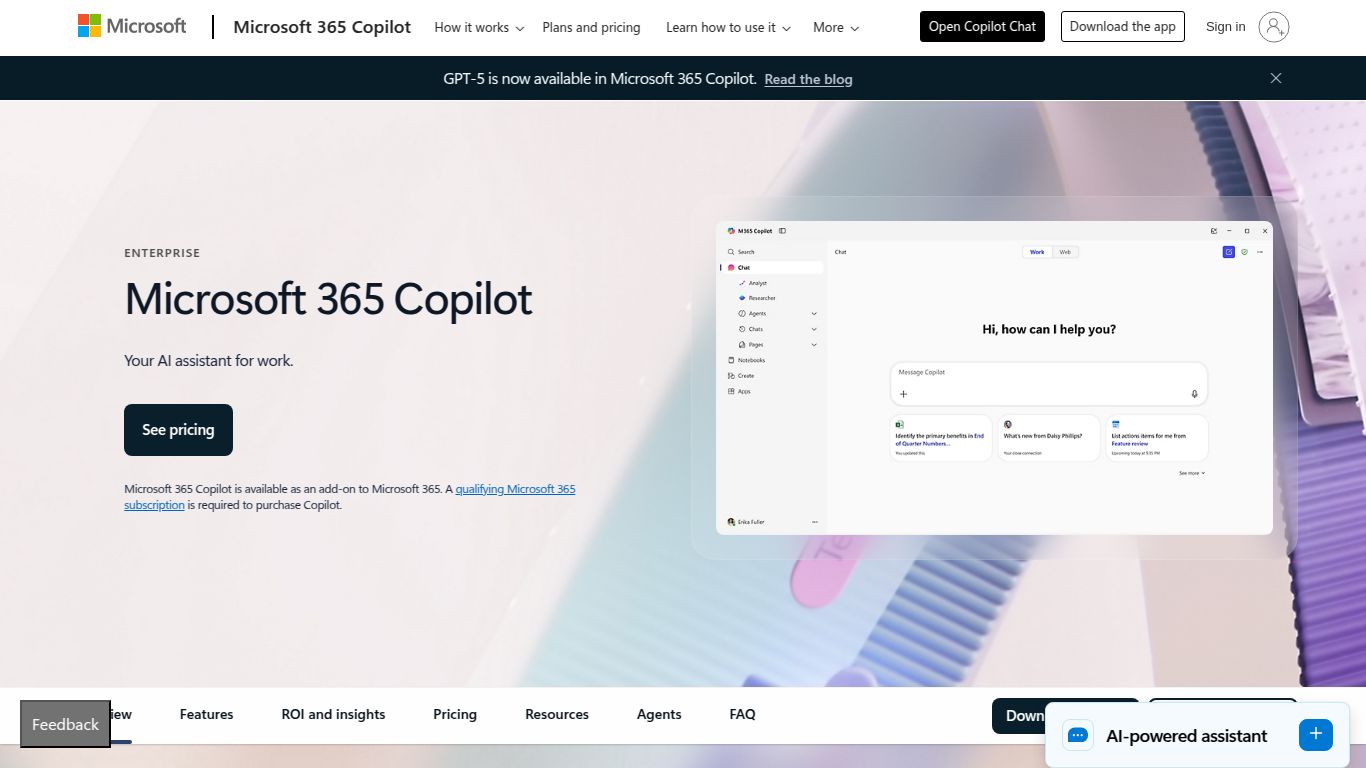
For organizations, Copilot is available as Microsoft Copilot for Microsoft 365. This plan integrates Copilot across the entire M365 suite, including Word, Excel, PowerPoint, Outlook, and Teams.
Individual users can access the same powerful features in Word and other Office apps with Copilot Pro.
Copilot in Word is a game-changer for a wide variety of users. You’ll love it if you are:
While Copilot in Word is a powerhouse, it’s helpful to see how it stacks up against other popular AI writing tools.
This is the most direct comparison. Both are AI assistants integrated into their respective office suites. Your choice will likely depend on your ecosystem. If your life runs on Microsoft Office, Copilot is the native, seamless choice. If you’re embedded in Google Docs and the Google ecosystem, Gemini is your go-to. Copilot’s integration currently feels a bit deeper within the specific apps.
Grammarly has long been the king of proofreading. GrammarlyGO adds generative AI features, but its core strength remains in correcting grammar, style, and tone. Copilot is a more powerful co-authoring and content creation tool, while GrammarlyGO excels as a sophisticated editor and polisher.
Jasper and Copy.ai are standalone AI writing platforms, primarily built for marketers and content creators. They offer a vast array of templates for specific outputs like “Facebook ad copy” or “AIDA framework.” Copilot’s key advantage is its deep integration within Word, making it ideal for general document creation and editing. Jasper and Copy.ai are specialized tools for high-volume content generation, often outside of a traditional document format.
