Jacquard — Brand Messaging AI
Enterprise platform (formerly Phrasee) for high-performing, on-brand email copy at scale.
Chat over repos and org knowledge inside GitHub; grounded answers with enterprise features.
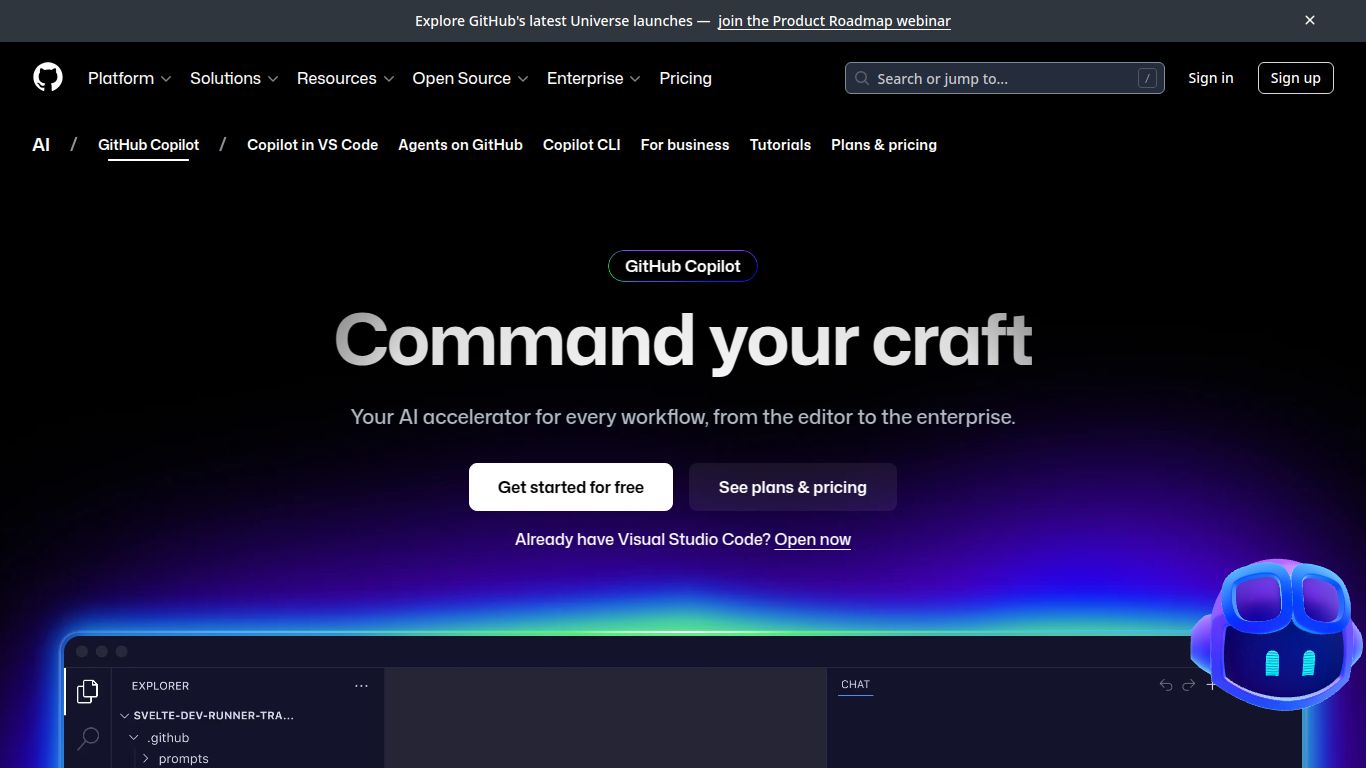
In the fast-paced world of software development, efficiency is king. Imagine having a brilliant, tireless partner who can write boilerplate code, suggest complex algorithms, and even help you debug in real-time. That’s the promise of GitHub Copilot, the groundbreaking AI pair programmer from GitHub (a Microsoft company). More than just a simple code completion tool, Copilot has evolved into an intelligent development environment, now enhanced with powerful Copilot Spaces and context-aware Knowledge features, making it an indispensable asset for developers worldwide.
At its core, GitHub Copilot is an AI-powered code assistant that integrates directly into your editor (like VS Code, JetBrains, and Neovim) to provide real-time code suggestions. It’s trained on billions of lines of code from public repositories, allowing it to understand context and generate everything from single lines to entire functions based on your comments and existing code. With the latest updates, it’s now able to draw upon the specific knowledge of your private repositories, transforming it from a general-purpose tool into a personalized expert on your projects.
While GitHub Copilot excels at text and code, it’s crucial to understand its specialization. This is a developer-centric tool, not a generative AI for creating visual or video content. It does not generate images, audio, or video.
Copilot’s feature set is designed to seamlessly integrate into and enhance the developer workflow.
GitHub offers a flexible pricing structure to cater to individuals, teams, and large enterprises.
Price: $10 per month or $100 per year. It’s also available for free to verified students, teachers, and maintainers of popular open-source projects. This plan is perfect for individual developers, freelancers, and hobbyists looking to boost their productivity.
Price: $19 per user per month. Designed for organizations, this plan includes everything in the Individual plan plus organization-wide policy management and enhanced security features to manage Copilot access for your entire team.
Price: $39 per user per month. The ultimate plan for large-scale organizations. It includes all Business features plus the powerful, context-aware AI powered by your own codebase (Knowledge features) and personalized chat experiences. This plan turns Copilot into a true expert on your company’s technology stack.
Copilot’s versatility makes it valuable for a wide range of technical roles:
While GitHub Copilot is a market leader, several other powerful AI code assistants are available:
In conclusion, GitHub Copilot stands out due to its unbeatable integration with the GitHub ecosystem, the vast knowledge base it’s trained on, and its new, powerful enterprise-level features that provide context from your own private code. It has firmly established itself as more than a tool—it’s a fundamental shift in how modern software is built.
