CalendarHero
Meeting scheduling automation for 1:1 and group bookings with deep calendar integrations.
Modern calendar integrated with Notion for unified timelines, deadlines, and scheduling.
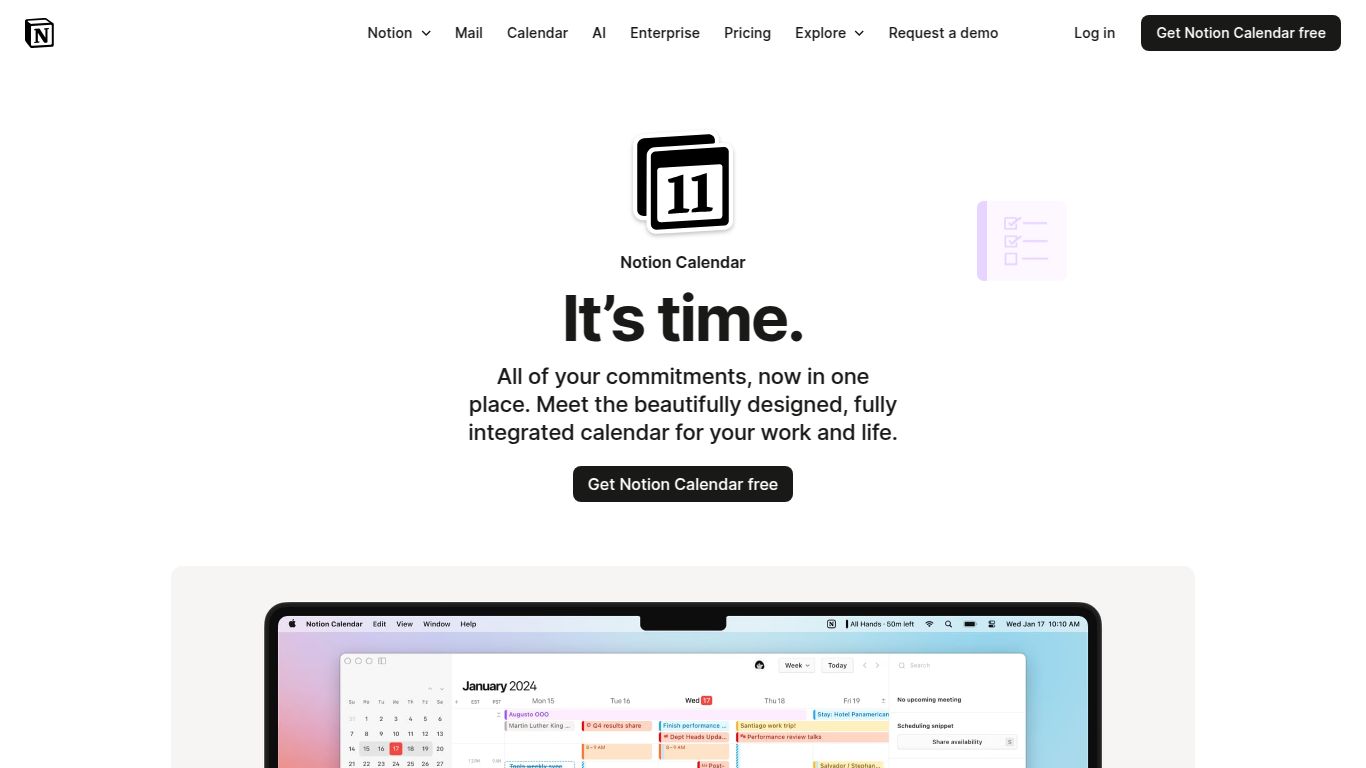
Welcome to the future of scheduling, brought to you by the masterminds at Notion. Notion Calendar is not just another digital agenda; it’s a beautifully designed, powerfully integrated tool designed to bring harmony to your personal and professional life. Born from the acquisition of the beloved Cron calendar, Notion has supercharged it with its signature deep integration, creating a central hub for all your time-based tasks, events, and project deadlines. It’s designed to eliminate the friction of switching between your notes, your projects, and your schedule, allowing you to focus on what truly matters.
While Notion Calendar doesn’t generate content like an AI writer or image creator, its intelligence lies in its organizational power. It serves as your central command for time management, offering a suite of capabilities to streamline your day.
This is where Notion Calendar truly shines. Attach Notion pages directly to your calendar events to have all your meeting notes, project briefs, and research in one accessible place. See your project timelines from Notion databases overlaid on your calendar, giving you a complete picture of your workload and deadlines.
The user interface is clean, fast, and a joy to use. It’s designed to be visually pleasing and highly functional, with customizable views and thoughtful shortcuts that make managing your schedule feel less like a chore and more like a craft.
Scheduling across different time zones is a breeze. Notion Calendar allows you to overlay multiple time zones directly onto your calendar, so you can find the perfect meeting time for your global team without any mental gymnastics.
Quickly view your upcoming events or join a meeting with a single click from your macOS menu bar or Windows system tray. It’s a small detail that makes a huge difference in daily productivity.
This might be the most incredible part. Notion Calendar is completely free to use. There are no premium tiers, no hidden fees, and no feature gates. Notion is offering this powerful tool as a way to enhance its ecosystem and provide immense value to its users. You get the full, robust experience without ever needing to pull out your credit card.
Notion Calendar is a game-changer for a wide range of individuals and teams, especially those who want to bridge the gap between planning and doing.
The ubiquitous choice. While it’s reliable and universally adopted, Google Calendar lacks the deep, native integration with project management tools that makes Notion Calendar so powerful. It exists in a separate silo from your work documentation.
A premium and feature-rich calendar app for Apple devices, known for its excellent natural language processing for event creation. However, it comes with a subscription fee and doesn’t offer the unique, built-in connection to the Notion ecosystem.
The standard in many corporate environments, it’s tightly integrated with the Microsoft 365 suite. It’s a powerful tool but can feel bloated, and its integration is limited to the Microsoft world. Notion Calendar offers a more modern, focused, and cross-platform experience centered around the Notion workspace.
