Calendly Review: Stop the Scheduling Chaos, Reclaim Your Day
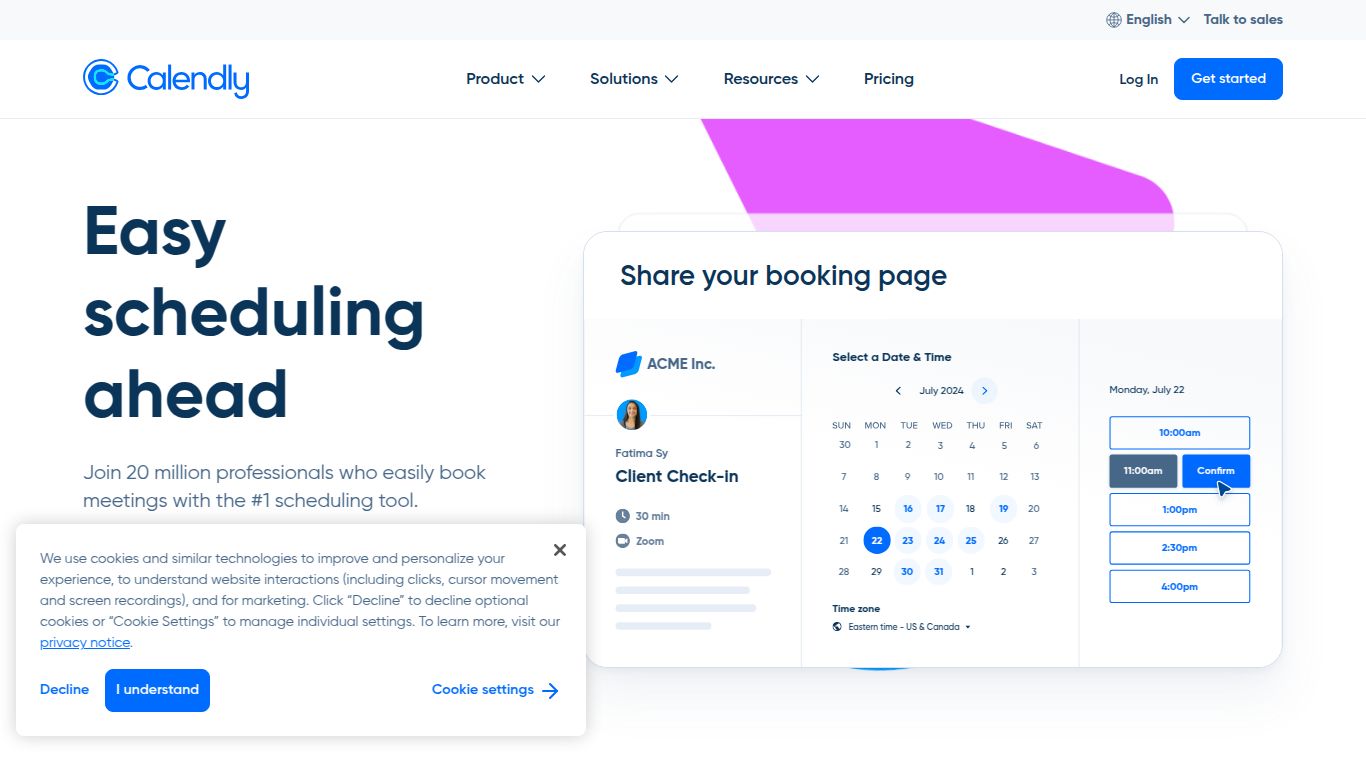
Tired of the endless email chains just to find a 30-minute slot that works for everyone? We’ve all been there. The back-and-forth, the time zone confusion, the missed opportunities. Enter Calendly, the beautifully simple yet powerful scheduling automation tool designed to put an end to this universal frustration. Developed by Calendly LLC, this platform isn’t just a calendar; it’s a hub for connecting with people efficiently, professionally, and on your own terms. It streamlines the entire process, allowing you to set your availability, share a link, and let others book the perfect time in just a few clicks.
Core Capabilities
While Calendly doesn’t generate images or text like some AI tools, its intelligence lies in automating complex scheduling logistics. It acts as your personal assistant, handling all the heavy lifting so you can focus on what truly matters—the meeting itself.
- Automated Scheduling: The core of Calendly. Connect your personal and work calendars (Google, Office 365, iCloud, Exchange) to let the platform show your real-time availability. No more double-bookings or manual checks.
- Seamless Integrations: Calendly plays well with the tools you already use every day. It integrates directly with video conferencing software like Zoom, Google Meet, and Microsoft Teams, CRMs like Salesforce and HubSpot, and payment platforms like Stripe and PayPal.
- Team-Wide Coordination: Scheduling isn’t just a solo activity. Calendly offers robust features for teams, including round-robin scheduling to distribute meetings evenly, collective scheduling for booking with multiple team members, and group events for webinars or training sessions.
Key Features That Make a Difference
Calendly is packed with thoughtful features designed to create a polished and efficient experience for both you and your invitees.
- Customizable Booking Pages: Make your scheduling page your own. Add your company logo, brand colors, and a profile picture to create a professional and trustworthy impression.
- Intelligent Time Zone Detection: Say goodbye to time zone headaches. Calendly automatically detects your invitee’s location and displays your availability in their local time.
- Automated Workflows: Go beyond simple booking. Set up automated email or SMS reminders, send thank-you notes, request follow-up meetings, and even gather feedback after a call.
- Routing Forms: Qualify and route visitors from your website to the right person or event type instantly based on their answers to a few simple questions.
- Website Embedding: Don’t just send a link. Embed your Calendly availability directly onto your website, allowing clients and prospects to book without ever leaving your page.
- Buffers & Limits: Maintain control over your schedule by adding buffer times before and after meetings, setting daily limits on the number of meetings, and preventing last-minute bookings.
Pricing Plans
Calendly offers a flexible pricing structure that scales with your needs, from individuals to large enterprises.
Free
$0/month. Perfect for individuals who need a simple, no-cost way to eliminate scheduling emails. It includes one calendar connection per user and one active event type.
Standard
$12/seat/month. Ideal for professionals and small teams who need more customization and collaboration. This plan unlocks unlimited event types, multiple calendar connections, group events, and customized branding.
Teams
$20/seat/month. Designed for teams that need advanced scheduling solutions and integrations. It includes everything in Standard plus round-robin event types, Salesforce integration, and routing forms to streamline team workflows.
Enterprise
Custom Pricing. A tailored solution for large organizations with advanced security, control, and support needs. This includes an activity audit log, SAML single sign-on (SSO), and a dedicated account manager.
Who Is Calendly For?
Calendly’s versatility makes it an indispensable tool for a wide range of professionals and teams:
- Sales Professionals: Shorten your sales cycle by letting prospects book demos and calls instantly. Integrate with your CRM to keep your pipeline updated automatically.
- Recruiters & HR: Streamline the entire hiring process, from scheduling initial screenings to panel interviews, creating a better candidate experience.
- Customer Success & Support Teams: Make it easy for clients to book support calls, training sessions, or account reviews, improving customer satisfaction and retention.
- Consultants & Freelancers: Project a professional image and simplify client onboarding by allowing them to book paid consultations directly through your link.
- Educators & Tutors: Effortlessly manage office hours, parent-teacher conferences, and student advising sessions.
Alternatives & Comparisons
While Calendly is a market leader, several other tools offer similar functionality, each with its own strengths.
- Doodle: If your primary need is finding a time that works for a large group of people, Doodle’s polling feature is often faster and more effective than Calendly’s group events.
- Acuity Scheduling: Now part of Squarespace, Acuity is a more powerful choice for service-based businesses that require advanced features like client intake forms, payments, tipping, and selling subscriptions or gift certificates.
- Chili Piper: A premium alternative built specifically for revenue teams. It excels at lead routing and booking meetings directly from web forms, making it a strong contender for B2B sales and marketing departments.
- SavvyCal: A user-friendly competitor that focuses on creating a more collaborative scheduling experience by allowing recipients to overlay their own calendar on top of yours to find the perfect mutual time.
