GitHub Copilot: Your AI Pair Programmer
What is GitHub Copilot?
Meet GitHub Copilot, the groundbreaking AI pair programmer that’s revolutionizing the way developers write code. Developed by GitHub in collaboration with OpenAI, Copilot is more than just a supercharged autocomplete; it’s an intelligent assistant that lives right inside your editor. Think of it as a seasoned developer sitting next to you, offering suggestions, completing repetitive tasks, and even writing entire functions from a simple comment. It leverages the power of OpenAI Codex, a sophisticated AI model trained on billions of lines of public code, to understand context and generate highly relevant and functional code snippets in real-time. This tool is designed to boost your productivity, help you learn new languages, and let you focus on solving bigger problems instead of getting bogged down by boilerplate code.
Core Capabilities: Beyond Simple Autocomplete
While GitHub Copilot doesn’t generate images or videos, its mastery lies entirely within the realm of code and text, making it an indispensable tool for anyone who writes code. Its capabilities are deep and contextually aware.
- Code Generation: At its core, Copilot excels at generating code. Describe what you want in a natural language comment, and it can write the function for you. It can also suggest completions for the line you’re currently typing, from a single variable name to complex, multi-line logic blocks.
- Multi-Language Fluency: Don’t be limited by language barriers. Copilot is proficient in dozens of languages and frameworks, including Python, JavaScript, TypeScript, Ruby, Go, C#, C++, and many more. It’s a true polyglot programmer.
- Unit Test Generation: Say goodbye to the tedious task of writing tests. Copilot can analyze your functions and automatically generate corresponding unit tests, ensuring your code is robust and reliable from the get-go.
- Boilerplate and Algorithm Implementation: Need a common algorithm or a chunk of repetitive boilerplate code? Just ask. Copilot can instantly provide standard patterns, saving you time and preventing simple mistakes.
Standout Features That Boost Productivity
What makes GitHub Copilot a must-have tool is its collection of powerful, seamlessly integrated features designed to keep you in the flow.
- Seamless IDE Integration: Copilot works where you work. It’s available as an extension for popular editors like Visual Studio Code, Neovim, and the entire JetBrains suite of IDEs (like PyCharm, IntelliJ IDEA, and WebStorm). The suggestions appear as ghost text, right in your file.
- Context-Aware Intelligence: This isn’t random code. Copilot analyzes the context of the file you’re working on—including other open tabs, file names, and your coding style—to provide suggestions that are incredibly relevant and fit perfectly with your existing project.
- Multiple Suggestions at Your Fingertips: Not satisfied with the first suggestion? Copilot can open a new tab to display a list of ten or more alternative solutions, allowing you to browse and select the one that best fits your needs.
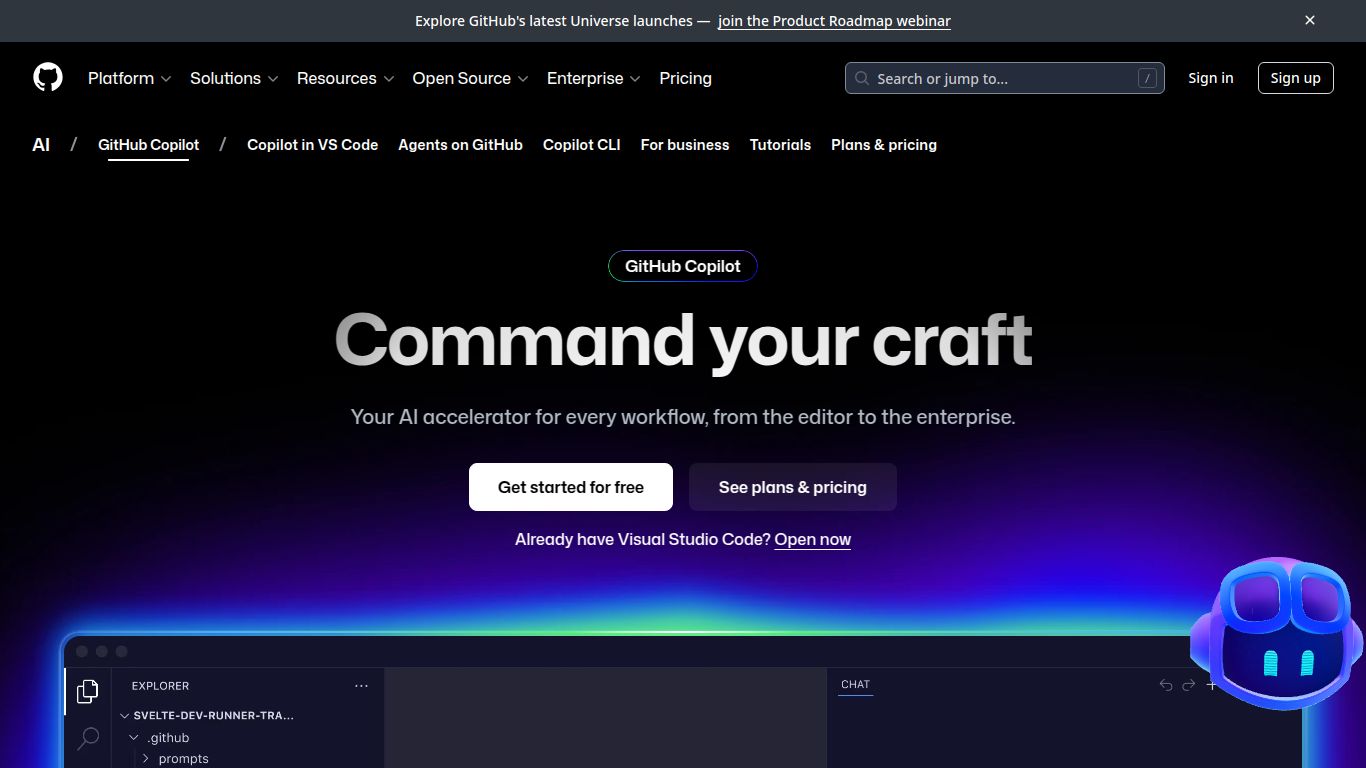
- Copilot Chat: The game-changer. Copilot Chat brings a conversational, ChatGPT-like experience directly into your IDE. You can ask it to explain a piece of code, suggest a refactor, find bugs, or generate code for a complex task, all without ever leaving your editor. It’s your personal AI coding expert on demand.
GitHub Copilot Pricing: Plans for Everyone
GitHub offers flexible pricing plans to suit different needs, from individual hobbyists to large enterprise teams.
Copilot Individual
Perfect for freelance developers, hobbyists, and professionals. This plan provides full access to all Copilot features, including code suggestions and Copilot Chat. The cost is $10 per month or a discounted $100 per year.
Copilot Business
Designed for organizations, this plan includes everything in the Individual plan plus powerful administrative features. These include policy management to control suggestions matching public code, organization-wide user management, and enhanced security. The price is $19 per user per month.
Free for Students & Maintainers
Great news! GitHub Copilot is available for free to verified students, teachers, and maintainers of popular open-source projects. This is a fantastic way for the next generation of developers and the open-source community to leverage cutting-edge AI tools.
Who is GitHub Copilot For?
Copilot is a versatile tool that provides immense value to a wide range of technical roles. You’ll find it incredibly useful if you are a:
- Software Developer (from junior to senior)
- Data Scientist (for writing scripts and notebooks)
- Student or Educator in computer science
- DevOps Engineer (for infrastructure-as-code and scripting)
- Quality Assurance Engineer (for writing test automation scripts)
- Hobbyist Programmer or Indie Hacker
- Open Source Contributor
GitHub Copilot Alternatives: How Does It Stack Up?
While GitHub Copilot is a dominant force in the AI coding assistant space, it’s not the only player. Here’s a quick look at some popular alternatives and how they compare.
- Tabnine: A long-standing competitor known for its speed and ability to learn from your team’s private codebase for highly personalized suggestions.
- Amazon CodeWhisperer: A powerful alternative from AWS, CodeWhisperer offers a very generous free tier for individual use and excels at providing suggestions related to AWS services and APIs.
- Replit Ghostwriter: An AI coding assistant built directly into the Replit online IDE. It’s an excellent choice for those who prefer a fully browser-based development workflow.
- General LLMs (like ChatGPT or Claude): While you can ask models like ChatGPT to write code, their workflow is disconnected from your IDE. Copilot’s main advantage is its deep, real-time integration, which keeps you in the coding flow without context switching.
In conclusion, GitHub Copilot stands out for its high-quality suggestions, deep IDE integration with features like Copilot Chat, and the robust model backing it from OpenAI. It has rightfully earned its place as an essential tool in the modern developer’s toolkit.
