WPCode: Your AI-Powered WordPress Co-Pilot for Code Snippets
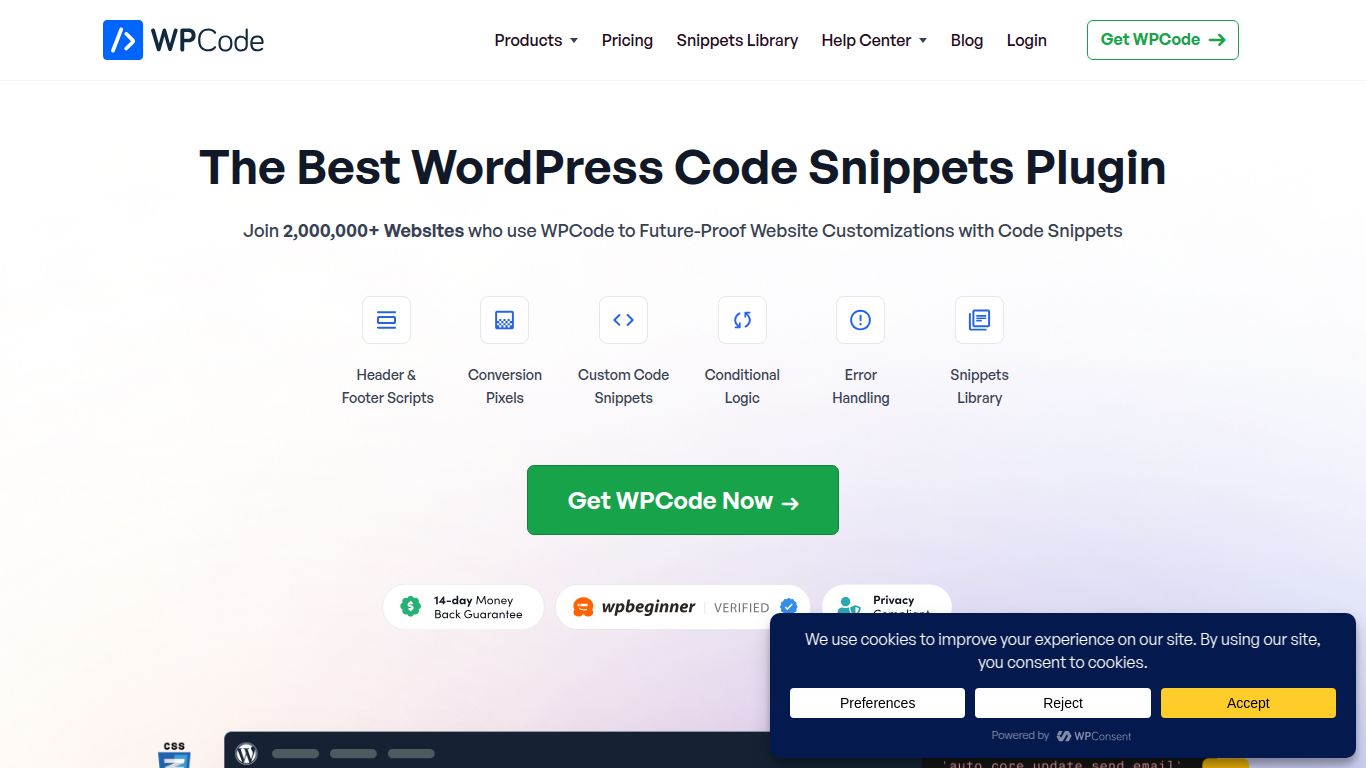
Say goodbye to the fear of editing your WordPress theme’s functions.php file. WPCode is a powerful and user-friendly plugin developed by the trusted team at Awesome Motive (the minds behind WPBeginner, OptinMonster, and WPForms). At its core, WPCode provides a safe and simple way to add custom code snippets—like PHP, CSS, JavaScript, and HTML—to your website without ever touching your core theme files. But it’s the recent integration of AI that transforms it from a convenient utility into an indispensable co-pilot. Now, you can simply describe the functionality you need in plain English, and WPCode’s AI will generate the necessary code for you, making custom WordPress development accessible to everyone.
Capabilities
WPCode’s AI is a specialist, focusing its power on one crucial area: Code Generation. It operates as a sophisticated text generation model trained specifically for the WordPress environment.
- Code Generation (PHP, JS, CSS): This is its superpower. You can ask it to “create a PHP snippet to add a custom post type called ‘Projects'” or “generate JavaScript to add a smooth scrolling effect to anchor links.” It understands the context of WordPress and produces ready-to-use, validated code.
It’s important to note that WPCode is a specialized tool. It does not generate images, video, or audio. Its AI capability is laser-focused on creating functional code to extend your website’s features.
Core Features
Beyond its AI generator, WPCode is packed with features that make it a market leader:
- AI Code Snippet Generator: Describe your desired feature in natural language and let the AI write the code. It drastically lowers the barrier to entry for website customization.
- Extensive Snippet Library: Get started instantly with a built-in library of over 100 pre-configured and verified snippets for common tasks like disabling XML-RPC or allowing SVG uploads.
- Smart Conditional Logic: This is a game-changer. You can control exactly where and when your snippets load. For example, load a specific script only for logged-in users, only on certain pages, or only on specific devices.
- Safe Error Handling: WPCode includes a smart validation system that helps prevent you from activating code that could break your site, giving you peace of mind.
- Global Headers & Footers: Easily insert scripts for Google Analytics, Facebook Pixel, or other tracking services across your entire site without editing your theme.
- Code Revisions: Just like WordPress posts, WPCode saves revisions of your snippets, allowing you to easily revert to a previous version if something goes wrong.
- Private Cloud Library: For agency and elite users, you can save all your custom snippets to a private cloud and instantly deploy them across all your client websites.
Pricing Structure
WPCode offers a flexible pricing model that caters to everyone from solo bloggers to large agencies, including a very generous free version.
- WPCode Lite (Free): Available directly from the WordPress plugin repository. It includes the core snippet management, headers and footers, and a limited number of library snippets. Perfect for getting started.
- Plus Plan: $49/year – Ideal for a single business or personal site. Unlocks the complete snippet library, code revisions, and premium support.
- Pro Plan: $99/year – The most popular choice for businesses and freelancers. Includes everything in Plus for up to 5 websites, and adds the powerful Conditional Logic feature.
- Elite Plan: $199/year – Best for power users and small agencies. Use on up to 25 websites and get access to the Private Cloud Snippet Library.
- Agency Plan: $299/year – Designed for large agencies managing many clients. Allows use on up to 100 websites with all features included.
Who Is WPCode For?
WPCode has an incredibly broad appeal within the WordPress ecosystem:
- WordPress Beginners & Bloggers: Users who want to add simple functionality or tracking codes without the risk of editing theme files or the cost of hiring a developer.
- Digital Marketers: The perfect tool for quickly and easily deploying conversion pixels, A/B testing scripts, and analytics tracking codes with advanced targeting rules.
- Freelance WordPress Developers: A massive time-saver for managing custom code for multiple clients. The AI generator and cloud library can dramatically speed up workflow.
- WordPress Agencies: An essential part of the toolkit for standardizing code management across dozens or hundreds of client sites, ensuring consistency and safety.
- Business Owners: Empowers entrepreneurs to make quick changes and customizations to their site without needing to rely on a developer for every small task.
Alternatives & Comparison
While WPCode is a leader, it’s helpful to know its place in the market.
WPCode vs. Code Snippets (Free Plugin)
The classic “Code Snippets” plugin is a fantastic, lightweight, and free alternative. It does one thing and does it well: it lets you add and manage basic code snippets.
- Choose Code Snippets if: You only need to add a few simple PHP snippets and don’t require any advanced features like conditional logic, a pre-made library, or AI generation.
- Choose WPCode if: You want a complete, all-in-one solution. The AI generator, vast library, powerful conditional logic, and professional support make WPCode a comprehensive powerhouse for anyone serious about customizing their site safely and efficiently.
WPCode vs. Manual Editing (functions.php)
The old-school method involves directly adding code to your theme’s `functions.php` file or a custom plugin.
- Choose Manual Editing if: You are an experienced developer, understand the risks, and are using a child theme to prevent your changes from being overwritten during theme updates.
- Choose WPCode if: You value safety, organization, and convenience. WPCode eliminates the risk of a typo crashing your site and keeps all your customizations neatly organized and independent of your theme.
