GitHub Code Search
Lightning-fast, semantic-leaning code search across large monorepos; IDE and web integrations.
AI IDE with “chat with codebase” and indexing for repo-aware Q&A and edits.
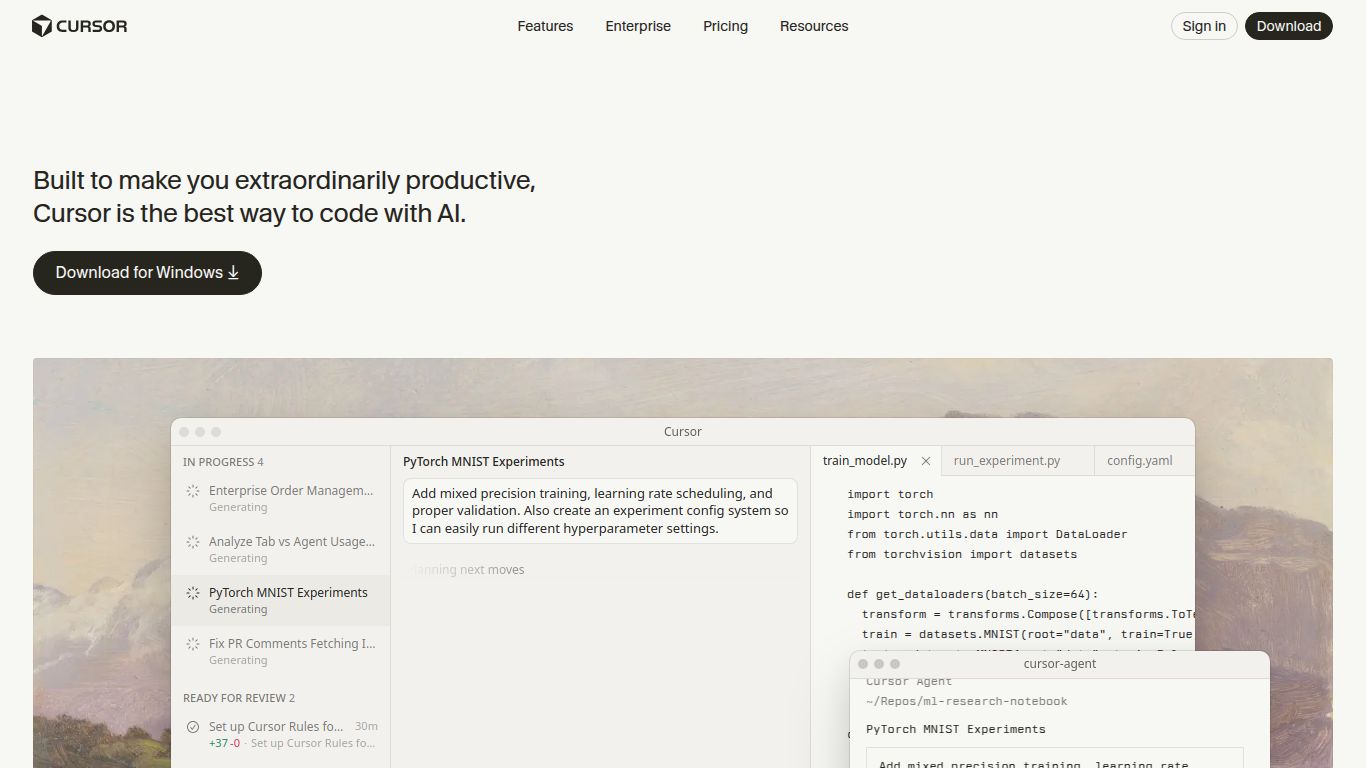
Ever feel like you’re programming with one hand tied behind your back? Juggling between your editor, a browser for Stack Overflow, and a separate AI chat window is a productivity nightmare. Enter Cursor, the revolutionary code editor built from the ground up to pair-program with artificial intelligence. Developed by Anysphere, Cursor isn’t just another text editor with an AI plugin; it’s a seamless, fully integrated development environment designed to make you write, debug, and understand code faster than ever before. Think of it as VSCode on steroids, supercharged with the most advanced AI models.
Cursor isn’t about generating images or videos; its canvas is your codebase, and its paintbrush is pure logic. It transforms the tedious parts of programming into a fluid conversation. Here’s a glimpse of its capabilities:
While many tools offer AI assistance, Cursor’s deep integration creates a uniquely powerful experience. Its core features are what make it a game-changer:
Cursor offers a flexible pricing structure to suit everyone from students to enterprise teams. Here’s the breakdown:
Perfect for trying out the platform or for light usage. It includes a limited number of “fast” GPT-4o requests per month and unlimited “slower” requests using other models. It’s a fantastic way to get started without any commitment.
This is the ultimate toolkit for professional developers. You get a massive allowance of fast GPT-4o requests, priority support, and access to the latest and greatest AI models as they are released. Plus, you get the ability to bring your own API key.
Designed for teams and organizations, this plan offers centralized billing, advanced security features, and the ability to self-host models for maximum privacy and control.
Cursor is a versatile tool that can boost the productivity of anyone who writes code. It’s especially beneficial for:
The AI coding space is heating up, but Cursor holds a unique position. Here’s how it stacks up against the main competitor:
This is the most common comparison, but it’s like comparing a fully-equipped workshop to a single power tool. GitHub Copilot is a fantastic autocompletion plugin that suggests code line-by-line. It’s reactive. Cursor, on the other hand, is a complete, proactive IDE. It provides an integrated chat that understands your entire repository, allows for high-level commands to edit large blocks of code, and helps you understand and navigate the project as a whole. While Copilot helps you type faster, Cursor helps you think and build faster.
In short, if you’re looking for an AI assistant that lives inside your editor, Cursor is arguably the most powerful and seamlessly integrated option available today. It’s not just a tool; it’s a new way of writing software.
