Icons8 — Smart Upscaler
Batch AI upscaler (up to 8×) with face-aware enhancement; web and Mac apps available.
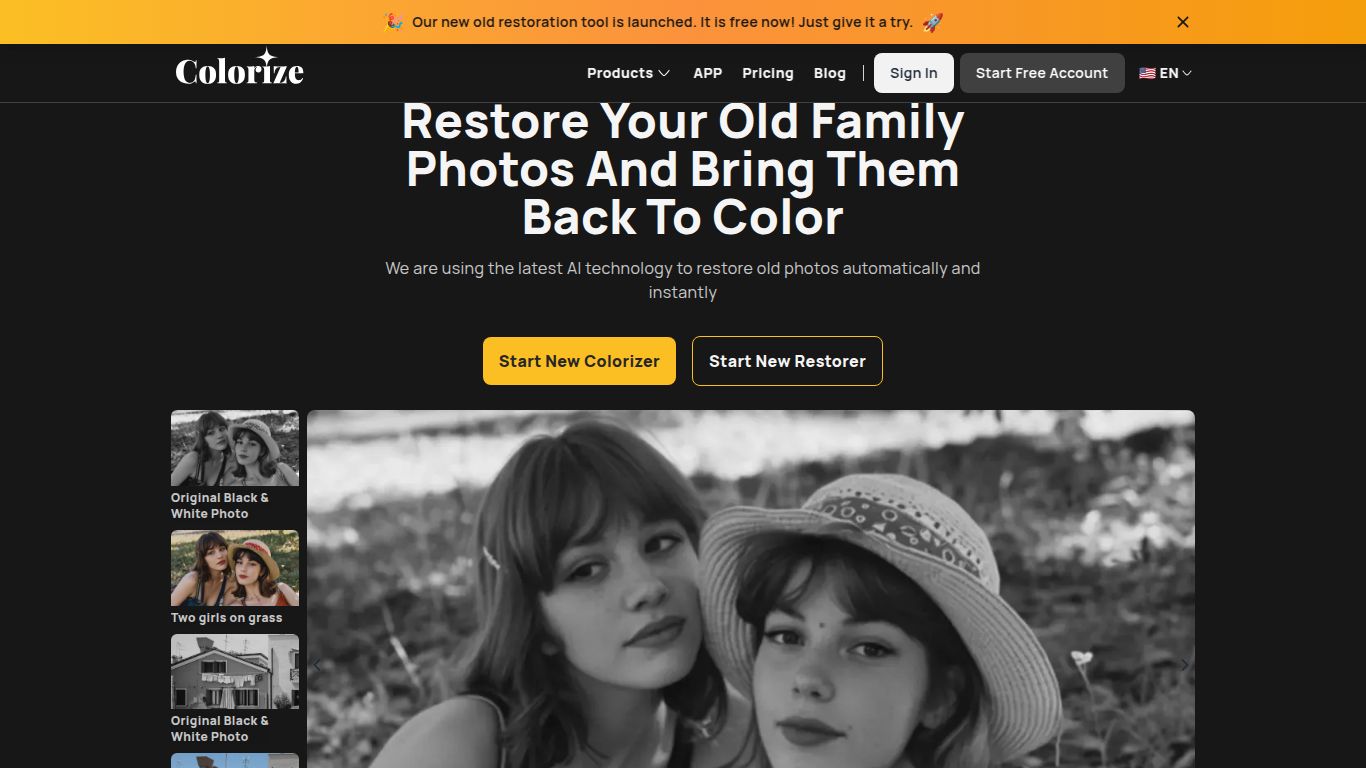
Toolkit to restore old photos, remove scratches, enhance clarity and add realistic colors online.
Ever stumbled upon a dusty old photo album, filled with black-and-white memories of your grandparents or even great-grandparents? Those images hold incredible stories, but their lack of color can make them feel distant. What if you could bridge that gap and see the past in vibrant, living color? That’s exactly the magic that ImageColorizer brings to the table. Developed by Vertexshare, ImageColorizer is a powerful suite of AI-driven tools designed not just to colorize, but to restore, enhance, and breathe new life into your cherished photographs.
At its core, ImageColorizer is an online platform that uses sophisticated artificial intelligence to perform complex photo editing tasks with just a few clicks. Forget spending hours in Photoshop; this tool automates the heavy lifting. Its primary mission is to make photo restoration accessible to everyone, from professional archivists to a grandchild wanting to surprise their grandmother with a colorized wedding photo. It’s a one-stop-shop for turning faded, damaged, and monochrome images into high-quality digital memories.
ImageColorizer is a specialist. While it doesn’t dabble in text or video generation, it pours all its AI power into image manipulation, offering a comprehensive suite for photo revival. Its capabilities are laser-focused on transforming old, imperfect photos into stunning, modern-looking images. Think of it as a digital fountain of youth for your pictures. The platform excels at analyzing the details within an image—from the texture of a coat to the shade of a sky—and applying intelligent, context-aware adjustments.
What truly sets ImageColorizer apart is its collection of specialized AI tools, each designed for a specific restoration task. Here’s a breakdown of its standout features:
ImageColorizer offers a flexible pricing structure that caters to casual users and professionals alike. You can start for free to see the magic for yourself.
This tool has an incredibly broad appeal, making it useful for a wide range of users:
The AI photo restoration space has a few notable players like Hotpot.ai, VanceAI, and Palette.fm. While each has its strengths, ImageColorizer stands out for its comprehensive, all-in-one approach. Many alternatives excel at one specific task, like colorization *or* enhancement. ImageColorizer, however, bundles colorization, repair, retouching, and enhancement into a single, user-friendly interface. Its focus on creating a complete restoration toolkit, rather than just a single-function tool, makes it an incredibly efficient and powerful choice for anyone serious about giving their old photos a second chance. The results are consistently impressive, making it a top contender in the world of AI-powered photo restoration.
