Pixelcut AI Photo Enhancer: Breathe New Life into Your Images with a Single Click
Ever found a perfect photo, only to be disappointed by its blurriness or low resolution? Enter Pixelcut, the all-in-one creative suite from Pixelcut Inc., designed to solve this exact problem. Its standout feature, the AI Photo Enhancer, acts like a magic wand for your images. It’s an incredibly intuitive tool that automatically sharpens, de-noises, and upscales your photos, transforming them from lackluster to breathtakingly clear. Whether you’re reviving an old family portrait or polishing a product shot, Pixelcut makes professional-grade enhancement accessible to everyone.
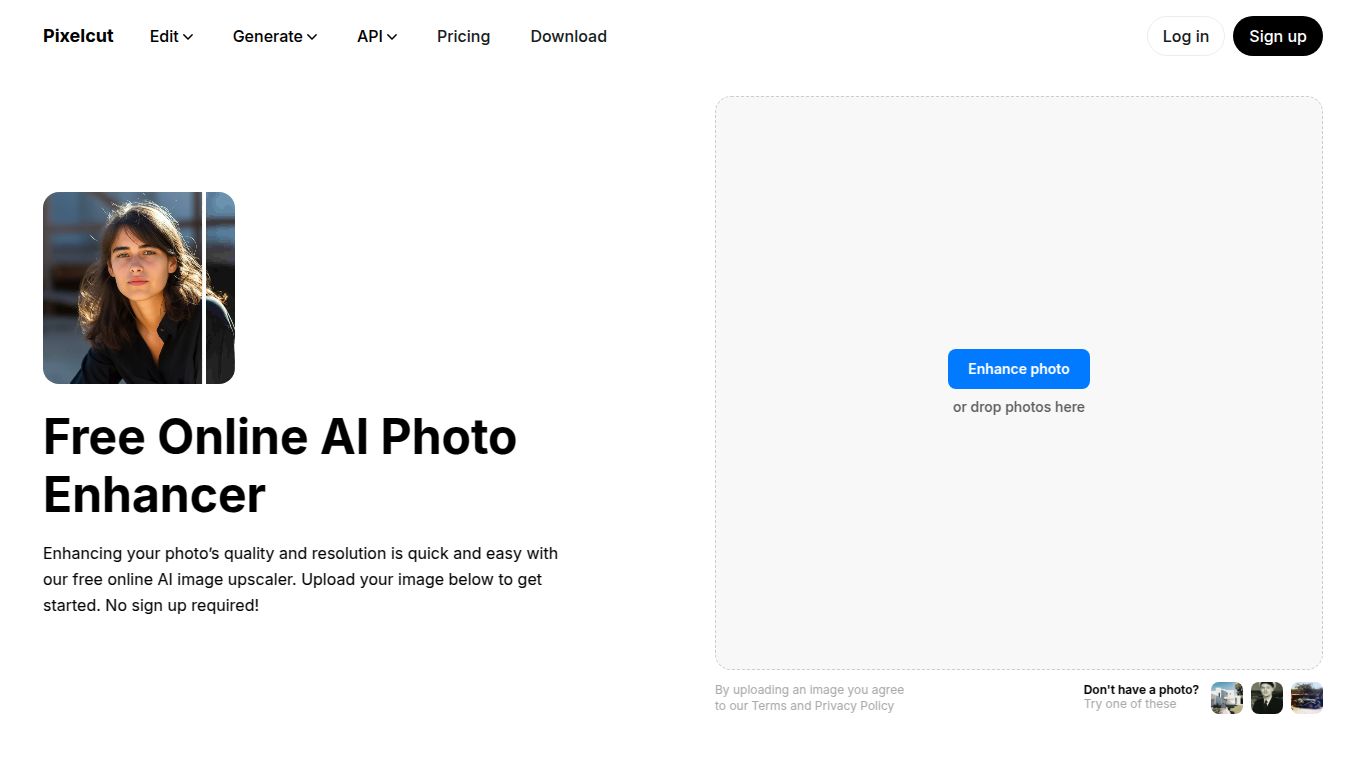
Core Capabilities
Pixelcut’s AI Photo Enhancer is laser-focused on Image Quality Improvement. It doesn’t dabble in video editing or text generation; its sole mission is to take your existing photos and elevate them to their maximum potential. The AI analyzes each image for imperfections and intelligently corrects them. Its main capabilities include upscaling images up to 4x their original size without sacrificing detail, instantly removing blur from shaky shots, and reducing digital noise to produce a clean, crisp final result. It’s the perfect tool for repairing compressed or low-quality images.
Key Features You’ll Love
- Effortless One-Click Operation: Forget complex settings and confusing sliders. The AI does all the heavy lifting, delivering stunning results with just a single click.
- Powerful AI Upscaling: Enlarge your photos for high-resolution displays or large prints. The AI intelligently adds detail, preventing the pixelation that comes with traditional resizing methods.
- Blur & Noise Reduction: Rescue out-of-focus or grainy photos. The tool sharpens edges and smooths textures to reveal details you thought were lost forever.
- Integrated Creative Suite: The enhancer is just one part of the Pixelcut ecosystem. Your enhanced photos can be seamlessly moved to other tools like the Background Remover, Magic Eraser, or AI Photoshoot for a complete editing workflow.
- Edit Anywhere: Start an edit on your phone with the robust iOS or Android app and finish it on your desktop with the full-featured web editor. Your projects are synced across all devices.
Pricing Plans
Pixelcut offers a simple pricing model that caters to both casual users and professionals.
- Free Plan: Perfect for trying out the core features. This plan allows you to enhance a limited number of photos and gives you a feel for the tool’s power. Exports on this plan may come with a Pixelcut watermark.
- Pixelcut Pro Plan: For unlimited power. At around $9.99 per month or a cost-effective $59.99 per year, the Pro plan is a fantastic value. It gives you unlimited photo enhancements, watermark-free exports, batch processing for editing multiple images at once, and full access to every tool in the Pixelcut creative suite.
Who Is It For?
Pixelcut’s user-friendly interface makes it a great fit for a wide range of users, but it delivers exceptional value for:
- E-commerce Sellers: Creating crystal-clear product photos that build trust and boost conversions.
- Social Media Managers: Ensuring every image posted is sharp, professional, and eye-catching.
- Content Creators & Bloggers: Elevating the visual quality of their website images, thumbnails, and promotional materials.
- Photographers & Designers: A quick and effective tool for initial clean-up, upscaling client work, or restoring old photographs.
- Small Business Owners: Crafting professional marketing materials without the need to hire a graphic designer.
Alternatives & Comparison
How does Pixelcut stand out in a crowded field of AI photo editors?
- Pixelcut vs. Remini: Both tools are fantastic at AI-powered enhancement. Remini is widely known for its incredible ability to restore faces in old or blurry photos, making it a favorite for personal use. Pixelcut, however, offers a more comprehensive suite of tools for business and e-commerce, including background removal and AI-generated scenes, making it a more versatile all-in-one solution for professional creators.
- Pixelcut vs. Canva: Canva is a design powerhouse with a built-in photo enhancer. While Canva’s tool is convenient for quick adjustments within a design project, Pixelcut’s enhancer is a specialized, more powerful engine dedicated to achieving the absolute best image clarity and detail. If your primary goal is photo restoration and upscaling rather than graphic design, Pixelcut has a clear advantage.
