Microsoft Excel — AI in Excel (Copilot)
Generate formulas, analyze tables, and surface insights with Copilot directly in Excel.
Co-create pages and summarize content with Copilot in Loop.
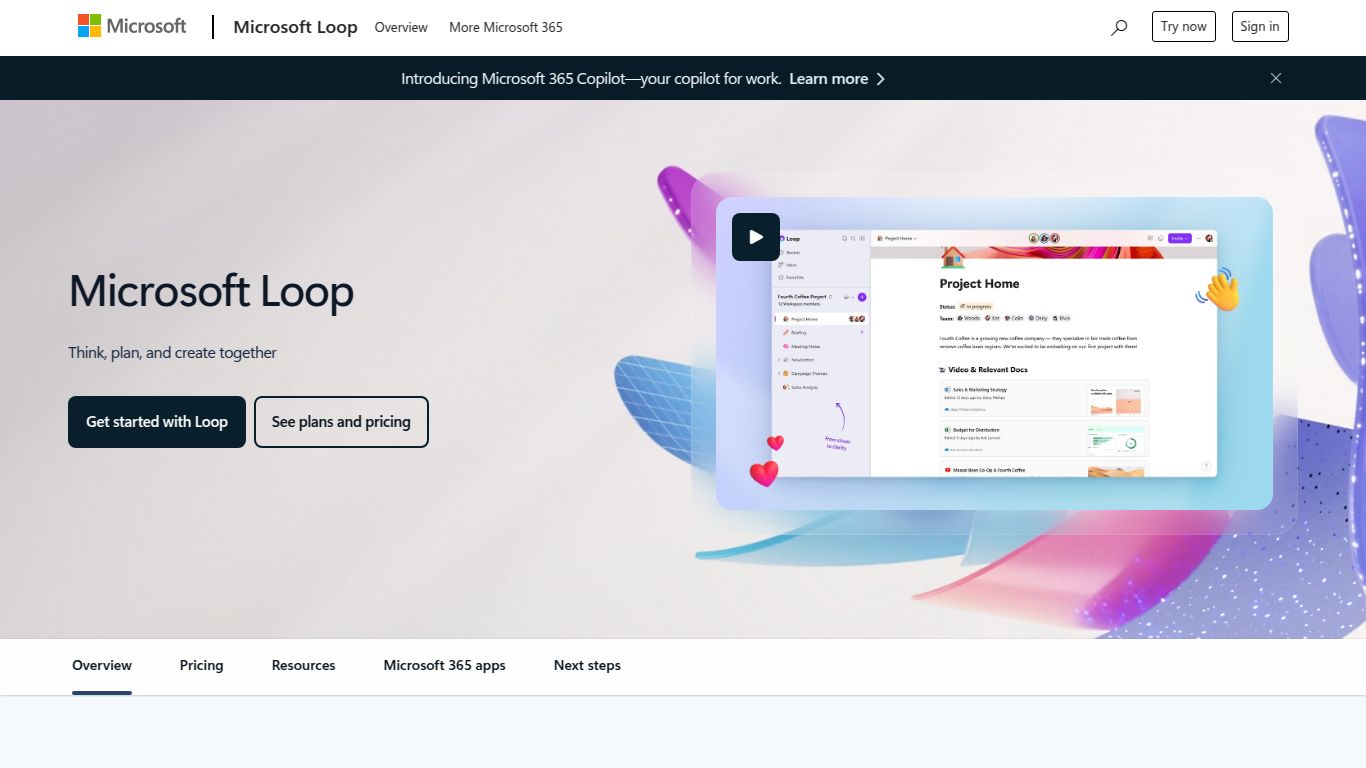
Welcome to the future of collaboration! Meet Microsoft Loop with Copilot, the groundbreaking collaborative canvas from the tech giant Microsoft. Forget static documents and fragmented communication channels. Loop is a dynamic, fluid, and intelligent workspace designed to help your team think, plan, and create together in perfect sync. It’s a powerful fusion of flexible project boards, shared pages, and portable components, all supercharged by the generative AI prowess of Copilot. This tool reimagines teamwork by creating a single source of truth that stays up-to-date, no matter where you’re working.
Microsoft Loop with Copilot is primarily a text- and structure-based AI powerhouse. While it doesn’t natively generate images or videos, its ability to manipulate and generate text-based content is second to none within the Microsoft ecosystem.
Loop isn’t just a document; it’s a living, breathing workspace. Here are the features that make it a game-changer for modern teams:
Microsoft’s pricing is structured to provide the core Loop experience to existing Microsoft 365 users, with Copilot’s advanced AI features available as a premium add-on.
| Plan | Price (per user/month) | Key Features | Best For |
| Microsoft Loop (Standard) | Included with most Microsoft 365 Business & Personal/Family plans | Loop Workspaces, Pages, and Components; Real-time collaboration. | Individuals and teams already within the M365 ecosystem who need a powerful collaboration tool. |
| Copilot Pro | ~$20 | Adds premium Copilot AI features to Loop, Word, Excel, PowerPoint, and Outlook for personal use. | Individuals, freelancers, and power users with a Microsoft 365 Personal or Family subscription. |
| Copilot for Microsoft 365 | ~$30 | Adds enterprise-grade Copilot AI features and security to the entire M365 suite, including Loop. | Businesses and enterprise teams looking to embed AI across their entire workflow securely. |
Microsoft Loop with Copilot is incredibly versatile, making it a perfect match for a wide variety of roles:
How does Microsoft Loop stack up against other giants in the collaborative workspace arena? Here’s a quick comparison:
| Tool | Key Strength | AI Integration |
| Microsoft Loop with Copilot | Unbeatable, native integration with the Microsoft 365 ecosystem (Teams, Outlook, etc.). Portable “Loop Components” are a unique advantage. | Copilot: Deeply embedded AI for creation, summarization, and planning, leveraging your organization’s data. |
| Notion | Extreme flexibility and a massive library of community-created templates. A powerful all-in-one workspace with excellent databases. | Notion AI: A strong, integrated AI assistant for writing, summarizing, and brainstorming within the Notion environment. |
| Coda | Blurs the line between a document and an app. Its “Packs” feature allows for powerful integrations with third-party services. | Coda AI: Focuses on automating workflows, connecting data from different sources, and generating insights within Coda docs. |
| Google Workspace | Excellent real-time collaboration within traditional document formats (Docs, Sheets). Ubiquitous and familiar to most users. | Gemini for Workspace: AI features being rolled out across Docs, Sheets, and Gmail to assist with writing and data analysis. |
