Cursor: The AI-First Code Editor to Supercharge Your Development Workflow
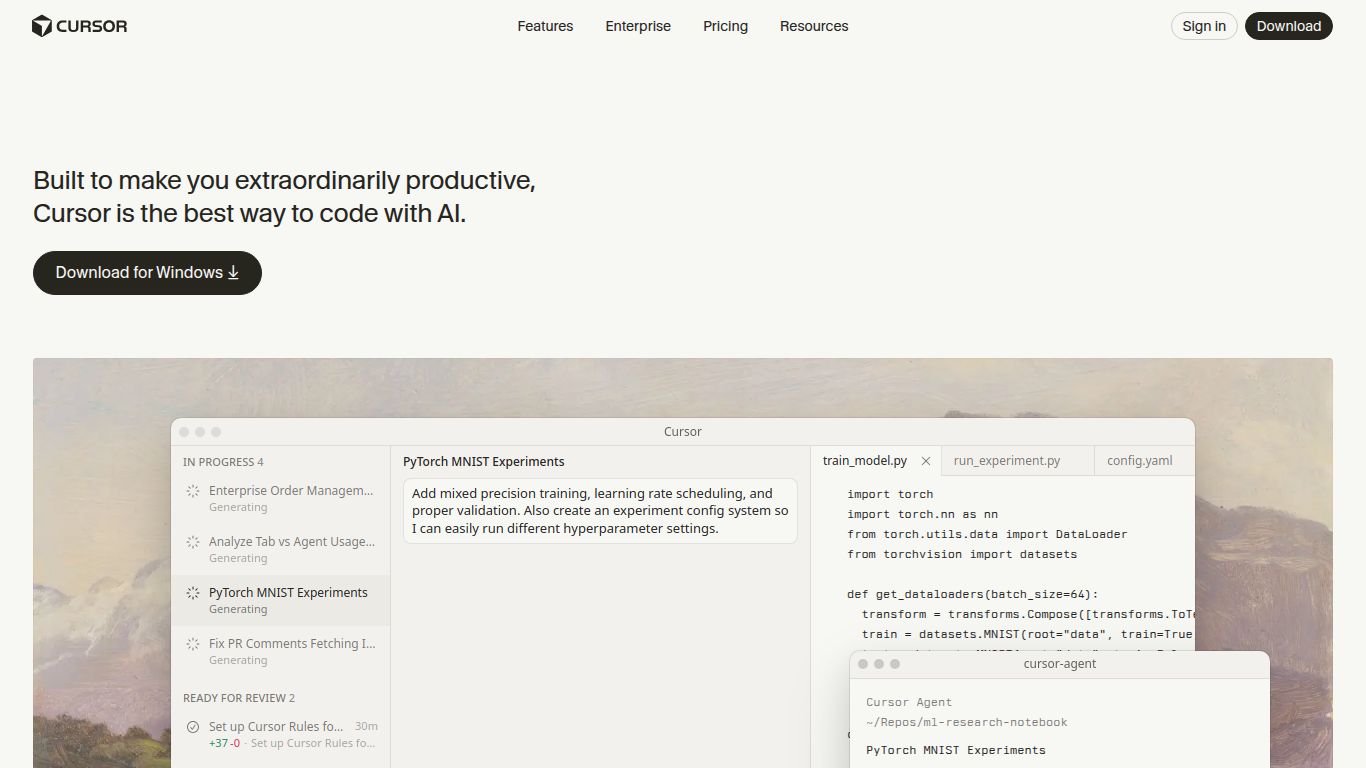
Tired of constantly switching between your code editor and a separate AI chat window? Meet Cursor, an innovative AI-first code editor developed by Anysphere, Inc. designed to revolutionize the way you write, understand, and debug code. Built as a fork of the ever-popular VS Code, Cursor maintains a familiar interface while deeply integrating powerful AI capabilities, making it a seamless and incredibly efficient tool for modern software development. It’s not just an editor with an AI plugin; it’s an entire development environment built from the ground up with artificial intelligence at its core.
Core Capabilities
Cursor is a specialized tool focused entirely on the software development lifecycle. Instead of general-purpose AI tasks, it excels in providing assistance that is directly relevant to coding.
- Intelligent Code Generation: Go beyond simple autocomplete. Prompt Cursor to generate entire functions, classes, or boilerplate code based on your natural language descriptions. It understands the context of your project to provide highly relevant suggestions.
- Advanced Code Editing & Refactoring: Select any block of code and simply tell Cursor what to change. Whether you need to refactor a complex function, add error handling, or convert code from one paradigm to another, the inline editing feature makes it effortless.
- Deep Code Comprehension: New to a project? Cursor can instantly explain what a piece of code does, trace dependencies, and help you get up to speed on a complex codebase in a fraction of the time.
- AI-Powered Debugging: When you encounter an error, Cursor can analyze the problem, inspect your code, and suggest concrete fixes. It’s like having an expert pair programmer available 24/7 to help you squash bugs faster.
Standout Features
What truly sets Cursor apart are its deeply integrated and thoughtful features designed for maximum productivity.
- Chat with Your Codebase: This is Cursor’s killer feature. The AI has full context of your entire project. You can ask questions like “Where is our authentication logic defined?” or “How do I use the User model?” and get instant, accurate answers with direct links to the relevant files.
- Inline Edit (Ctrl+K): The magic command. Highlight code, press Ctrl+K (or Cmd+K), and type your instructions. The AI will edit the code directly in place, showing you a diff of the changes before you accept.
- “Fix Lints” Button: See a linter error? Just click the AI-powered button next to it, and Cursor will automatically apply the correct fix.
- Generate Tests and Docs: Save countless hours by asking Cursor to generate unit tests for your functions or write documentation for your code, following best practices.
- Full VS Code Extension Compatibility: Since it’s a fork of VS Code, you don’t have to give up your favorite themes, keybindings, and extensions. Everything you love about VS Code works out of the box.
Cursor Pricing Plans
Cursor offers a flexible pricing structure to suit everyone from hobbyists to large enterprises.
Free Plan
- Price: $0
- Includes: A limited number of “slow” GPT-4 requests per month, plus unlimited GPT-3.5 usage. Perfect for trying out the core features.
Pro Plan
- Price: $20 per month (or $192 annually)
- Includes: A generous amount of “fast” GPT-4 and Claude 3 Opus requests, access to the latest AI models, the ability to index your codebase for context-aware chat, and the option to “Bring Your Own OpenAI Key”.
Business Plan
- Price: Custom
- Includes: Everything in Pro, plus centralized billing, advanced security features, admin controls, and self-hosting options for maximum privacy and control.
Who is Cursor For?
Cursor is a game-changer for anyone who writes code regularly. Its primary audience includes:
- Software Developers & Engineers: From junior to senior levels, developers can write code faster, debug more efficiently, and learn new technologies with ease.
- Team Leads & Engineering Managers: Quickly understand code changes, review pull requests, and get a high-level overview of different parts of the codebase without needing to dive deep manually.
- Data Scientists & Analysts: Accelerate scripting, data cleaning, and analysis tasks by generating and refining code for Python, R, and SQL.
- Students & Learners: An incredible learning tool for understanding complex algorithms, exploring open-source projects, and getting instant explanations for unfamiliar code.
Alternatives & Comparison
While Cursor is unique, it competes in the broader space of AI coding assistants. Here’s how it stacks up.
Cursor vs. GitHub Copilot
This is the most common comparison. GitHub Copilot primarily lives as a plugin inside other editors (like standard VS Code) and excels at inline code completion. Cursor, on the other hand, is a fully integrated IDE. This tight integration allows for more powerful features like codebase-wide chat and seamless inline refactoring, which are more powerful than Copilot’s chat feature. If you want the deepest possible AI integration, Cursor has the edge. If you just want excellent autocompletion in your existing setup, Copilot is a fantastic choice.
Cursor vs. Standard VS Code + ChatGPT
This is the “manual” workflow that Cursor aims to replace. While using ChatGPT in a separate window is free, it’s slow and cumbersome. You constantly have to copy and paste code, provide context manually, and then bring the solution back into your editor. Cursor eliminates this friction entirely by bringing the AI directly into your workspace with full project context, saving a significant amount of time and mental overhead.
