ON1 Resize AI Review: Crystal-Clear Photo Enlargements Powered by AI
Ever captured the perfect moment, only to find the photo is too small or low-resolution for a large print or a high-res display? It’s a common frustration for photographers and designers alike. Enter ON1 Resize AI, a cutting-edge software tool designed to tackle this exact problem. Developed by ON1, a company renowned for its professional-grade photo editing software, Resize AI uses state-of-the-art artificial intelligence to enlarge your images while maintaining, and even recovering, incredible detail and sharpness. Whether you’re working with old family photos, heavily cropped images, or files from a low-megapixel camera, this tool promises to deliver stunningly large, high-quality results that defy traditional resizing limitations.
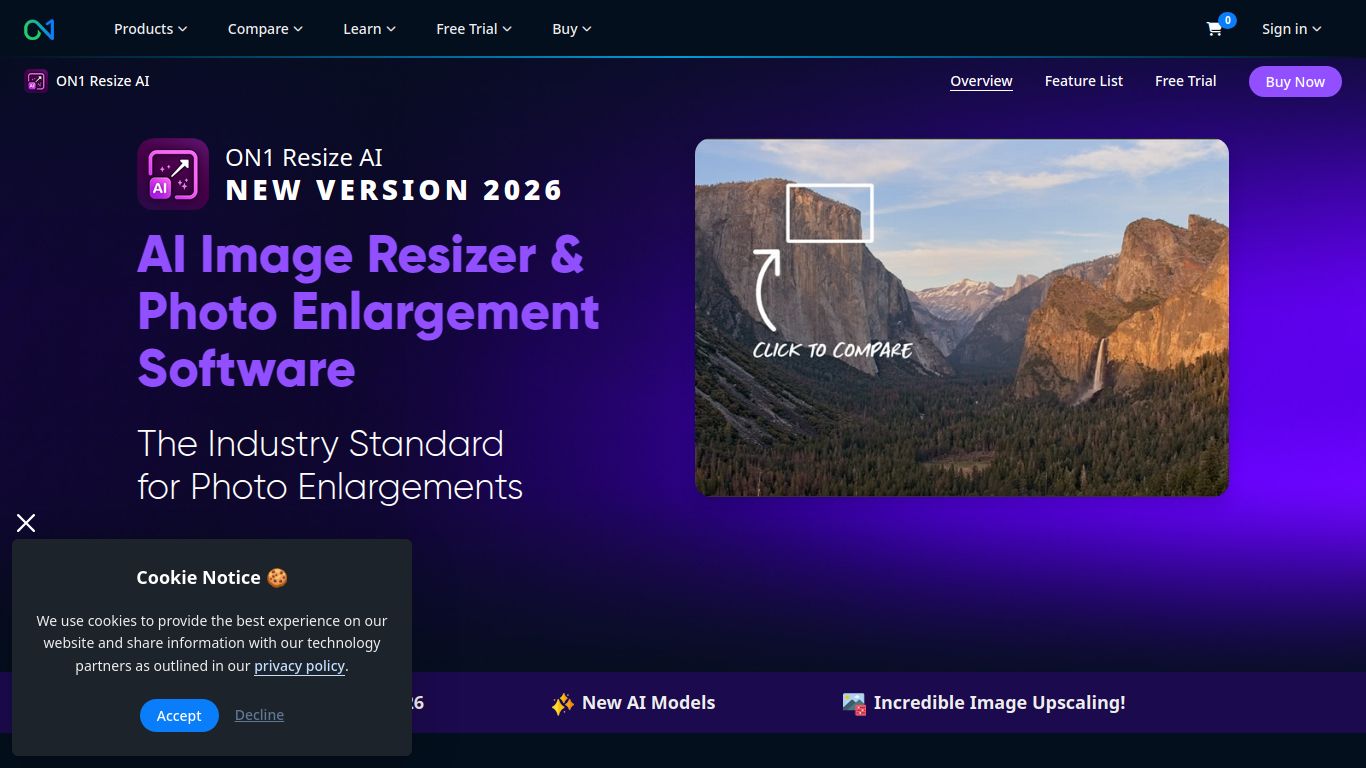
Capabilities: The Master of Image Upscaling
ON1 Resize AI has a singular, powerful focus: image manipulation. It doesn’t generate images from text or edit videos; it excels at one thing and does it exceptionally well. Its core capability is leveraging AI to intelligently analyze and upscale photos to virtually any size without the typical blocky or blurry artifacts associated with traditional enlargement methods.
- Image Upscaling: This is the heart of the software. It can enlarge photos by up to 1000% or more while creating realistic new details and textures. It’s perfect for turning a small JPG into a massive, wall-sized print.
- Image Sharpening & Deblurring: The AI not only adds pixels but also intelligently sharpens the image, reducing motion blur and out-of-focus issues to make the final result look crisp and clear.
- It Does Not: Generate images from prompts, edit text, create videos, or perform general photo editing tasks beyond resizing and its associated sharpening. For that, you would look to other tools in the ON1 suite like Photo RAW.
Features: More Than Just Making Things Bigger
ON1 Resize AI is packed with professional-grade features that provide incredible control and flexibility over the enlargement process, setting it apart from simpler upscaling tools.
- Genuine Fractals® Technology: Built on ON1’s legendary, patented fractal-based interpolation algorithm, the AI technology represents the next generation of this industry-standard tech.
- Powerful Print Module: It’s not just about digital files. Resize AI includes a robust printing tool that allows for soft proofing, color management, and even adding watermarks, ensuring your printed output looks exactly as intended.
- Gallery Wrap Feature: A unique and incredibly useful tool for photographers who sell canvas prints. It automatically creates extended margins by reflecting or stretching the edges of your photo, so you don’t lose any of your original image when it’s wrapped around a stretcher frame.
- Effortless Batch Processing: Have a whole folder of images to resize? No problem. The batch processing feature lets you apply the same settings to hundreds of photos at once, saving you an enormous amount of time.
- Seamless Plugin Integration: While it functions perfectly as a standalone application, ON1 Resize AI also works as a plugin for Adobe Photoshop, Lightroom Classic, Capture One, and Affinity Photo, fitting directly into your existing workflow.
- Versatile File Support: It handles all the files you’d expect, including JPEG, TIFF, PSD, and even RAW files from most major camera brands, giving you maximum quality from the very start.
Pricing: A Refreshing One-Time Purchase
In a world dominated by subscriptions, ON1’s pricing model is a breath of fresh air. They offer a simple and transparent plan for ON1 Resize AI.
- Perpetual License: You buy the software once and own it forever. The current price for a standalone license is $99.99. This includes updates for the current version.
- No Subscriptions: There are no recurring monthly or annual fees to use the software. You get lifetime access for a single payment, which is a significant advantage for many users.
- Bundles: ON1 often includes Resize AI as part of its larger ON1 Photo RAW suite or other bundles, which can offer even greater value if you need a full-featured photo editor.
Who is ON1 Resize AI For?
This powerful tool is designed for anyone who needs to produce high-quality, large-format images from smaller source files. Its user base is diverse and includes:
- Professional Photographers: Especially wedding, portrait, and landscape photographers who need to create large, high-quality prints for their clients from cropped images or older camera files.
- Graphic Designers: An essential tool for designers who often receive low-resolution logos or assets from clients and need to upscale them for use in large-scale print or digital designs.
- Print Shops & Printing Professionals: A go-to solution for ensuring that customer files are suitable for large-format printing on posters, banners, and canvas.
- Photo Hobbyists & Enthusiasts: Anyone who loves photography and wants the ability to crop their photos aggressively without fear of losing quality, or who wants to print their favorite shots for their home.
- Archivists & Photo Restorers: Perfect for those who are digitizing and restoring old family photos or historical images that are often small and lack detail.
Alternatives & Comparison
While ON1 Resize AI is a leader in its class, it’s helpful to know the competition. Here are a few key alternatives:
- Topaz Gigapixel AI: This is Resize AI’s most direct competitor. Both tools produce exceptional results using AI. The choice often comes down to personal preference on the user interface, specific results on different types of images, and current pricing. Both use a perpetual license model.
- Adobe Photoshop (Super Resolution): Integrated directly into Adobe Camera Raw and Lightroom, Super Resolution is incredibly convenient for those already in the Adobe ecosystem. While it’s very effective, ON1 Resize AI often offers more specialized algorithms, finer controls, and dedicated features like the gallery wrap and print module.
- VanceAI Image Enlarger & other Online Tools: These web-based tools can be good for quick, one-off enlargements. However, they are typically subscription or credit-based, require an internet connection, and may not offer the same level of control, batch processing, or RAW file support as a dedicated desktop application like ON1 Resize AI. For professionals, the privacy and power of a desktop app are usually preferable.
