Microsoft Clipchamp — AI Features
Auto-compose, subtitles, silence removal, noise suppress, voiceovers.
Text-first editing, filler removal, overdub, captions, screen recorder.
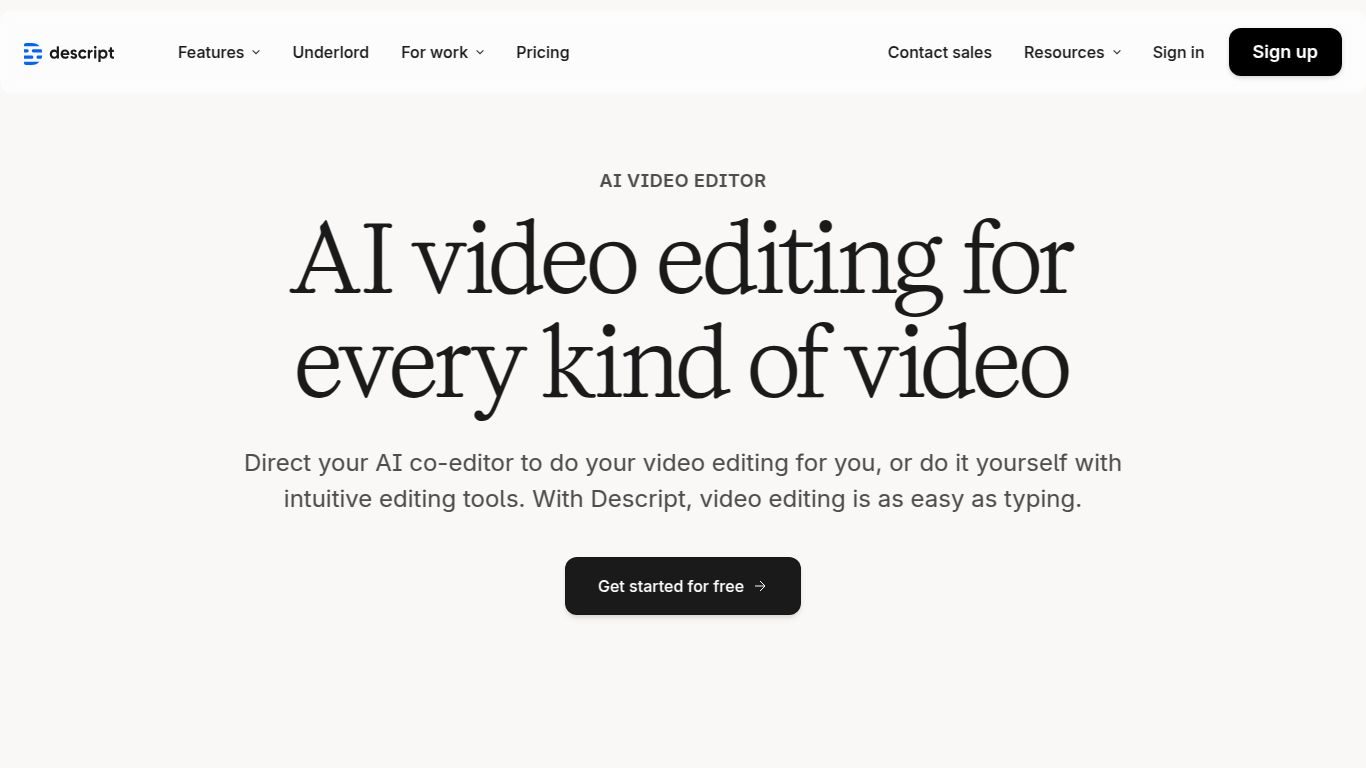
Say goodbye to complicated timelines and tedious editing processes. Descript is a revolutionary all-in-one audio and video editor that flips the entire content creation workflow on its head. Developed by Descript, Inc., this powerful tool is built on a simple yet brilliant premise: what if you could edit video and audio as easily as editing a text document? With Descript, you can. It automatically transcribes your media, allowing you to cut, copy, paste, and delete parts of your recording simply by editing the text. This intuitive approach makes content creation faster, more collaborative, and accessible to everyone, from beginners to seasoned professionals.
At its core, Descript is a powerhouse for both video and audio. You can easily edit multi-track recordings, add B-roll, insert images, titles, and transitions. The text-based “doc” editor is the main attraction, but a traditional timeline view is also available for fine-tuning. This dual approach gives you the best of both worlds: speed and precision.
The magic starts here. Upon importing your media, Descript provides industry-leading, highly accurate transcription in moments. This transcript becomes your editing canvas, perfectly synced with your audio and video. It supports multiple languages and can even identify different speakers automatically.
Descript isn’t just an editor; it’s a complete production suite. You can record your screen, your camera, or both simultaneously in high fidelity directly within the app. Once you stop recording, the file is instantly ready for editing in your project—no uploading required.
Perfect for getting started. This plan includes 1 hour of transcription per month, limited use of Studio Sound and Overdub, and allows video export with a Descript watermark. It’s a great way to test the core features.
Ideal for individual creators. This plan unlocks 10 hours of transcription per month, watermark-free video exports, unlimited Studio Sound, and access to the full Overdub feature. A massive step up for serious content producers.
The ultimate toolkit for professionals. It includes everything in the Creator plan plus 30 hours of transcription per month, advanced features like Filler Word Removal for pro workflows, and enhanced security options. The go-to choice for power users.
Tailored for teams and businesses. This plan offers unlimited transcription, dedicated account management, advanced security and compliance, and personalized onboarding. Contact their sales team for a custom quote.
Adobe’s suite is the industry standard for professionals, offering unparalleled depth and control. However, it comes with a steep learning curve and a traditional, complex timeline-based workflow. Descript is for speed and simplicity. It democratizes editing, making it accessible to those who find traditional NLEs (Non-Linear Editors) intimidating or too time-consuming.
Veed.io is another popular online AI video editor, but it focuses more on quick social media edits, subtitles, and templates. Descript, on the other hand, is a more robust, long-form content editor with deeper AI features like Overdub and Studio Sound. Choose Veed for quick social clips; choose Descript for detailed podcasts, interviews, and story-driven videos.
