Read.ai Review: Your AI Co-Pilot for Smarter Meetings
Are you tired of back-to-back meetings that blend into one? Do you struggle to recall key decisions or action items from a call you had just yesterday? Imagine having a personal assistant in every meeting, diligently taking notes, highlighting crucial moments, and giving you a concise summary afterward. That’s precisely the magic Read.ai brings to the table. Developed by Read AI, Inc., this powerful tool is designed to eliminate meeting fatigue and supercharge your productivity by automatically transcribing, summarizing, and analyzing your virtual conversations.
What Can Read.ai Do? Unpacking Its Core Capabilities
While some AI tools focus on creating content from scratch, Read.ai excels at understanding and refining existing conversations. It’s not about generating images or writing essays; its power lies in its deep analysis of audio, video, and the text derived from them.
- Audio & Video Analysis: At its heart, Read.ai listens. It seamlessly joins your Zoom, Google Meet, or Microsoft Teams calls to analyze the spoken word, identifying who said what and when.
- Advanced Text Generation: Post-meeting, the AI engine gets to work. It generates incredibly accurate transcripts, concise summaries, chapter-by-chapter breakdowns, and a clean list of action items and key questions. It transforms an hour of talk into a few minutes of essential reading.
- Data-Driven Analytics: This is where Read.ai truly shines. It provides a “Meeting Score” and detailed reports on participant engagement, sentiment analysis, and talk-time distribution, offering insights you can’t get anywhere else.
Key Features That Make Read.ai Stand Out
Let’s dive into the specific features that transform your meeting workflow from chaotic to crystal-clear.
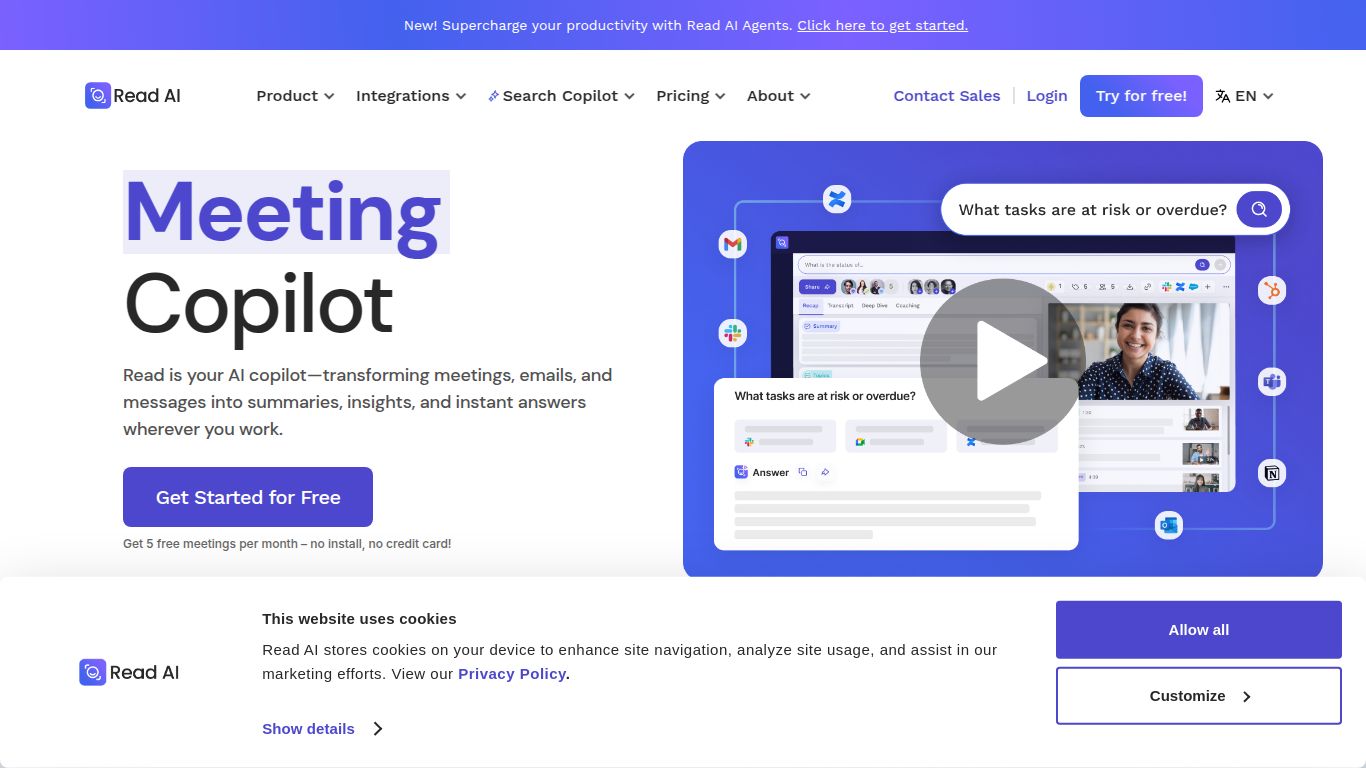
- Automated Smart Summaries: Forget manually typing notes. Read.ai delivers a polished summary that captures the essence of the conversation, saving you valuable time.
- Speaker-Labeled Transcription: Get a full, word-for-word transcript that clearly attributes every sentence to the correct speaker, making it easy to review specific points.
- Action Item and Topic Detection: The AI intelligently identifies tasks, deadlines, and major topics discussed, organizing them for easy follow-up.
- Engagement & Sentiment Metrics: Go beyond words. Read.ai analyzes vocal tones and participation patterns to gauge the meeting’s mood and identify who was most engaged.
- Personalized Coaching: Receive private, constructive feedback on your communication style, such as your talk speed, use of filler words, and inclusiveness, helping you become a better communicator.
Read.ai Pricing: Plans for Every Need
Read.ai offers a flexible pricing structure, ensuring that everyone from individual freelancers to large enterprises can benefit from smarter meetings.
Free Plan
Perfect for getting started. This plan offers basic meeting reports and summaries, giving you a taste of the platform’s power at no cost.
Pro Plan ($19.99/user/month)
Designed for professionals and teams who need more. The Pro plan unlocks unlimited, detailed meeting reports, advanced analytics, custom vocabulary, and priority support. It’s the ideal choice for taking your meeting productivity to the next level.
Enterprise Plan (Custom Pricing)
Tailored for large organizations, this plan includes everything in Pro plus advanced security features, workspace analytics, dedicated account management, and seamless integration with corporate systems.
Who Should Use Read.ai?
This tool is a game-changer for a wide range of professionals who rely on effective communication:
- Project & Product Managers: Effortlessly track project decisions, action items, and stakeholder feedback without getting lost in lengthy recordings.
- Sales Professionals: Review client calls to pinpoint pain points, analyze reactions, and refine their sales pitch for better results.
- Team Leaders & Executives: Stay in the loop on multiple projects by reviewing concise meeting summaries instead of attending every single call.
- Recruiters & HR Managers: Keep a clear record of candidate interviews, ensuring no detail is missed during the evaluation process.
- Consultants & Freelancers: Provide clients with detailed, professional meeting notes and a clear record of all agreements and deliverables.
Read.ai Alternatives: How Does It Compare?
The AI meeting assistant space is competitive, but Read.ai carves out a unique niche with its focus on deep analytics. Here’s how it stacks up against other popular tools:
- Read.ai vs. Otter.ai: Otter.ai is a titan known for its fantastic real-time transcription. However, Read.ai goes a step further by providing rich analytics on speaker engagement, sentiment, and communication patterns, making it more of a meeting coach than just a scribe.
- Read.ai vs. Fathom: Fathom is beloved for its excellent free tier and smooth user experience. Read.ai differentiates itself with more comprehensive post-meeting reports and personalized feedback features that are geared towards professional development.
- Read.ai vs. Fireflies.ai: Fireflies.ai boasts an impressive number of integrations and is great for automating workflows. Read.ai competes by offering a more focused and detailed analysis of the human dynamics within a meeting, providing insights that go beyond simple note-taking.
In conclusion, if you’re looking for a tool that not only records what was said but also tells you how it was said and its impact, Read.ai is an exceptional choice that delivers unparalleled insights into your daily conversations.
